Nano Banana 2.1

Nano Banana 2.1

Turn a description into an image, or bring your own photo and describe the changes. Build product scenes, explore new looks, and create visuals with readable text in one image workspace.

Image generation and editing with Nano Banana 2.1

Image generation and editing with Nano Banana 2.1

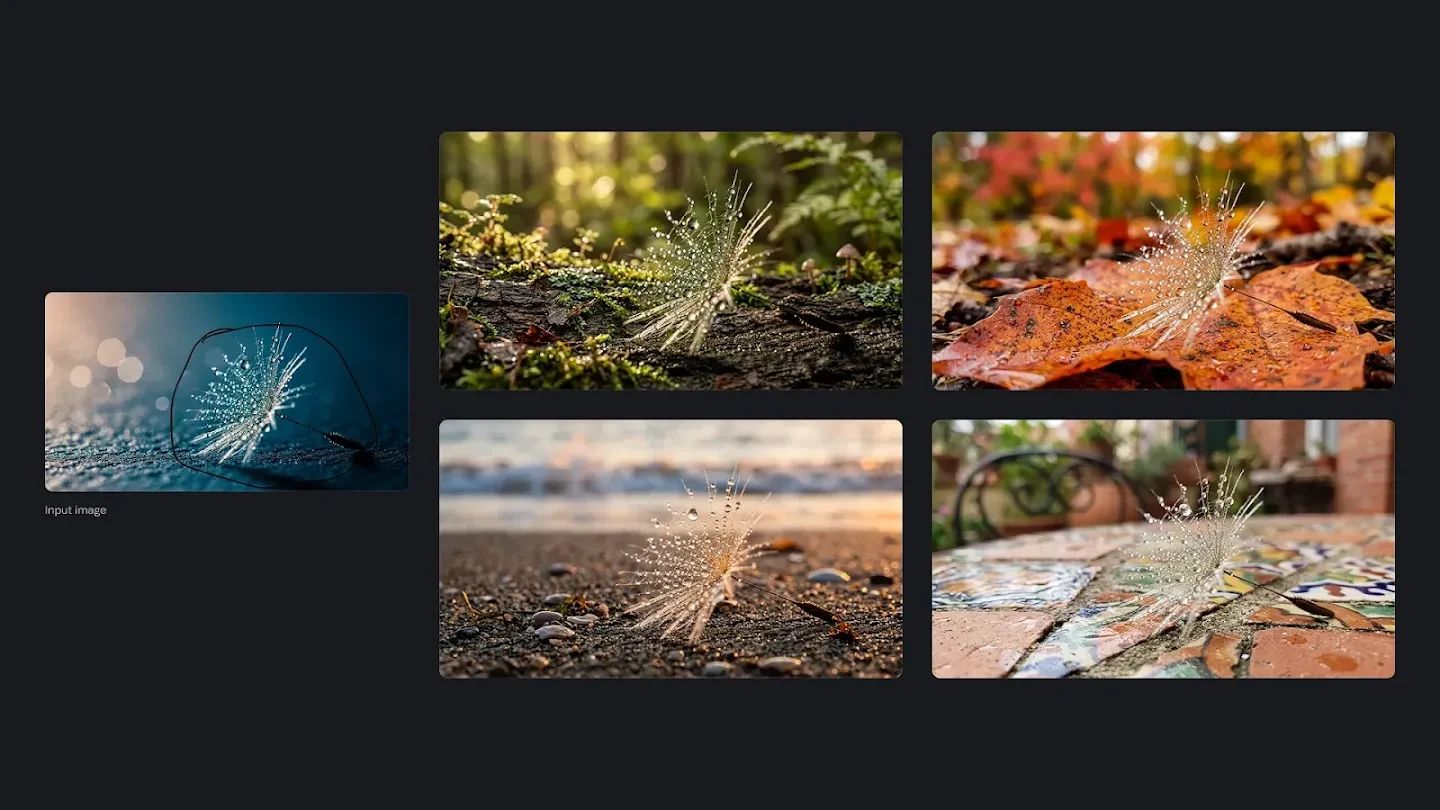
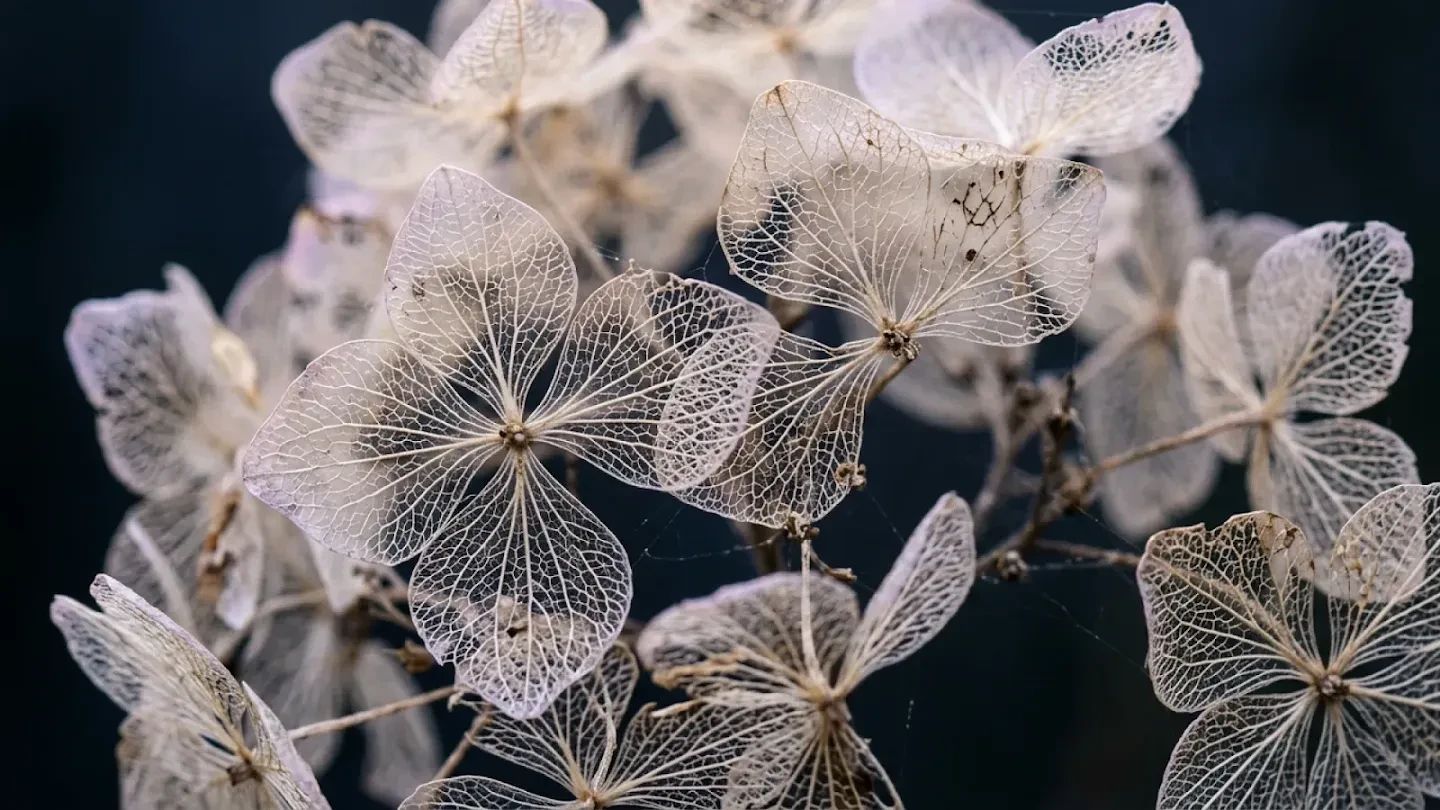
Nano Banana 2.1 is an image generator and editor available on KOOX AI. Start with a written idea when you need a new composition, or upload reference images when a subject, product, or visual style should guide the result. Describe the setting, light, framing, and details in everyday language. The static image below highlights the fine detail possible in a finished visual. Treat each result as a creative draft: inspect the details, refine your instructions, and generate another version when needed.

Reference images and creative tools in Nano Banana 2.1

Move between new image generation and editing as your idea develops. Choose the inputs and resolution that fit the visual you are making.

Reference images for recognizable subjects

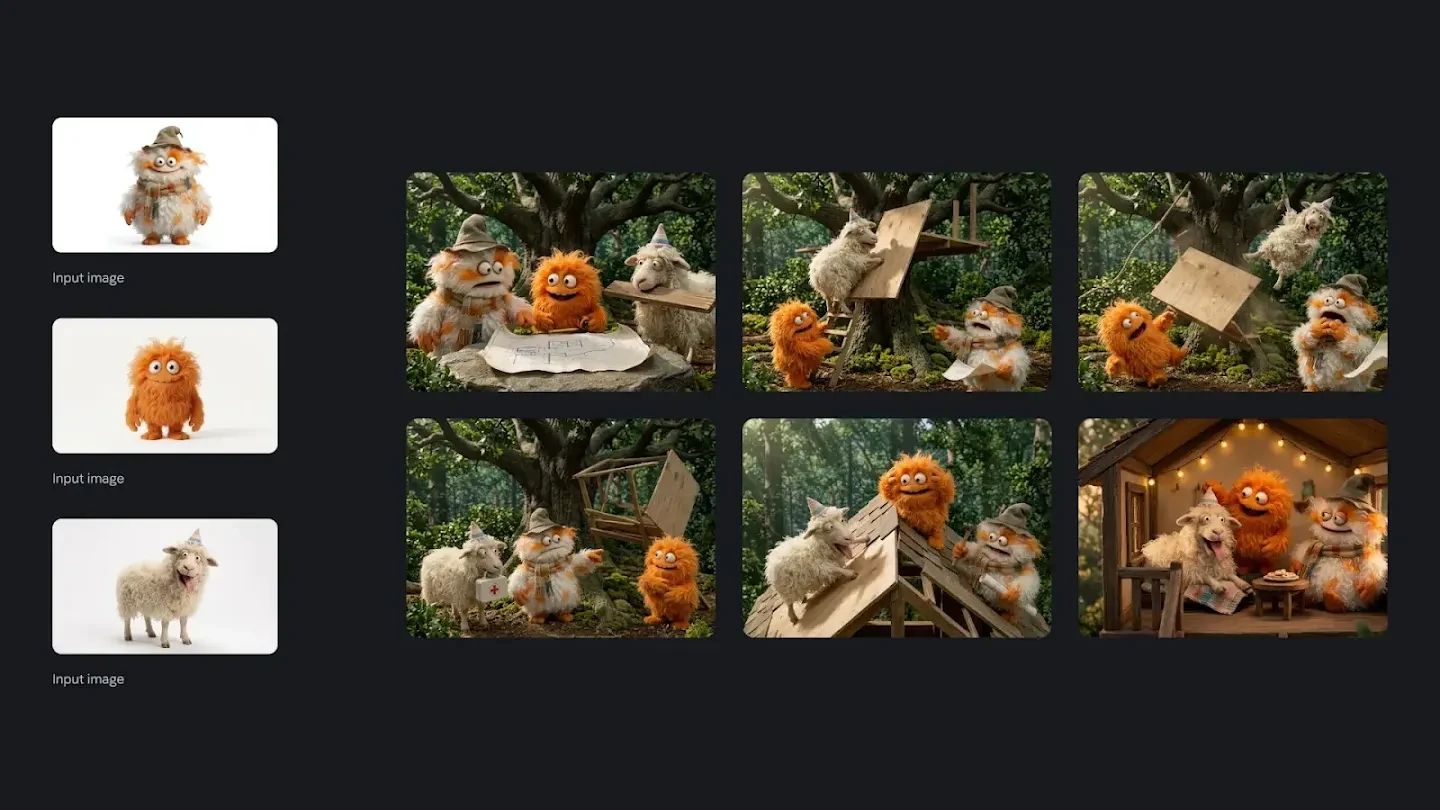
Use a clear reference to guide a character, outfit, or product across different scenes. Explain which features should stay consistent and which should change. References help direct the result, but faces, logos, and small details still deserve a close review.
Reference images for recognizable subjects

Text, posters, and information graphics

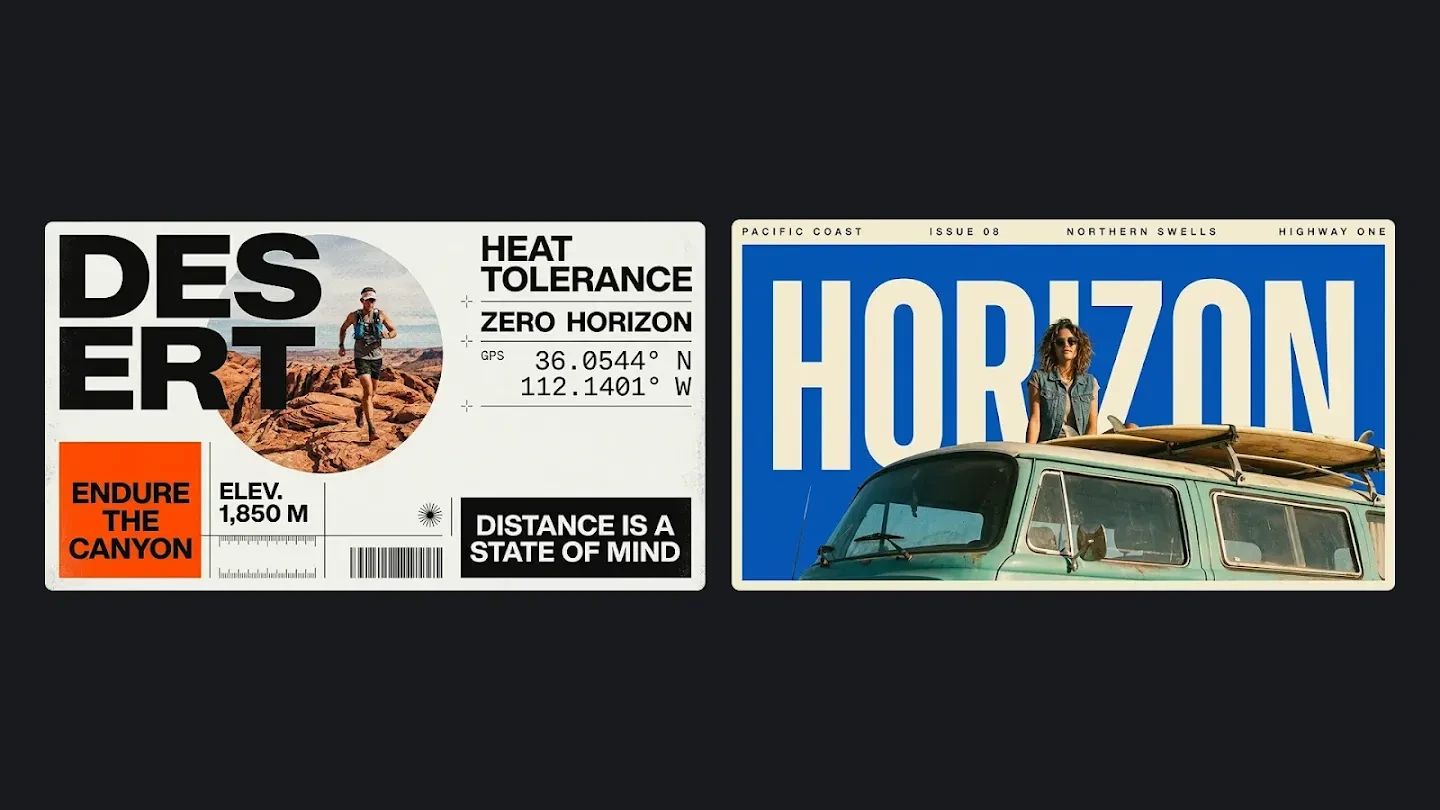
Ask for a headline, a labeled diagram, or a visual explanation with a defined layout. Put the exact wording in quotation marks and explain where each element belongs. Check spelling, numerical values, and reading order before publishing your graphic.

Text, posters, and information graphics

Change backgrounds while preserving the subject

Provide a source image and describe the new setting, light, and mood while asking the model to retain the main subject. Review fine edges, reflections, and small details before using the result.

Change backgrounds while preserving the subject

An image generator for everyday creative work

Use one workspace to explore visual directions before deciding which version belongs in your project.

Product scenes and campaigns

Bring a product reference and describe the surface, background, lighting, and camera angle. Explore a seasonal campaign or a simple studio setting while asking the model to preserve the product's defining features. Verify the shape and packaging against the original.

Characters and storyboards

Reuse a character reference to explore another pose or setting. Describe the clothing, expression, and visual style explicitly rather than relying on a previous request being remembered. Save a useful result and upload it again as a reference for the next iteration.

Social visuals and teaching materials

Draft an illustrated announcement, a presentation visual, or a simple infographic. Define the audience and the message first, then request a composition with room for your text. Review factual content and adjust the layout so the finished image communicates clearly.

How to use Nano Banana 2.1

A clear prompt and a useful reference make your intentions easier to follow. Start with these three steps.

FAQ

Nano Banana 2.1 questions, answered

Practical guidance for your first generation and your next image edit.

1

Can I generate images without uploading a photo?

Yes. Describe the image you want to create and generate from text. Upload references when an existing subject or style should influence the result.

2

Can I edit an existing image?

Yes. Upload the image and describe your intended changes. For example, request a different setting or lighting while asking to preserve the main subject.

3

Which output resolutions can I choose?

The workspace offers 1K, 2K, and 4K, with 2K selected by default. Choose the resolution and aspect ratio before generating.

4

How do I keep a character consistent across images?

Reuse a clear reference and restate the identity, clothing, and features to preserve. You can upload a previous result for another edit. Consistency varies, so compare each result against the reference.

5

Can it create text and infographics?

You can request text inside an image, posters, and illustrated information graphics. Specify exact wording and layout, then check spelling, facts, and small labels before using the output.

6

How many reference images can I upload?

You can upload up to 10 reference images. Choose clear, relevant references and explain the role of each one in the prompt.

7

How much does a generation cost?

Each generation uses 1 KOOX credit. Check your available balance in the workspace before generating.

Create your next visual with Nano Banana 2.1

Bring a clear idea, a reference photo, or both. Explore a new image and refine it in the KOOX workspace.