Kling 4 AI Video Generator
Create More Controlled AI Video with Kling 4
Turn a written idea or reference image into a cinematic video on KOOX AI. Build shots with deliberate motion, visual continuity, and room for longer storytelling.
More AI Tools
image to video

AI BIKINI
NANO BANANA PRO
AI Cartoon Generator
AI Selfie Generator

Photo to Sketch
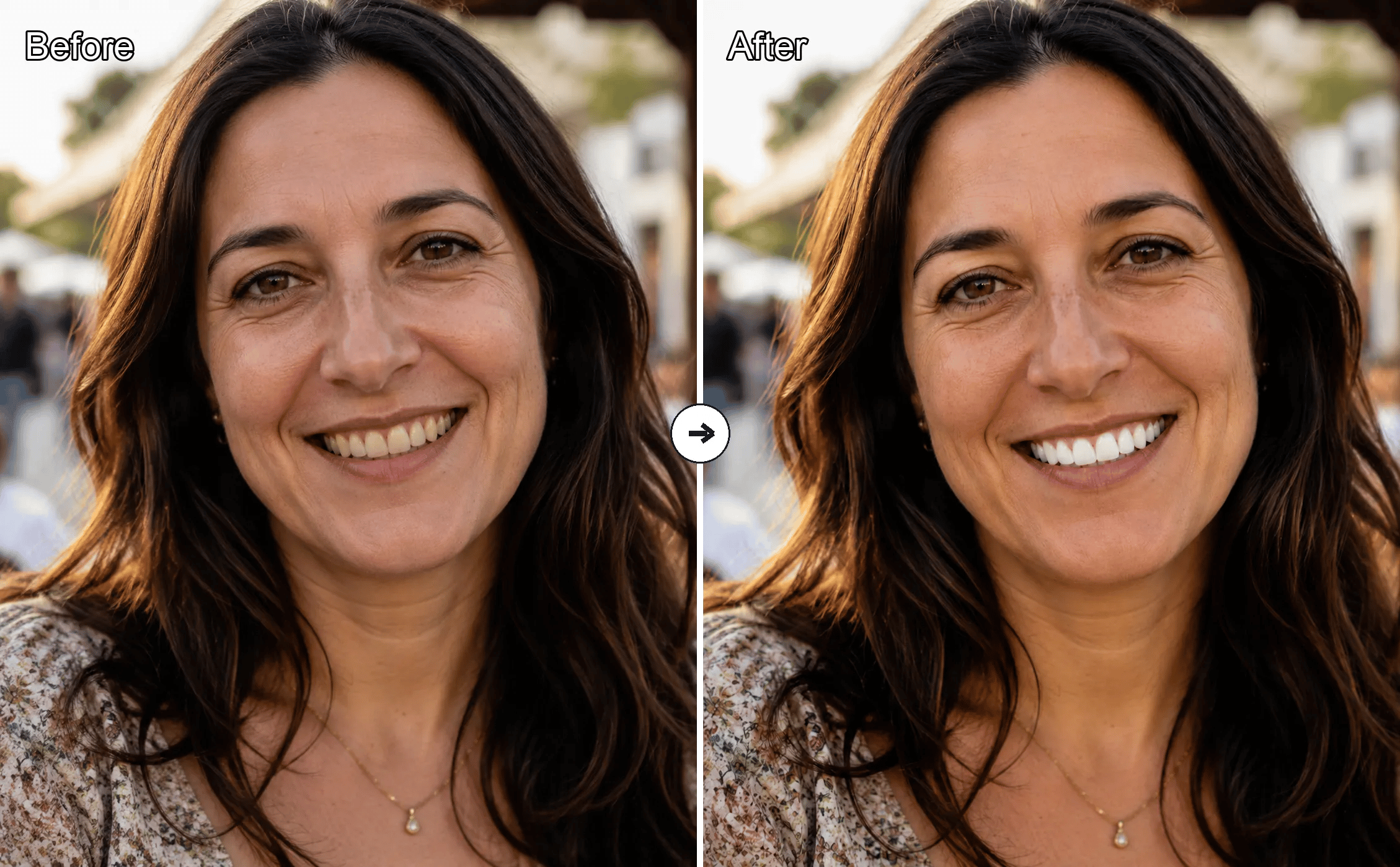
Free AI Teeth Whitening Online

Old Photo Restoration
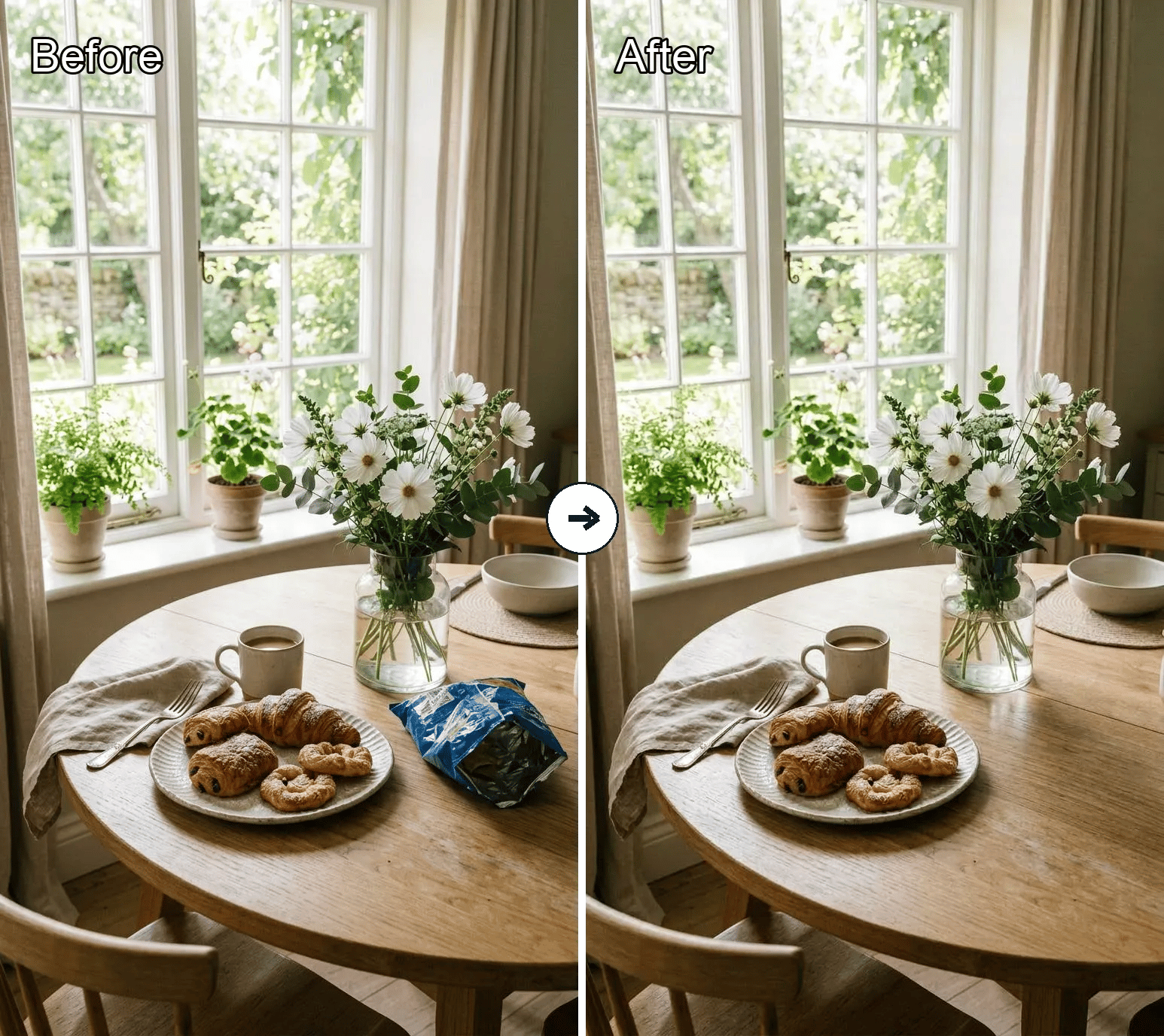
Object Remover
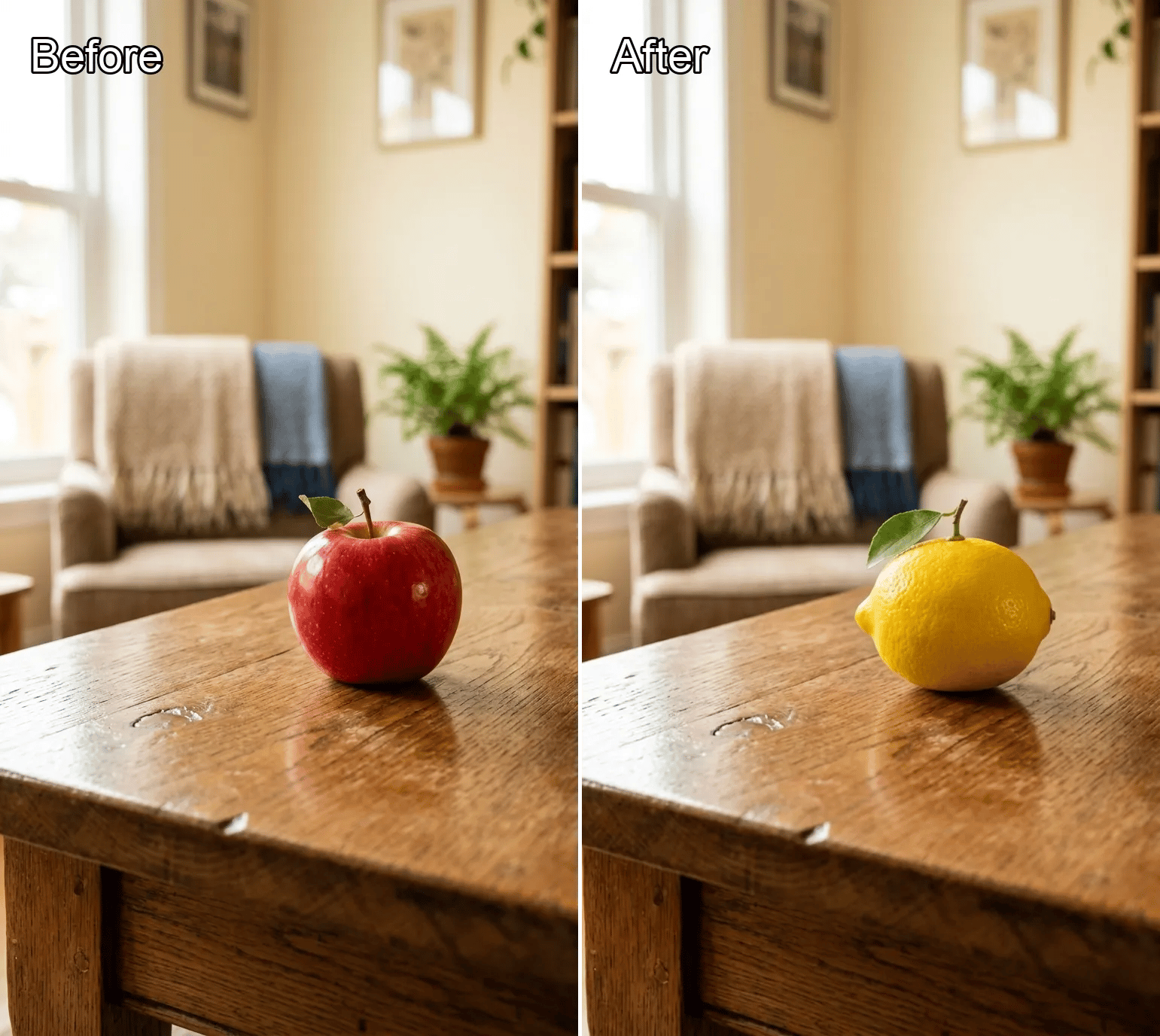
Object Replacer

Generative Fill
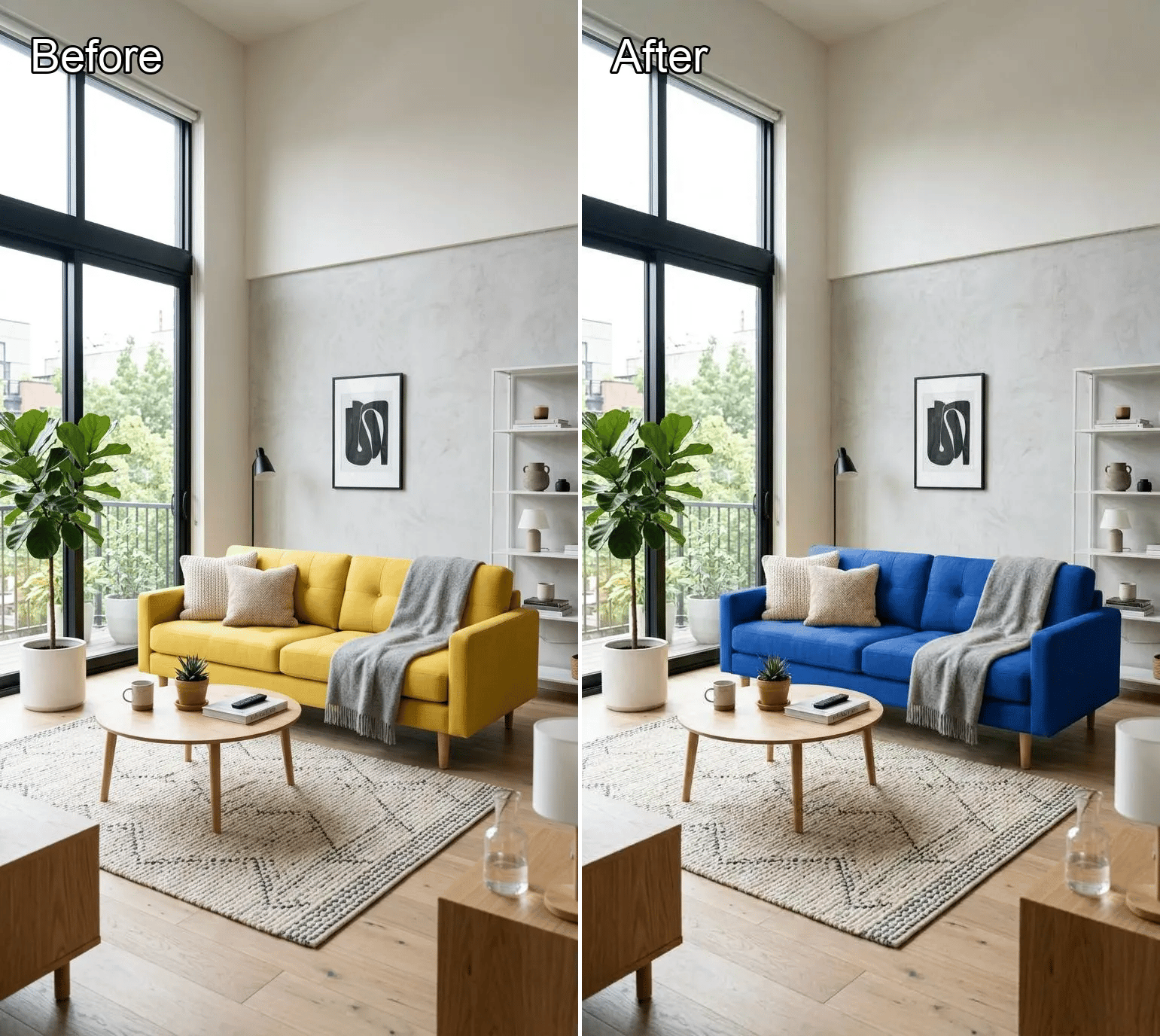
Local Recolor

Image Expander

Background Replacer
White Background Generator
Product White Background
Product Beautifier

AI Kissing Generator

AI Polaroid

Image to Image AI

Text To Image AI
What is Kling 4 AI Video Generator?
Kling 4 on KOOX AI is a video workflow for creating more intentional shots from prompts and visual references. Describe the action, lens language, lighting, and rhythm you want, then iterate toward the result.
Why use Kling 4 on KOOX AI?
A focused workflow for building video concepts with more creative direction.
Direct the shot in detail
Give the video a stronger brief with a subject, action, camera movement, lighting, and mood. A concrete prompt makes the intended shot easier to communicate.
Start from a visual reference
Bring an image into the workflow when composition, color, product styling, or character design needs a clear starting point.
Develop a sequence through iteration
Generate an initial version, review the motion and framing, then sharpen the instructions for the next pass. This keeps creative decisions close to the result.
How to use Kling 4 AI Video Generator
A simple workflow for moving from an idea to a polished video draft.
Common questions about Kling 4 on KOOX AI
Quick answers for people planning their next AI video workflow:
What is Kling 4 on KOOX AI?
It is a Kling 4 video workflow on KOOX AI for creating AI video from prompts and reference images. It is designed to make shot direction and iteration straightforward.
Can I start from an image?
Yes. Add a reference image when you want to provide a stronger visual starting point for the composition, style, product, or character.
What makes a useful video prompt?
Describe the subject, setting, movement, camera, lighting, and mood. Mention the most important visual change first, then add only the details that support it.
Can I use Kling 4 for marketing content?
It is well suited to concept videos, product stories, social clips, campaign explorations, and visual pre-production.
How do I improve the next result?
Keep the successful parts of the prompt, then make one or two changes to framing, motion, pacing, or the visual reference. Focused iterations are easier to compare.
Start creating with Kling 4
Open KOOX AI and turn your next video idea into a directed visual draft.