AI Art Prompt Examples: How to Describe Medium, Light, and Color
Six worked AI art prompt examples show how to describe medium, lighting, and palette, plus the swaps that turn one example into your own style.
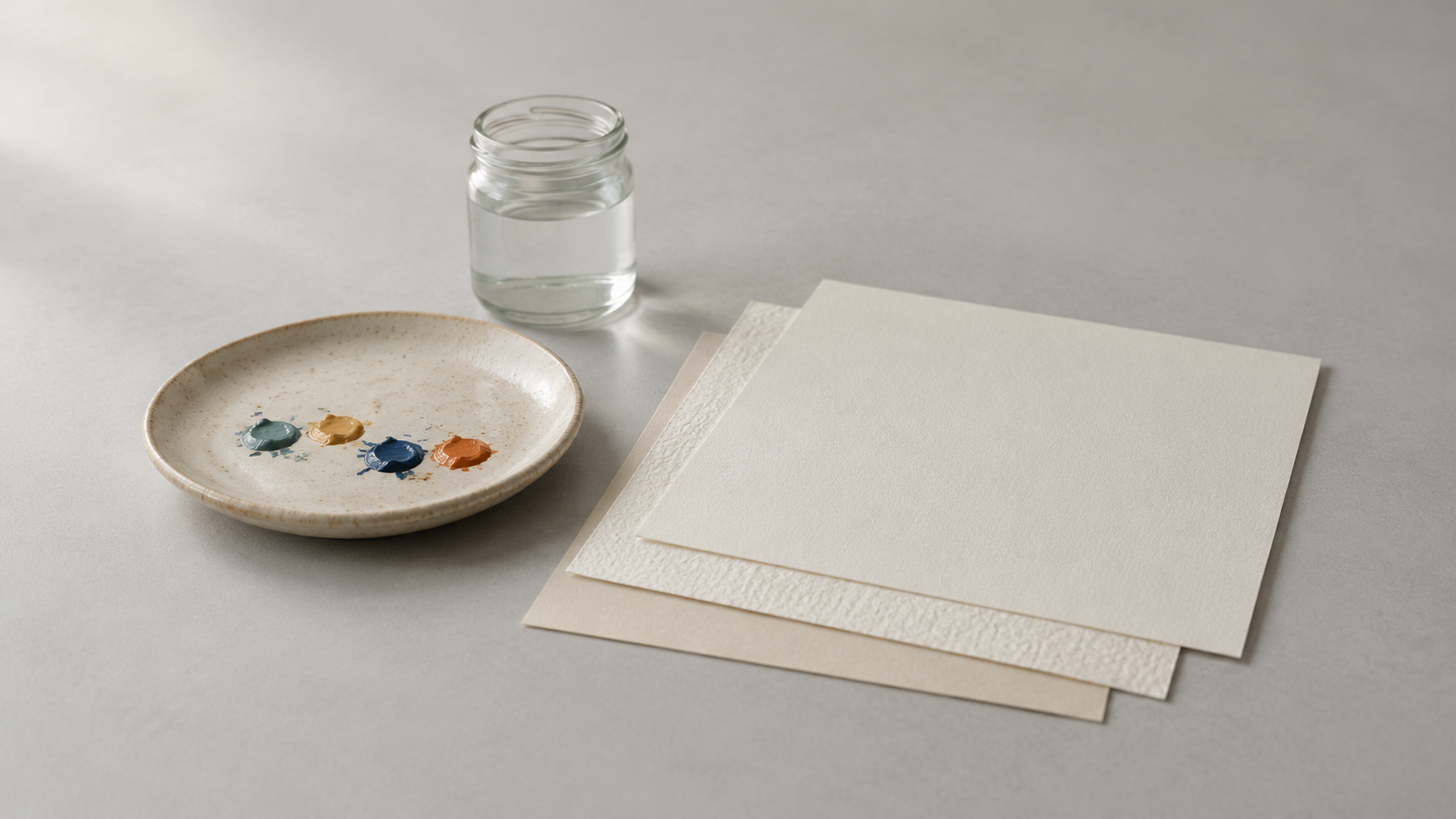
Most prompt libraries read like adjective lists, and that is exactly why they are hard to reuse. "Cinematic, moody, ultra-detailed" describes how you want the picture to feel, not what should be drawn, so the moment you change the subject the list stops working. The examples below are built the other way round. Each one holds the subject still and changes the visual treatment, and each names the visible evidence behind the style — edge quality, brush, grain, surface, light direction, palette — instead of leaning on a single mood word. That is the difference between copying a prompt and being able to write your own.
Why Visible Detail Beats a Pile of Adjectives
OpenAI's own guidance on image prompting is blunt about length: a good image prompt usually needs one to three clear sentences, and clarity is more effective than clever phrasing. The example the guide gives is worth memorising — "soft natural light from a window on the left" is far more reliable than "beautiful lighting" (OpenAI Academy, creating images with ChatGPT). The developer guide repeats the same rule from the other direction: name the materials, lighting, colours and visual medium, describe framing and texture, and treat camera specifications as cues for appearance rather than a guarantee of physical accuracy (OpenAI, image prompting).
Read those two together and the method falls out. A style prompt is not a mood; it is a translation of mood into things the model can actually draw. "Melancholy" is unactionable. "Overcast light, low-saturation blue-grey palette, wet stone surface" is something a generator can render.
The Six Slots Every Example Fills
Envato's guide to AI art prompts reduces the whole exercise to a formula — subject, style, medium, lighting, colour, mood, composition — and notes that the medium alone is one of the highest-leverage choices in a prompt, because "oil painting" and "3D render" produce completely different images from an identical subject line (Envato Elements, AI art prompts). LTX Studio frames the same structure as five elements — subject, style, lighting, mood and camera framing — and describes prompting as creative direction rather than a search query: start simple, look at the result, then iterate deliberately (LTX Studio, AI art prompt examples).
Put those together and a reusable example has six slots:
- Subject and action, written as a specific noun phrase.
- Composition and shot, borrowed from photography.
- Environment, meaning place and time of day.
- Lighting, named and ideally given a direction.
- One medium or style, never three competing ones.
- Palette and technical cues — lens, film, render engine, surface texture.
Six AI Art Prompt Examples, One Subject
The subject below never changes: a small stone cottage on a windswept moor at dusk. Only the style layer moves. Read each prompt, then the note on what actually made it work.
Watercolour. A small stone cottage on a windswept moor at dusk, wide establishing shot, soft watercolour washes with visible paper grain, loose brush edges, low-saturation blue-grey palette with one warm window light, quiet and weathered mood. The medium words carry it: washes, paper grain and loose edges are the visible evidence of watercolour, and the single warm window gives the eye somewhere to land.
Oil painting. A small stone cottage on a windswept moor at dusk, medium shot, oil painting, visible impasto brushstrokes, dramatic side light from a low sun, deep shadows, muted earth palette of ochre and slate. The swap that matters here is the light: moving it to the side and naming the shadows turns a flat scene into a Rembrandt-style portrait of a building.
Woodblock print. A small stone cottage on a windswept moor at dusk, flat ukiyo-e woodblock print, fine line work, flat blocks of colour with no gradients, indigo and moss palette, visible paper texture. Flat colour and line work are the entire style; adding realistic light would fight the medium.
Risograph. A small stone cottage on a windswept moor at dusk, risograph print, two-colour palette of teal and fluorescent pink, slight off-register printing, matte paper, high contrast. The limited palette and the deliberate misregistration do more than any adjective could. Borrow this one when you want a poster rather than a picture.
3D render. A small stone cottage on a windswept moor at dusk, 3D render, smooth surfaces, ray-traced studio lighting, clear separation from a plain background, soft contact shadow, subtle roughness on the stone. Material language — surface, roughness, contact shadow — is what makes a render read as rendered instead of merely clean.
Analogue photograph. A small stone cottage on a windswept moor at dusk, photograph, shot on 35mm film, visible grain, shallow depth of field at f2, soft overcast light, desaturated warm-neutral palette, quiet documentary mood. Film stock and aperture give the model a look, and the overcast light keeps the mood consistent with it.
Lighting and Palette: The Two Swaps That Change Everything
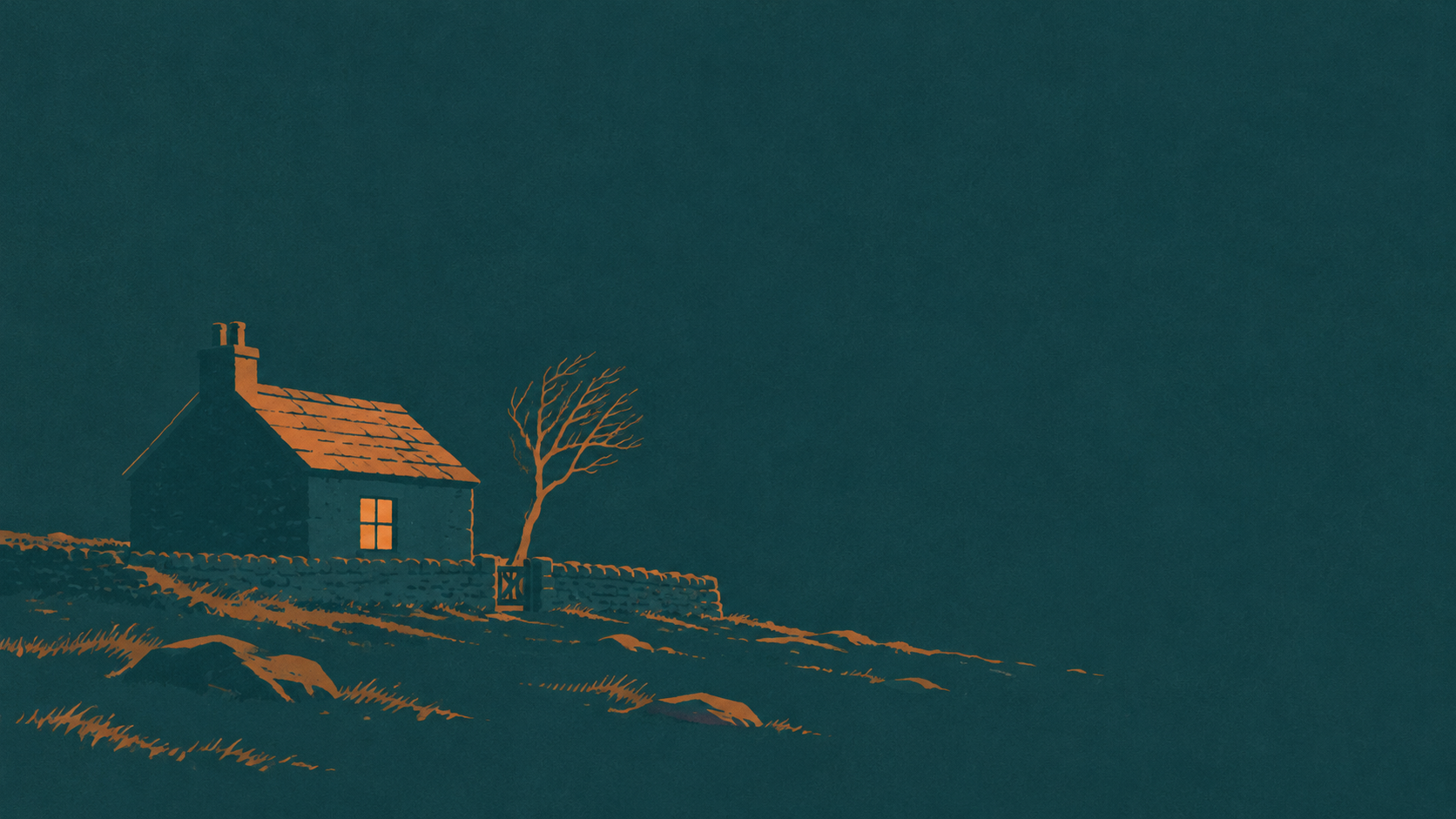
If you change one thing in any example above, make it the light. LTX Studio puts it plainly: the same subject looks completely different under golden-hour sunlight, overcast studio light, and neon street lighting at night, and lighting is the most powerful and most underused tool in a prompt (LTX Studio). Name the light, and give it a direction.
A workable swap list:
- golden-hour backlight — warmth and depth, glowing edges;
- overcast diffused light — flat and honest, good for showing texture;
- a single softbox from camera left — the standard product-photo read;
- hard noon sun — high contrast, long shadows;
- neon rim light on a dark background — night, colour, energy;
- one candle or a single lamp — intimacy and a small pool of light.
Palette works the same way as fast mood control. Muted earth tones read as considered and old; high-contrast teal and orange reads as cinema; pastel reads as gentle; monochrome reads as graphic. State the palette as colours and relationships rather than as feelings.
Turning an Example Into Your Own Prompt
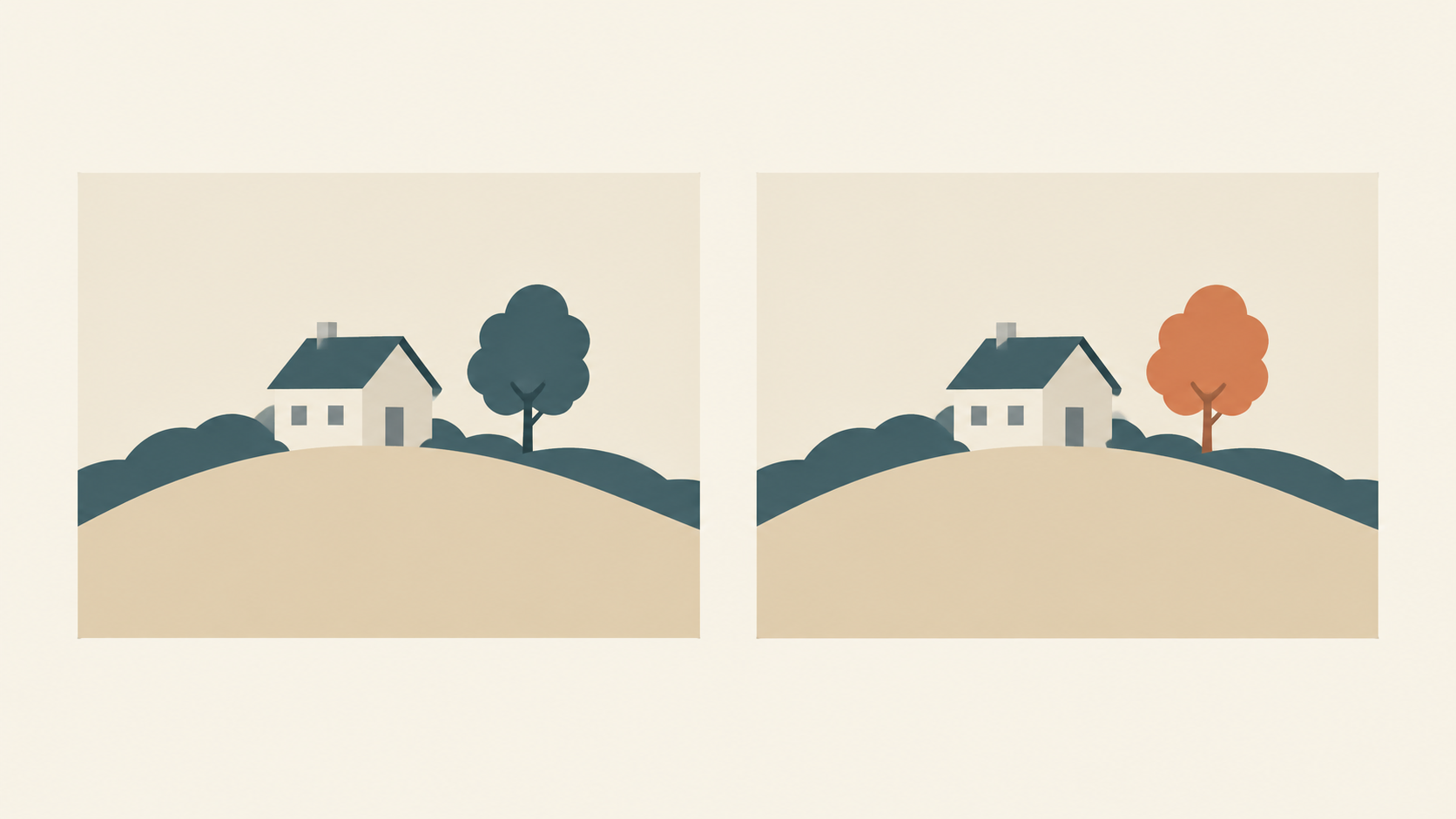
Copying an example gets you one image. Adapting it gets you a library. The loop is deliberately small: start from a clean base prompt, then change one thing at a time and compare before adding more instructions (OpenAI, image prompting). In practice that means keeping the subject line fixed and editing only the style layer.
- Keep the subject, composition and environment from the example.
- Replace exactly one style word — watercolour becomes ink line illustration, or 3D render becomes clay render.
- Generate, then compare against the previous round rather than against an ideal in your head.
- If the result drifts, restate the details you want preserved instead of adding new ones.
- Save the winning line. That line is now your style preset for this subject.
Two or three rounds of single changes usually land further than one long rewrite, because you can tell which word caused which effect.
Mistakes That Flatten a Style Prompt
Envato's list of common prompt mistakes is a good checklist to run before you generate (Envato Elements). The four that cost the most:
- Conflicting mediums. "Cartoon-style realistic portrait" asks for two different things, and the model averages them into mush. Pick one primary medium.
- No stated lighting. An image with no lighting direction reads as flat and artificial. Always name at least one light source and where it comes from.
- Too many subjects. Cramming several unrelated elements into one frame produces clutter. One main subject, then context around it.
- Forgetting the destination. A mood-board image, a social post and a print piece need different framing and different amounts of empty space. Decide where the image will be used before you write a word.
Choosing the Tool Before the Prompt
The examples above all assume you are generating a subject from nothing, which is the job of a text-to-image tool such as KOOX AI Text to Image. When the subject already exists as a photograph, it is usually faster to keep it and restyle the world around it: image-to-image reworks an existing frame, a background remover produces the clean plain backdrop a style prompt assumes, and a GPT Image 2 workflow suits prompts that need tight, literal control. Choose the workflow first, then write the style layer.
What Examples Cannot Promise
Two honest limits keep the method grounded. First, models differ: the same wording can behave differently in another generator, and the same prompt does not reliably return the same image twice, so an example gets you close rather than guaranteeing a result. Second, a style prompt does not settle usage rights — commercial use depends on your plan, so check the terms that apply to your account rather than assuming any generated image is free to publish. Always review the output for subject, composition and stray artefacts before it ships.
Write One Example Today
Take one subject you actually need — a product, a character, a scene from an article — and write it six times, changing only the medium each time. Keep the version that reads best at thumbnail size, save its style line, and reuse that line for the next subject. A library of examples you understand will beat a folder of prompts you copied, every time.