AI Image Generation Workflow: A Review Gate That Decides Refine, Regenerate, or Ship
A review gate for your AI image generation workflow: acceptance criteria before the first render, three ordered passes, one comparison method, and a clear rule for refining, regenerating, or shipping.
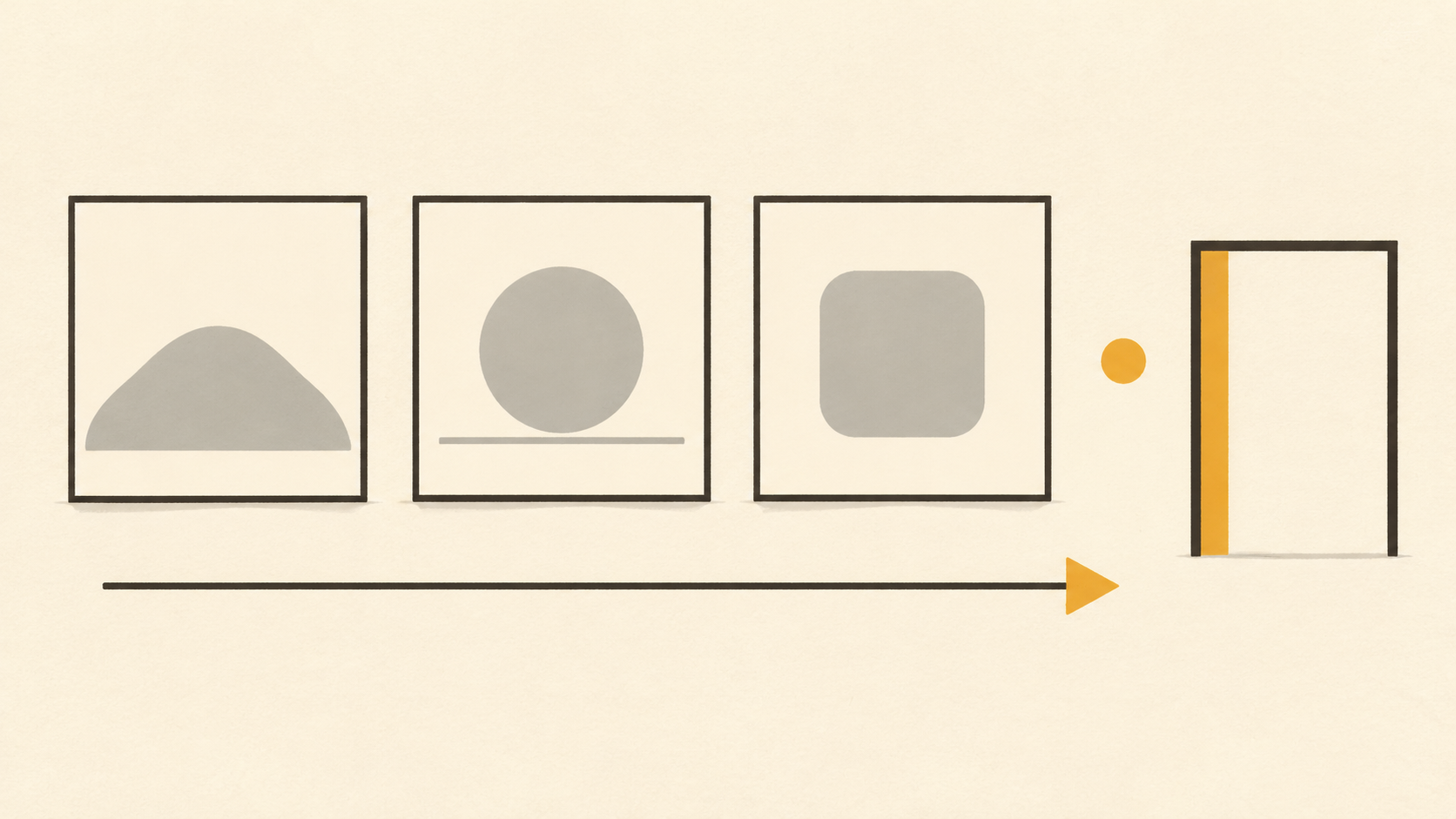
Most of the time in an AI image generation workflow is not spent writing prompts. It is spent looking at renders and deciding what to do about them: keep this one, fix that edge, start over, or hand the whole thing to a retoucher. When that decision is made by feel, the work turns into a loop. Every render looks slightly better than the last, so every render earns another round, and nobody can say afterwards why the approved file was approved.
A review gate fixes the loop by making the decision explicit. It has four parts: acceptance criteria written before the first render, a fixed order for the checks, one way to compare candidates, and a rule that chooses between refining, regenerating, and compositing. The gate does not make a model produce better images. It stops you paying for rounds you did not need.
Write the acceptance criteria before the first render
Four lines are enough, and they take five minutes:
- The delivery size and crop: a 1200-pixel inline image, a 3000-pixel hero, a square social card, a 4:5 vertical.
- What must be countable in the frame: one product, two people, three bottles, one legible headline.
- What must not move: the label artwork, the product proportions, the client mark, the horizon.
- The smallest place the image will be seen: a related-post thumbnail, a search result, a phone feed.
Each line becomes a check later. "Looks good" cannot be argued with; "the label is legible at 320 pixels wide" can be passed or failed in ten seconds by someone who did not write the prompt. Criteria also survive a change of reviewer, which matters when the person generating the images is not the person signing them off.

Generate at the size you will ship
Resolution is a review variable, not an export setting. On the current Nano Banana models, output starts at 1K and can be requested at 2K or 4K. Google's model documentation for Nano Banana 2.1 lists 1K as the default with 2K and 4K selectable, and the Nano Banana Pro specification page lists the same three output sizes. That matters at review time, because defects do not scale evenly. Fine lettering, thin straps, hair edges and small product text can look clean at 1K and break at 4K, while a composition that collapses in a thumbnail looks perfectly reasonable when inspected at full size.
The practical compromise is one deliberately cheap round. Render small, look only at structure, and expect to throw the file away. Once the composition is right, move to the delivery resolution and judge detail there. An asset that will ship at 4K should be reviewed at 4K, at 100 percent, because that is the only view in which the failures you are paying to avoid are visible.
Check structure first, detail second, fitness third
Run the passes in this order and do not skip ahead.
The structure pass asks whether the frame is the right frame. Count the subjects, check the crop against the required ratio, and confirm nothing important sits outside the safe area. Find where the eye lands and decide whether that is where the message is. Look for the empty space that copy or a product badge will occupy. Most expensive failures happen here, and they are the cheapest to see.
The detail pass asks whether the frame is rendered correctly. Follow the outline where the subject meets the background. Look at hands, straps, tool handles, reflections and cast shadows, and check that the shadow direction agrees with the light. Read every piece of lettering out loud, character by character, instead of glancing at it. Scan large flat areas for a repeated texture that betrays a generated surface, and check the far background for objects nobody asked for.
The fitness pass asks whether the image works where it will live. View it at delivery size on the surface it will appear on, then shrink it to the smallest place it will be seen. If the subject stops reading at thumbnail width, the composition is wrong, not the detail, and no refinement round will fix it.
The order is the point. A detail fix applied to a frame you are about to replace is time spent twice, and detail passes are the slowest ones.
Compare candidates side by side at one size
Human judgment drifts when images arrive one at a time. The newest render is usually the one you have looked at most recently, so it feels the most resolved; the first render is the one you remember approving in your head. Neither effect is a quality signal.
Put three or four candidates into a single grid at identical dimensions, in an order you did not choose, and score each against the criteria list instead of against each other. Keep the grid for the next round. A candidate that loses on structure should not be rescued because it has the best lighting; that is how a bundle of near-misses gets approved one compromise at a time.
Decide: refine, regenerate, or composite
Three outcomes cover almost every review, and choosing between them deliberately is what keeps the round count down.
Refine when the structure is right and the defect is local: one object out of place, one colour wrong, one edge soft, one word misspelled. Refinement means one change per round plus an explicit preservation list naming what must stay identical, because an edit instruction without a preservation list invites the model to redraw the whole frame.
Regenerate when the structure is wrong: the subject count is off, the crop cannot hold the composition, a required element is missing, or the scene communicates the wrong idea. Refinement rounds spent on a bad layout cost more than a fresh render with a corrected prompt or an added reference image, and they tend to accumulate artifacts along the way.
Composite when the requirement is pixel-exact preservation: a real product label, an existing photograph, an approved mark, or a hand-drawn element that must not shift. No prompt guarantees that a region stays untouched; an editor with layers does.
Two consecutive rounds that fail to move the same criterion are a signal that the approach is wrong rather than the wording. Change the input type instead of adding adjectives: describe the target area precisely, supply a reference image, or move the job to a different tool.
Keep a round log
One line per round, in the same file as the brief: model, resolution, prompt version, what changed since the previous round, which criteria passed, which failed, and the verdict. Two minutes of writing per render, and it pays back the first time somebody asks why the third candidate was approved.
The log also produces better prompts. Phrase a failing criterion as something observable in the image, such as "the bottle cap is cut off at the top edge" rather than "composition is awkward", and the next round has a target. When the log shows the same criterion failing across three attempts with three different phrasings, the problem usually sits in the input image or the framing, not in the sentence.
Treat model differences as review inputs
Model documentation is a list of things to test, not a list of things you may skip. Google's page for Nano Banana 2.1 reports improved text rendering and infographic layout, selectable thinking levels, support for up to fourteen reference images with character consistency for four characters and object fidelity for ten, and tiling artifacts on extreme panoramic ratios addressed at 2K and 4K. A reviewer who knows that will test small text deliberately, use references for recurring subjects, and look along the seam of a very wide frame. A reviewer who reads the same page as a promise will skip all three checks.
The same applies to comparisons between models. A lighter model and a heavier one can both output at 1K, 2K and 4K, and still differ on the one criterion your brief cares about. Score them on that criterion with the same gate, at the same size, and keep the losing file with its log so the choice can be re-examined when the next version ships.
Sign off with a recipe, not just a file
An approved image without its recipe is an artifact you cannot extend. Store the accepted file with the prompt version, the model and resolution it came from, the round count, the criteria list it passed, and the reference images used. Anyone who needs a variant in three months starts from a known position instead of from a lucky render.
Rejection notes belong in the same record. "Hands merge at 2K" or "label text drifts on round four" is a cheaper lesson the second time it is written down, and a reviewer who can look up last quarter's failures writes better criteria this quarter.
Run the gate on KOOX AI
The KOOX AI Nano Banana Pro page is a workable place to rehearse the gate: write the four criteria lines, render one cheap frame for structure, move to delivery size, run the three passes in order, and keep the log beside the output. The first run feels slower than the usual loop. The second one usually costs fewer renders than the loop did.