AI Image Prompt Writing: Edit the Draft Before You Generate
A revision routine for AI image prompt writing: draft in prose, edit in ordered passes, change one clause per generation, then refine with strength.
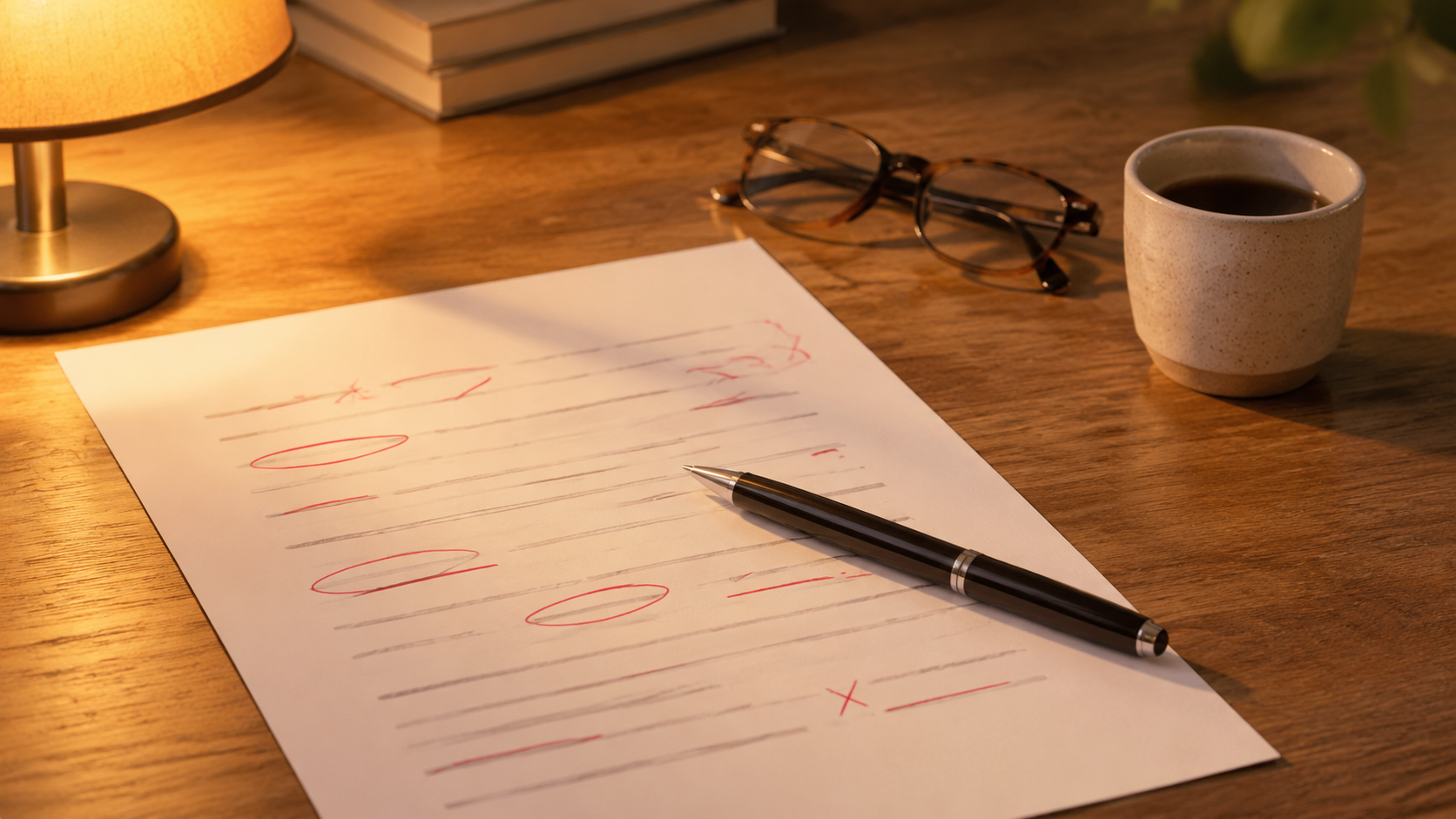
Most image prompts are not badly written so much as unedited. A first draft usually carries the right ingredients — a subject, a place, a light — and still produces a picture you did not ask for, because nobody revised the draft against what the model actually renders. Photographers do not hand over their first test frame; they shoot, look, and adjust. Prompt writing works the same way, except the adjustments happen in text, before the shutter.
This guide treats AI image prompt writing as a revision routine rather than a formula: draft one prompt, run it through a few editing passes, generate with a single change at a time, review the result line by line, and refine the wording or the strength before starting over. The passes are short. The discipline is what changes the output.
Start with a draft you could read aloud
Write the first version as prose — two or three sentences you could say to a photographer standing next to you. The structure most guides converge on is subject, then action or pose, then environment, then style or mood, then technical details (AI Animation). One sentence is enough for a draft: a woman in a red dress walking through a sunflower field at golden hour already carries subject, action, place, and light.
What the draft must not be is a pile of comma-separated tags with no grammar. A tag list gives the model no hierarchy: every word weighs the same, and the model decides what the scene means. Composition research explains why that hurts. T2I-CompBench++, a benchmark of 8,000 compositional prompts split into attribute binding, object relationships, generative numeracy, and complex compositions, documents that even strong text-to-image models often fail to compose multiple objects with different attributes and relationships into one coherent scene (T2I-CompBench++). Prose hands the model a scene; tags hand it a bag.
Pass one: attach every attribute to its own noun
The first edit targets attribute binding, the failure where a colour, material, or size drifts onto the wrong object. A red mug and a blue jug is safer than red and blue crockery, and far safer than red, blue, ceramic, enamel stacked in a keyword pile. Keep each adjective beside the noun it belongs to, and give each object one or two attributes at most; a third adjective on one object usually means a second object went undescribed.
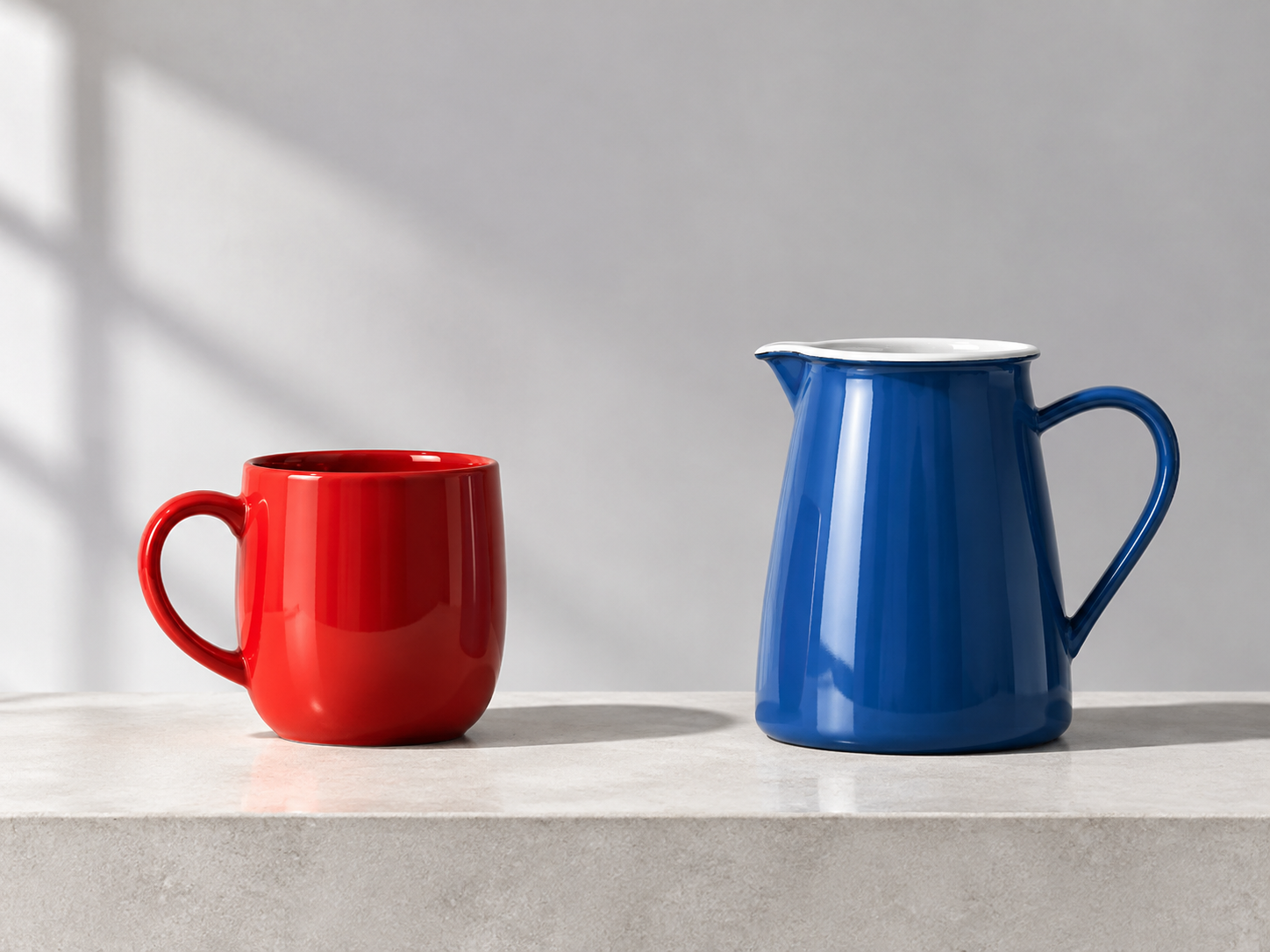
Read the sentence back and ask who owns each word. If you cannot point at the object an adjective belongs to, the model has the same problem.
Pass two: say how many, and where
Counting is its own failure class — generative numeracy sits next to attribute binding in that benchmark's list — and so does arrangement in space. Replace vague quantities with a number, such as exactly three empty bowls, or lower the count until the frame is achievable: two objects are easier to hold than five. Then place them relative to one another instead of leaving them in a void: the jug behind the mug, both to the left of the window. Left and right mean the viewer's left and right, so say it that way when the arrangement matters.
If a picture feels crowded, cut an object rather than adding descriptors. Removing one noun relieves the model more than three adjectives ever will.
Pass three: fix the frame, then the light
Camera language comes before lighting, because framing decides what is visible at all. Name the shot and the angle in the same sentence as the subject: published example prompts for Google's image models do exactly that, asking for a photorealistic wide-angle shot taken from a low perspective with a wide-angle lens, or a studio product photograph at a slightly elevated 45-degree shot (Gemini API). Only then specify the light, with a direction and a quality. Soft, diffused lighting from the top left is a workable instruction; nice lighting is a wish.
Order matters because the opening clause anchors the scene. A prompt that begins with a mood word and buries the subject in the fourth clause tends to produce a moody picture of nothing in particular.
Pass four: write the preservation clause
When you edit an existing image instead of generating from scratch, the prompt has a second job: protecting what must not change. State the change and the protection in one sentence, the way an inpainting example does when it asks to change only the blue sofa and to keep the rest of the room, including the pillows and the lighting, unchanged. Repeat that protection for anything carrying identity — a face, a logo, a product label — as the same documentation does when it asks that a subject's face and features remain completely unchanged.
The clause is not decoration. Editing prompts that omit it tend to fix the one thing you named and quietly re-render everything else, which is why a small edit so often returns a different photograph.
Change one clause per generation
A refinement only teaches you something if you can attribute the difference. Prompt-to-Prompt, an editing method built on cross-attention control, starts from exactly this observation: even a small modification of the text prompt often leads to a completely different outcome, which is why its authors control edits at the level of individual words and added specifications rather than rewriting a whole sentence (Prompt-to-Prompt). You do not need their implementation to borrow the habit. Change one clause, generate, compare, and keep the change only if it improved the thing you were fixing.
Version the prompt as you go — a letter suffix or a date is enough — and copy the full text into your notes rather than a summary of it. Two changes in one round leave you guessing which one worked.
Review the result against the prompt, line by line
Open the image with the prompt beside it and score each line. Is the subject there? Is the count right? Did every attribute stay with its noun? Is this the framing you asked for, and does the light come from the direction you named? Is any rendered text spelled correctly, and are hands and edges clean? This is slower than a glance and much faster than six blind regenerations, because each failure points back to a specific pass. A drifted colour sends you to pass one, a wrong count to pass two, a flat scene lit from nowhere to pass three.
Do the review at the size the image will be used. A flaw that disappears in a thumbnail is still there in a hero image.

Refine with strength before rewriting
When the composition is right and only the surface is wrong, do not start over from a new prompt. In image-to-image work, strength decides how much the output resembles the starting image: a higher value gives the model more room to deviate and 1.0 more or less ignores the initial image, while a lower value keeps the result closer to it. The parameter also scales the noise schedule, so at 50 inference steps a strength of 0.8 means 40 steps of noise added and 40 steps of denoising — the two settings move together (Hugging Face Diffusers).
Guidance scale is the companion control: higher values keep the output closer to the prompt, lower values give it room to depart. The practical order is strength first, wording second, a fresh generation last. Which of these controls a given product exposes varies, so check the tool before assuming — GPT Image 2 is the one this routine was written around.
Keep the prompts that worked
Save the final prompt, the settings, and a one-line verdict: what it produced, and what it cost you to get there. After a dozen entries you have something no template can give you — a record of which phrasings worked on your subjects, with your lighting, in your tool. Reuse the structure rather than the words. A prompt that produced a good still life is a starting template for the next one, not a guarantee.
The habit that separates a reliable image workflow from a lucky one is small. Draft in prose, edit in passes, change one thing at a time, and review against the prompt instead of against your memory.