Image to Video AI Prompt Patterns: Six Ways to Make One Photo Move
Six reusable image to video AI prompt patterns for stills - push-in, portrait turn, parallax drift, ambient motion, orbit, and loop-safe idle - with wording you can adapt.
You already have the frame. That is what makes image to video AI different from typing a scene description into a generator: the picture has already answered the questions about who, where, what color, and what light. The only question left is what changes between the first second and the last.
Most weak clips come from prompts that answer the wrong question. They describe the photo back to the model - the woman, the coat, the wet street - and leave the motion to chance. Luma's prompt guide puts the rule plainly: strong image-to-video prompts describe motion, not the image itself. Wink's Wan guide says the same from the other side: restating the outfit color wastes words that should carry movement.
So the useful unit of work is a motion pattern: a sentence structure that names one change, one camera behavior, and one pace. Below are six that hold up across products, portraits, landscapes, and social loops, each with why it works and where it breaks.
Write the change, not the picture
An image-to-video prompt inherits everything visible in the source frame. What it does not inherit is intent. The model can see the cup; it cannot know whether the steam should curl upward for four seconds or whether the camera should push closer.
Three decisions make that intent explicit, and Kling's walkthrough names them the same way: subject motion, environmental motion, and camera motion. Decide which one carries the clip. A person turning is subject motion; water rippling around a bottle is environmental motion; a slow move closer is camera motion. All three can coexist, but one should be the reason the shot exists.
There is a fourth decision that is easy to forget: what must stay recognizable. A face, a label, a logo, the shape of a product. Writing that constraint down - "the label faces the camera and stays sharp" - is often more valuable than adding another verb.
Set a motion budget before you write
The most common prompt failure is a motion budget that is too large. Pictory's guide notes that describing one clear motion makes models behave, while asking for several at once turns the output mushy. Kling's guidance has the same shape: one main action, and at most one supporting movement.
A practical budget for a five-second clip:
- one primary change, described with a verb and a direction
- optionally one supporting change, ideally in the environment rather than on the subject
- one camera instruction, or an explicit statement that the camera holds still
- one pace word, and one constraint on what must not change
If your prompt has three subject actions, cut two. The model will spend its limited motion on the one you kept, and the frame will stay coherent.
Pattern 1: The push-in on a still subject
The safest pattern, and the one to use when the photo is a product, a package, or an object with text on it. The subject does nothing; the camera does the work.
"Camera pushes in slowly and steadily toward the bottle, stopping just short of the label. The bottle stays still and its edges, cap, and label remain sharp. The background softens slightly."
Why it works: only one variable is moving, so the geometry of the object survives. Pictory's reliable camera prompts start here: slow zoom, gentle pan, a slight dolly forward.
Where it breaks: speed. A push that covers too much distance forces the model to invent detail at the edges, and small type is the first thing to wobble. If the label matters, shorten the move.
Pattern 2: The restrained portrait turn
Faces are what viewers check first, which makes portraits both the most rewarding and the most fragile subject. Luma's portrait example keeps the action small: the subject turns slowly toward the camera, hair moves subtly in a light breeze, and the background holds a gentle bokeh shift.
"A woman turns her head slowly toward the camera and holds a soft, closed-mouth smile. Her hair lifts slightly in a light breeze. The background stays softly out of focus."
Why it works: a turn is one continuous action with a clear start and end, and it gives the model a reason to move the face without reshaping it.
Where it breaks: stacked verbs. "She laughs, turns, and walks forward" is three clips in one prompt, and the model usually resolves it by morphing between them. If the subject already faces the camera, use a micro-action instead - eyes lifting, a breath, a slight tilt.
Pattern 3: Parallax drift for landscapes and interiors
Wide scenes need depth more than action. The pattern that produces depth is a slow forward move with different speeds at different distances, which is how Luma frames its landscape example: the camera pushes forward while clouds drift and foreground elements travel faster than the background.
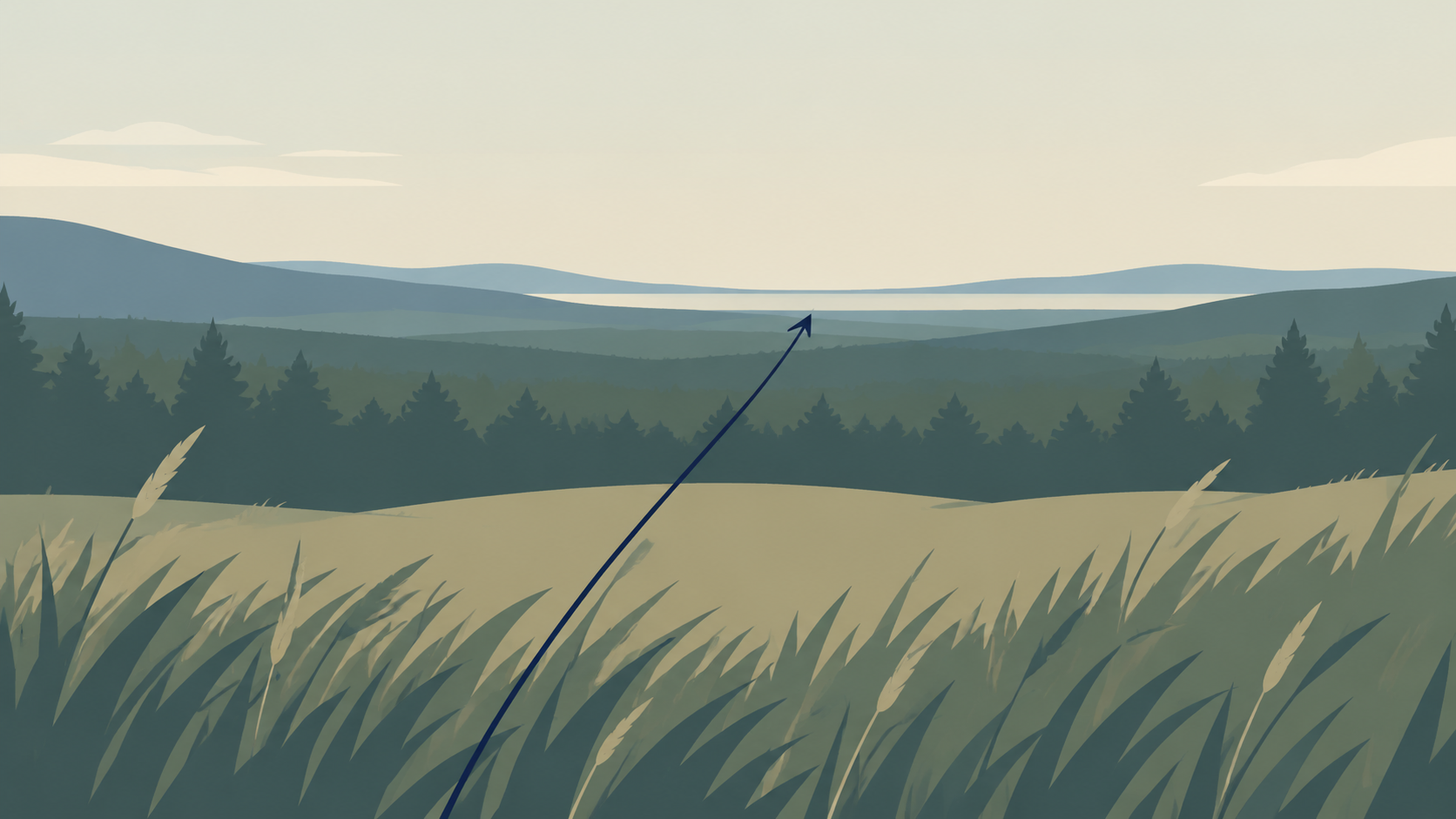
"Camera drifts forward through the field at a slow, even pace. Wildflowers in the foreground pass more quickly than the treeline, and thin clouds move left to right above it."
Why it works: relative speed is a depth cue the model can execute without understanding the scene, and it fills the frame with motion even when nothing in the subject moves.
Where it breaks: horizons and straight architecture. A long move across a flat plane gives the model room to bend vertical lines, so keep the travel short and name the horizon.
Pattern 4: Ambient-only motion
Sometimes the right answer is that the subject does not move at all. Steam rises, water ripples, fabric settles, petals open. Kling's product example is built this way: color flows and gathers while flowers bloom and ripples spread around the fixed product.

"The perfume bottle remains completely still in the center of the frame. Fine mist drifts upward and to the right behind it, and a shallow pool of water ripples gently at its base. The camera holds a fixed position."
Why it works: a locked subject cannot drift, so labels, logos, and silhouettes stay exactly as photographed. Choose it when brand accuracy matters more than drama.
Where it breaks: silent permission. If you do not say the subject is still, the model may add a small sway of its own. State the stillness explicitly, then give the ambient element a direction and a pace.
Pattern 5: The orbit reveal
An orbit changes the viewing angle rather than the object, which makes a single photograph feel like it was shot from several positions. Luma's product example is a slow clockwise orbit with shadows shifting as the perspective changes.
"Camera orbits slowly clockwise around the sneaker on a plain background. Soft shadows shift across the floor as the angle changes, and the shoe keeps its shape and color."
Why it works: the move reveals form and material, which is what a flat product photo cannot show.
Where it breaks: text and packaging. An orbit past the front asks the model to invent the back of a label it has never seen. If the label must stay readable, keep the arc shallow and say that the front faces the camera.
Pattern 6: The loop-safe idle
Short social clips are often played on repeat, so the motion should end close to where it began. This pattern avoids one-way moves like a dolly or a reveal and uses a gentle cycle instead.
"Light breathes across the subject in a slow, even cycle while a thin layer of fog drifts sideways. The camera stays fixed. The motion is continuous and returns to its starting position."
Why it works: a cycle has no endpoint to mismatch, so the cut back to the first frame is invisible.
Where it breaks: pace. A cycle that completes in under two seconds reads as a flicker, so aim for one slow pass across the clip's full length.
Choose the pattern from the photo, not the trend
The photo tells you which pattern it can support. A tight product shot with a label has room for a push-in, an orbit, or ambient motion, but not a subject performance. A portrait that fills the frame can carry a turn or a micro-expression, not a walk. A wide landscape rewards parallax; an interior rewards light and dust.
Source quality sets the ceiling. Luma's guide recommends uploading at least 1024x1024 pixels, and Wink's FAQ notes that busy or low-quality sources produce less consistent motion. If the photo is soft, crop to the subject rather than asking the model to invent detail.
Write the guardrails into the same prompt
Most of the fixes people apply after a bad generation belong in the first prompt. Wink's guide recommends negative prompts for flicker, warping, and anatomy errors, and the advice generalizes: name the artifacts you do not want instead of regenerating until they disappear.
When a tool has no separate negative field, put the constraint in the positive sentence: "the label text remains sharp and unchanged" and "hands stay outside the frame" each prevent a specific failure. Describe only what the source photo contains, too - Wink's list of common mistakes leads with inventing objects or people that are not in the image.
A template you can adapt
Four lines, in this order:
- Change: what moves, in which direction, how far.
- Camera: push, pan, orbit, or hold still.
- Environment: the one ambient element, if any.
- Pace and constraint: slow or even, plus what must stay unchanged.
Filled in for a candle on a table: "The flame flickers gently and leans slightly to the left. The camera holds a fixed position. A thin ribbon of smoke drifts upward and dissolves. Slow, even pace; the glass jar and its label stay sharp."
The template is deliberately boring. Boring prompts are reproducible, and reproducibility is what lets you change one variable at a time.
Review the opening second first
Before judging a clip, watch the first second alone. That is where drift shows up: a face that has already shifted, a label that has started to warp, a horizon that has tilted. If the opening frame does not match the still, the prompt asked for too much, and rewriting the middle of the sentence will not save it.
Generation is short by design, so plan for extension rather than one long take. Get one clean four-second move, then cut segments together with the same prompt language so the motion stays consistent.
Where these patterns run on KOOX AI
KOOX AI's photo to video tool follows the same three-step shape these patterns assume: upload a clear photo, describe the motion and the camera feel, then generate and refine. The Photo to Video AI tool page also notes that clear, well-lit images with a visible subject produce the strongest results.
If you would rather build the starting frame first, the AI Text to Image tool can produce a clean still to animate.