Image to Video Prompts: A Five-Line Skeleton That Survives Any Still
A five-line skeleton for image to video prompts - anchor, action, camera, pace and freeze list - with worked examples for four kinds of source photo and a symptom-to-fix guide.
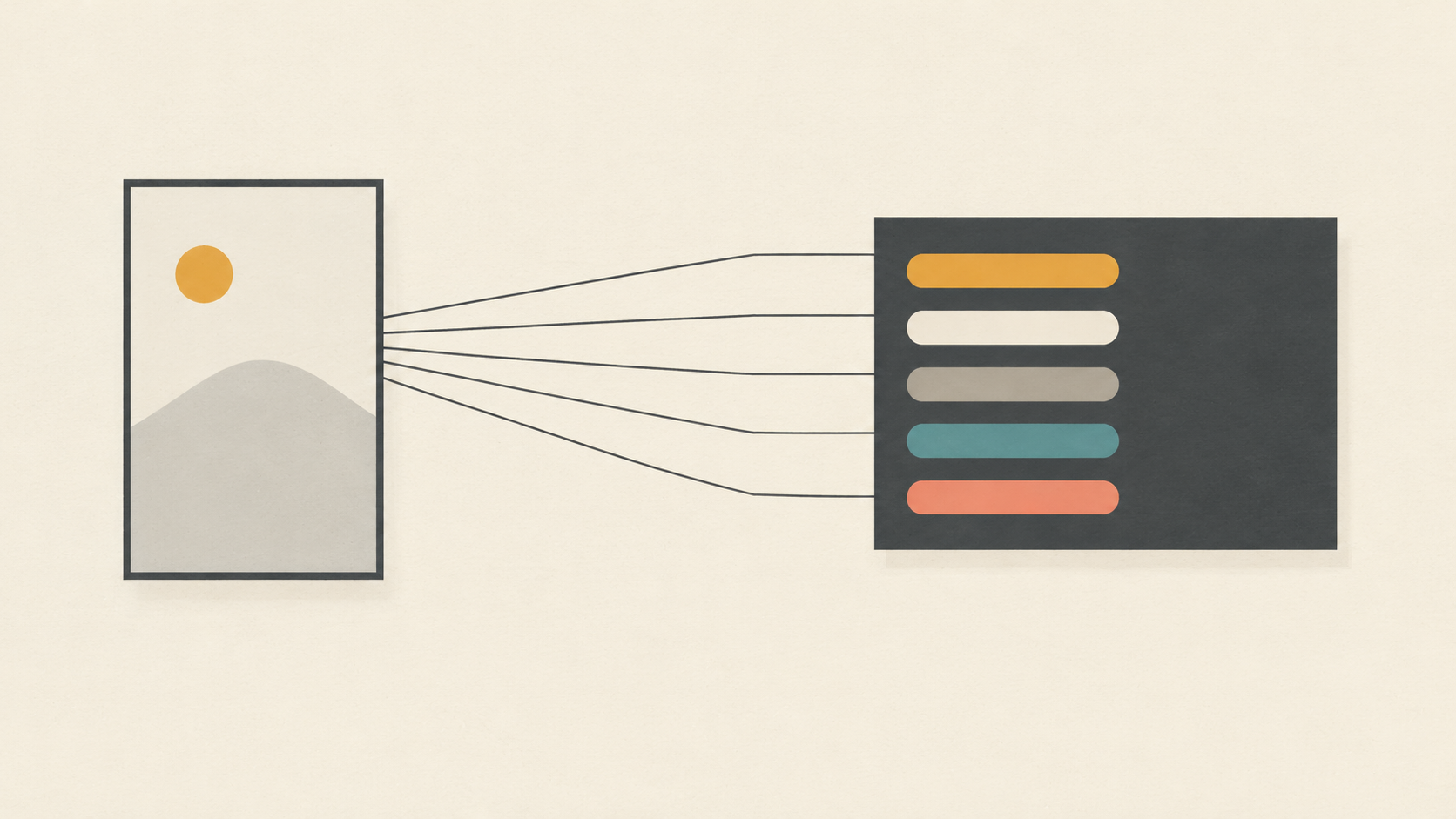
An image to video prompt is not a description of a scene. The scene is already on your screen: the coat color, the window light, the shape of the glass, the exact crop. What a still cannot tell the model is what should happen next, and that is the only thing worth spending words on.
Most disappointing clips come from prompts that describe the photograph back to the model. Ten adjectives about a woman in a red coat give the generator nothing to animate, so it supplies its own drift, its own zoom, its own slow wobble. The prompts that hold up are shorter and more structured: one line to lock the frame, one to name a single visible action, one to make a camera decision, one to set the pace, and one to list what must not change.
What the still has already decided
A source photo arrives with most of a prompt already answered. The subject is chosen, the light has a direction, the composition has a crop, and the palette is fixed. Kling's prompt guide lays out a six-part framework - subject, action, scene, camera, lighting, mood - and when you animate a still, four of those six are already visible in the file. Only action and camera are genuinely open, and the mood is usually implied by the light you cannot change anyway.
That is why an image to video prompt should be much shorter than a text to video prompt. Founderz's prompt library states the same requirement in the opposite direction: a good AI video prompt names one visible action, the shot and camera movement, the light, the duration, and what must not change. On a still, the light is given. The other four are yours.
So treat the prompt as a motion budget. Every sentence you spend restating the picture is a sentence you did not spend on the change, and the model fills that gap with generic movement: a slow push nobody asked for, a shimmer across the whole frame, a subject that starts breathing when it should be frozen.
The five-line skeleton
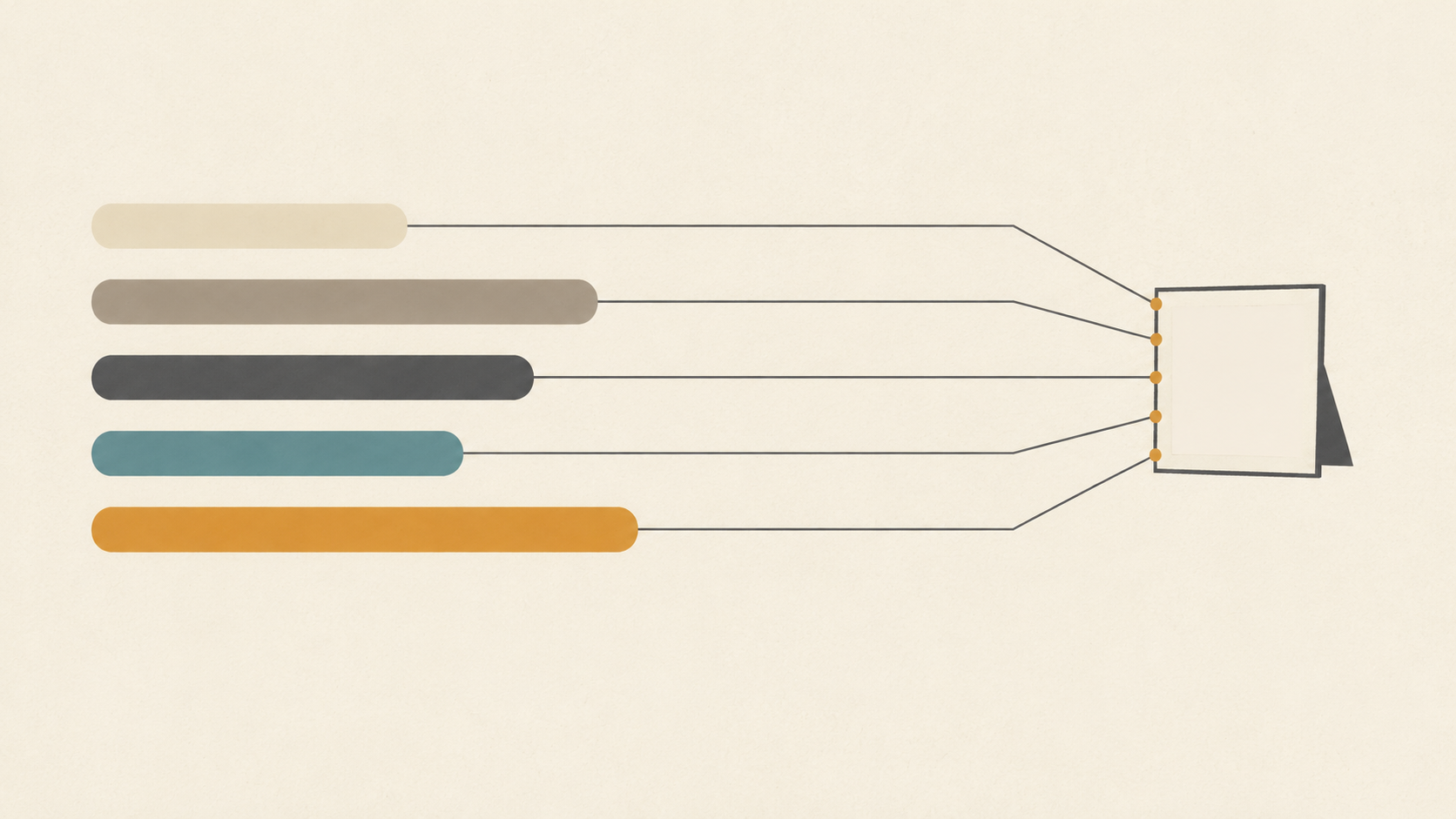
Write five lines in this order. Together they run to roughly forty to sixty words, which is the right size for a clip of a few seconds.
- Anchor. Lock what the model is not allowed to redesign: "same framing, same lens, same light as the source image." Without an anchor the model treats the photo as a suggestion and recomposes it, which is where mismatched crops and drifting horizons come from.
- Action. One visible verb attached to one subject: "she turns her head a few degrees toward the window and stops." One action, not a sequence. Two actions in one clip usually means neither completes.
- Camera. Name one move and its size: "slow push-in, ending about ten percent closer, centered on the label." If the shot does not need camera movement, say so explicitly - "static camera" is a valid and often better instruction.
- Pace. Bind the action to time: "almost still for the first second, the turn completes by the third, the last second holds." Models stretch motion across the whole clip by default, which reads as constant slow drift; giving it a schedule makes the movement feel deliberate.
- Freeze list. The things that must not change or must not appear: "the label stays facing the camera and stays sharp, no hands enter frame, no new objects, mouth stays closed." Negative expectations only work when they are specific.
Read the five lines in order and you have a shot plan that fits in a text message. Read them out of order, or skip one, and you can usually predict which failure you will get.
Four photos, one skeleton
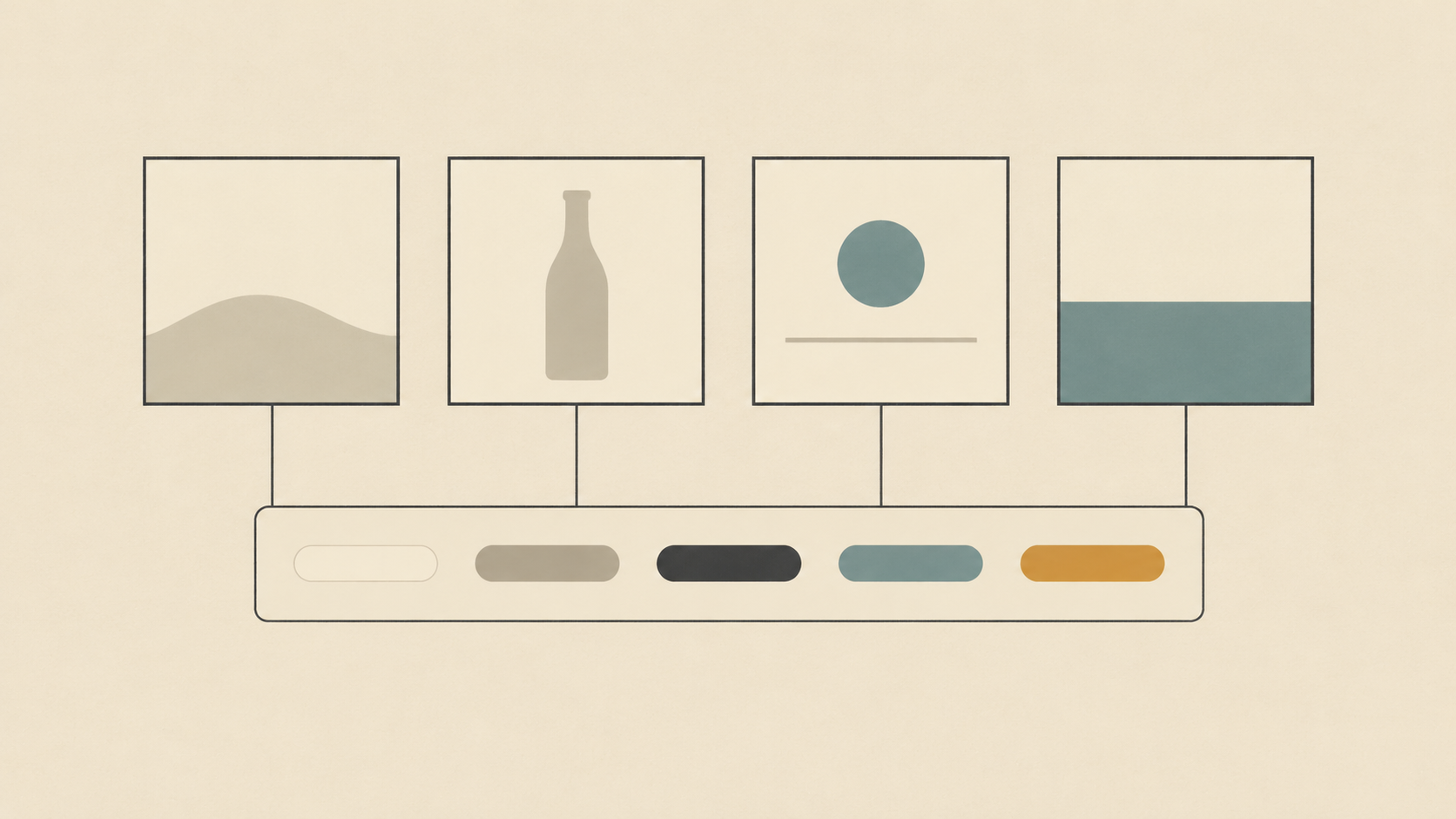
The skeleton is portable because it never mentions a subject. Here is the same five lines filled in for four common kinds of source image.
A portrait from a window. Anchor: same crop, same soft side light. Action: she turns her head slightly toward the window and settles. Camera: static. Pace: nearly still for the first second, the turn finishes by the third, hold to the end. Freeze list: same hairline and same background line, mouth closed, no hands. The small action is the point - a head turn of a few degrees reads as alive, while a full body turn gives the model time to invent a second face.
A product on a seamless background. Anchor: same centered composition and same shadow on the surface. Action: the bottle rotates no more than fifteen degrees so the label catches the light. Camera: very slow push-in. Pace: the rotation starts immediately, the push continues evenly to the last frame. Freeze list: label text stays sharp and legible, no reflection sweeps across the label, no floating particles. Product clips fail on text first, so the freeze list is doing most of the work here.
A drink with visible steam. Anchor: same glass, same table edge, same backlight. Action: steam curls upward and thins; condensation stays where it is. Camera: static. Pace: continuous, no easing, motion even across the whole clip. Freeze list: no pouring, no new ice, no liquid movement. Ambient motion is the easiest kind to get right because the subject itself does not need to change - only the air around it.
An interior or a landscape. Anchor: same horizon and same framing. Action: the curtain moves slightly; distant leaves shift. Camera: slow lateral drift to the right. Pace: constant speed from the first frame to the last. Freeze list: the horizon stays level, no new furniture, no people. This is the one case where a moving camera earns its place, because a frame with foreground, middle ground and background separates into layers as the camera travels - the effect that makes a flat picture feel three-dimensional.
Make one camera decision, not three
The camera line is where prompts usually overreach. Getimg's breakdown of cinematic AI camera moves makes the argument cleanly: each of the seven standard moves - push-in, pull-back reveal, side tracking, orbit, tilt reveal, crane rise, handheld follow - does one specific job, and choosing the right one matters more than stacking several. Their diagnosis of the common failure is exact: the result gets a random zoom, an unstable drift, or a camera floating with no direction, because no camera decision was made at all.
Two practical consequences follow. First, name the speed as well as the move, because "push-in" alone can arrive as a lunge. Second, check whether the source frame can carry the move you want. A lateral drift or an orbit needs depth to reveal; on a flat frame with everything on one plane there is nothing to separate, and the same move reads as a slide. If your photo is flat, choose a push-in and let the subject action carry the clip instead.
Read the clip by symptom, then fix one line
When a clip misses, the temptation is to rewrite everything. Resist it. Almost every failure maps to a single line of the skeleton, and fixing that line is a ten-second edit.
- The whole frame drifts or breathes: the anchor or camera line is vague. Add "static camera, tripod-locked frame" and repeat the original framing.
- The face changes identity between frames: too much is happening at once. Freeze the camera and cut the action down to one small movement.
- Everything moves at once, including things that should be still: the freeze list is missing or too abstract. Name the elements that stay put.
- It looks like a slideshow zoom with no life: the pace line is absent, so motion is spread evenly. Give the action a start, a finish and a hold.
- A new object or a pair of hands appears: the freeze list needs a hard negative - "no hands enter frame, no new objects, no added text."
- The clip collapses at the end or loops badly: the last second was never written. State what the final frame looks like and cut there.
Keep segments short and cut instead of extending
Generation is short by design, and extending a clip tends to accumulate small errors: the face softens, the label warps, the background gains detail that was never there. Plan for a handful of clean segments rather than one long take. Write the same five lines for each segment, changing only the action and the camera size, then cut them together on a motion beat. The result reads as a sequence rather than a single shot that degrades.
Where to run the skeleton
KOOX AI's Wan 2.6 image to video generator is built around exactly this split: you supply the source image, then describe the motion, camera direction and mood, and iterate until the clip matches the goal. The page is explicit that the original image is there to hold subject identity, framing and composition stable while the motion is added - which is the anchor line, enforced by the tool rather than by your wording.
If you would rather start from a photo you already have than generate a new frame, the convert photo to video tool takes the same three-step shape and works best with a clear, well-lit image and a visible subject. And if you want to go further into camera language than a single move, the five shot recipes walk through directing a short sequence rather than one clip.
A sixty-second pre-flight check
Before you hit generate, read your prompt and answer five questions. Is the framing locked? Is there exactly one visible action? Is there exactly one camera decision, with a speed? Is the motion scheduled in time? Is there a list of things that must not change or appear?
Five yeses, and you have a prompt you can debug. One no, and you know which line to edit before spending another generation on it. The skeleton is not a formula for a good idea - it is what lets you tell, from the result, whether your idea or your wording was the problem.