How to Make a Kissing Video From Photos: Four Passes That Fix Most Bad Clips
A practical four-pass workflow for making a kissing video from photos: prepare the still, ask for one gesture, review the clip, and change one variable per retry.
Most guides to making a kissing video from photos begin with the prompt. That is the wrong end of the job. A kissing clip is a few seconds of motion bolted onto a still you already own, and the still decides almost everything: whether the two faces stay recognisable, whether the heads turn at believable angles, whether the background holds still while the bodies move. Change the model, rewrite the prompt, try a different style — a bad source photo stays bad. Change the photo and the settings that failed a minute ago start working.
So treat it as a workflow with four passes, not a list of tools. Prepare the frame. Ask for one gesture. Review the result the way an editor would. Then change exactly one variable per retry. Each pass catches a specific failure, and each one saves a generation you would otherwise spend guessing. KOOX AI runs this as an AI kissing video generator, and the passes apply equally to any other photo-to-video tool of the same kind.
Start with the frame you already have
Every generator in this category accepts two kinds of input: one photo containing both people, or a separate portrait of each. The single-photo route is the stronger starting point. When both faces already share a frame, the model has the real outfits, the real room and the real light to work from, and it only has to invent the motion. Renoise, which publishes its own test numbers, puts the trade-off plainly: separate portraits work, but the model then has to build a shared scene that never existed, so it invents a background and an outfit, and the likeness of at least one person usually drifts.
That does not make two portraits useless. It makes them a fallback for long-distance couples, or for a photo of someone who is no longer around to be photographed again. Use them knowing what you are paying for: more invention, less resemblance. If the clip has to look like two specific people, find a photo of those two people together.
What a usable source photo looks like
The checks are short and they are all about giving the model evidence rather than room to guess.
Both faces point roughly forward, or slightly toward each other. Eye level beats a high or low angle, because the animation has to rotate a head that is already tilted. Soft, even daylight beats a hard flash, which flattens one side of a face and leaves the other in shadow. Both faces should be about the same size in the frame, and neither should be small — a face a hundred pixels wide gives the model almost nothing to preserve. Nothing should cross the mouths: not hair, not a hand, not the rim of a glass, not sunglasses.
Skip the heavy filters. They remove exactly the skin detail the animation relies on, so a smoothed portrait animates like a mask. And keep the highest resolution version of the file you can find; a screenshot of a photo is a lower-quality source than the photo itself.
Pass 1: fix the still before you touch the generator
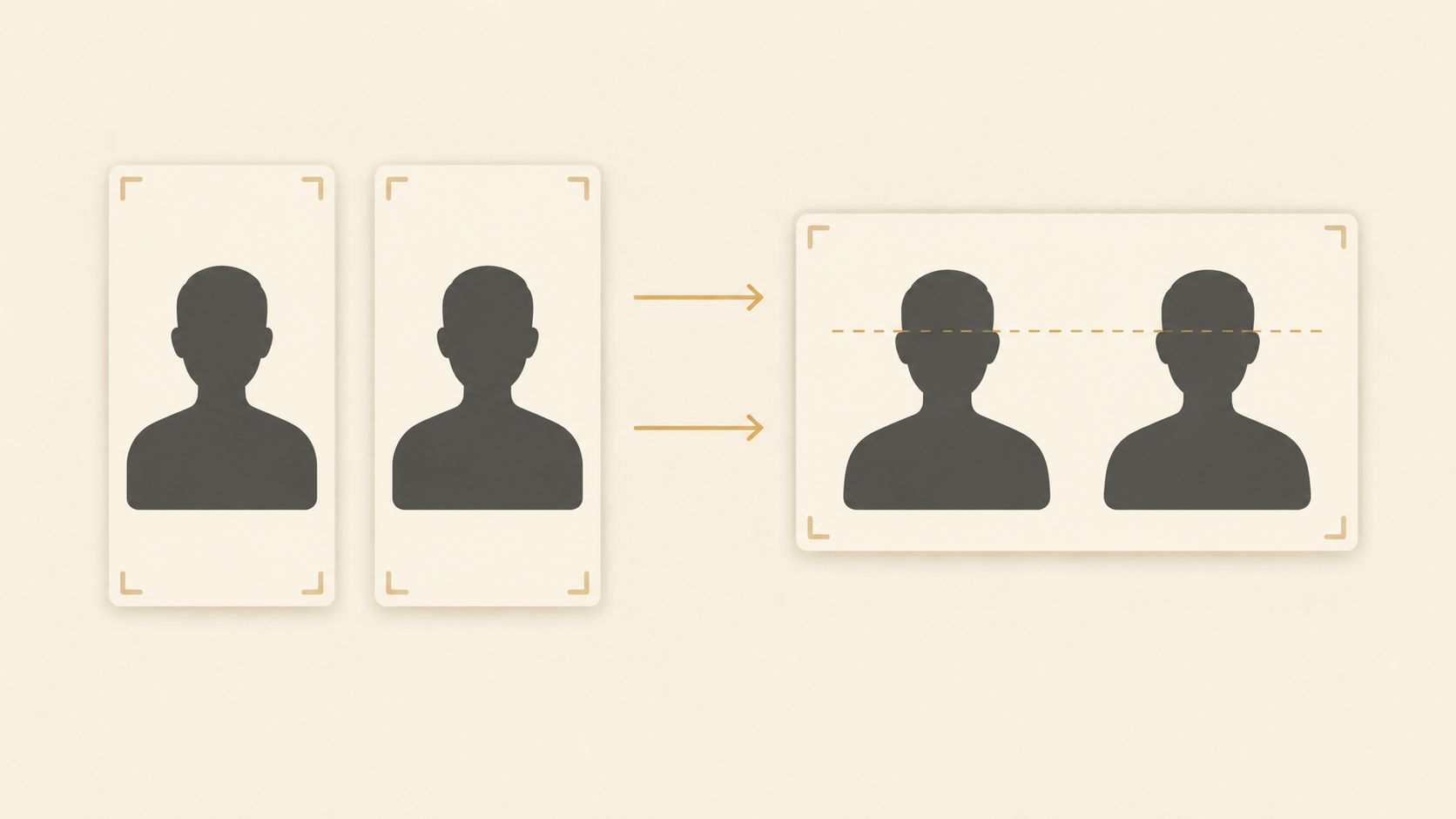
Two minutes of cropping prevents most bad clips. Crop loosely around the head and upper body, leaving a little space around each face so the animation has room to move. Straighten the frame if the horizon is tilted. Lift the shadows only enough to make both faces readable, not enough to look retouched. If the obstructions cannot be removed honestly, choose a different photo rather than asking the model to invent what was behind a hand.
When you are working from two separate portraits, the preparation carries more weight. Match the two crops: same head size, same eye level, same direction of light. A mismatched pair gives the model an argument about perspective, and it resolves that argument by distorting one of the faces. You can clean up a portrait, replace a distracting background or reframe a crop with image to image editing before the clip ever starts, which is cheaper than regenerating video to fix a still problem.
Pass 2: ask for one gesture, not a story
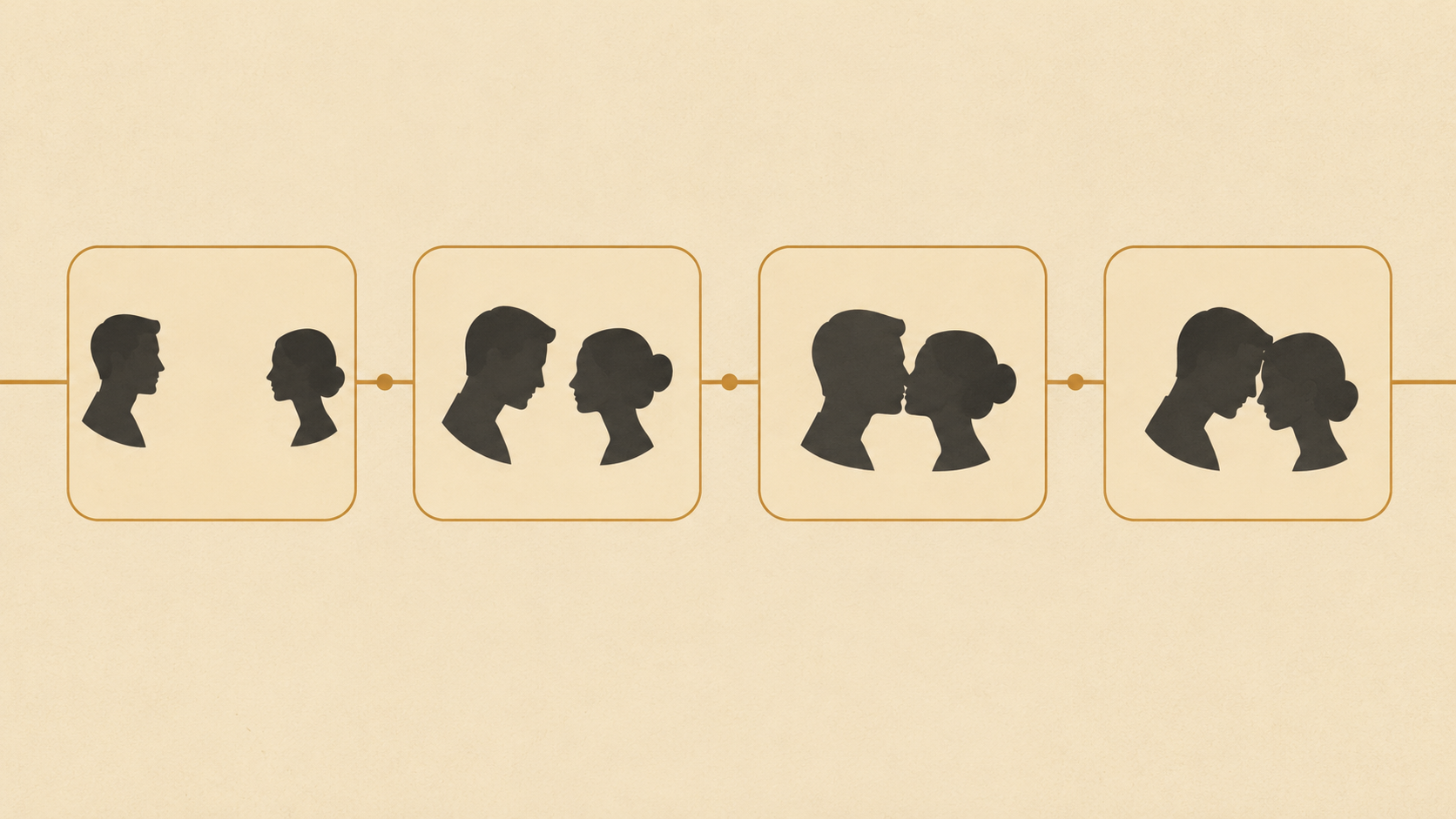
Short clips hold one action. Four seconds is enough for a lean-in and a kiss; it is not enough for a kiss, then a laugh, then a glance at the camera, and asking for all three produces a rushed, drifting clip with the motion smeared across the whole runtime.
Choose the simplest style on offer first — a quick peck rather than a cinematic slow-motion embrace. The reason is diagnostic, not modest. If the simple version works, the photo is good and you can push the style. If the simple version fails, no amount of cinematic styling will rescue it, and you have learned that for one generation instead of five. Magicshot's walkthrough makes the same recommendation for the same reason.
Pass 3: watch the clip like an editor, not a fan
Play the whole thing, then play it again at half speed. The most common failure is not at the start. Faces hold together for the first second and drift apart as the model runs out of evidence, so the final frame is where you will see a jaw widen or a nose flatten. Check the contact point first: are the mouths actually meeting, or passing near each other? Then check identity at the last frame, hands and hair at the edges, and whether the background has begun to slide or breathe.
Name the defect before you change anything. "It looks wrong" leads to random retries; "the head turns too far at the end" leads to a shorter request or a different source frame. Write the note down, because the same defect will reappear across attempts and you will otherwise blame the tool for a pattern that lives in your input.
Pass 4: change one variable per retry
One change per attempt, in a fixed order: source photo first, prompt second, style third, settings last. The photo carries most of the outcome, so it deserves the first move.
- Faces melt or warp: the source is too small or too dark. Go back to the highest-resolution version before trying anything else.
- Heads collide at odd angles: one person is in profile, or the two portraits were shot from different heights. Find a frame where both faces point forward.
- Hair or hands drift across the mouth: crop tighter, or pick a different frame from the same set.
- The background slides or breathes: the model is inventing too much scene. Move to a single photo of both people.
- The clip drifts at the end: shorten the gesture. A held look and a kiss is one action; a kiss with a follow-up is two.
Keep the rejected attempts. Three clips side by side tell you which input was doing the work, and that comparison is the reusable part, not any single clip.
What the short clip can and cannot carry
Free tiers in this category are honest about their limits once you read the numbers. A typical one is four seconds at 480p, portrait-shaped, silent, a couple of megabytes, delivered in under two minutes. That is a real clip you can send to someone, and it is deliberately not a finished film: it holds up on a phone screen and in a message thread, and it falls apart on a television.
If you need more length, more resolution, or a voice, that is a different job with a different tool. Turning a photo into a longer video is a video-model task rather than an effect, and the photo to video converter or a deep kiss AI variant is the right place to look once the four-second version has told you the photo works. Check current features and limits on the site rather than assuming a plan includes them.
Whose photos you may use
This is the part that decides whether the clip is a keepsake or a problem. A kissing clip places two faces into an intimate moment, and the line is consent. Animating your own photo, or one of a partner or friend who agreed, is a personal creative act. Animating a celebrity, an ex who never agreed, or a stranger pulled from the internet is non-consensual synthetic media; in most places it is illegal as well as harmful.
Automated face checks are a floor, not permission. They cannot know whether the person in the photo agreed, and no interface can ask on your behalf. That judgement is yours, for making the clip and again for sharing it.
Where the clip belongs once it exists
The natural destinations are small and private: an anniversary message, a birthday reply, a long-distance couple's goodnight, a wedding slideshow the couple themselves approved. Keep it in a thread rather than a public feed unless both people in it are happy to be there.
If it does go public, label it. A short caption saying it was AI-generated costs nothing and prevents the one outcome nobody wants, which is a real person being asked to explain a video they never made.
The five-line brief that prevents most retries
Before you open the tool, write five lines. Who is in the clip, and did they agree? Which photo, single or pair, at what resolution? Which single gesture? Where will it play, and therefore what shape and length? How will it be labelled, and who sees it?
If the first line is uncomfortable to write, stop there. Otherwise the other four take a minute, and that minute is the difference between one generation and five.
Prepare the still, then ask for one thing
The four passes in one sentence: fix the photo before you touch the tool, ask for one gesture rather than a scene, watch the last frame as closely as the first, and change a single variable each time you retry. Everything else about these tools is detail.
Run the workflow once this week on a photo you already like, and keep the first attempt even if you replace it. By the fourth run you will be able to look at a photo and say whether it will animate — which is a skill that survives every model upgrade.