Seedance AI Video Troubleshooting: Six Symptoms and the Prompt Line Behind Them
A symptom-first troubleshooting pass for Seedance AI video: what each artefact in a finished clip points to in the prompt, and the smallest fix that removes it.
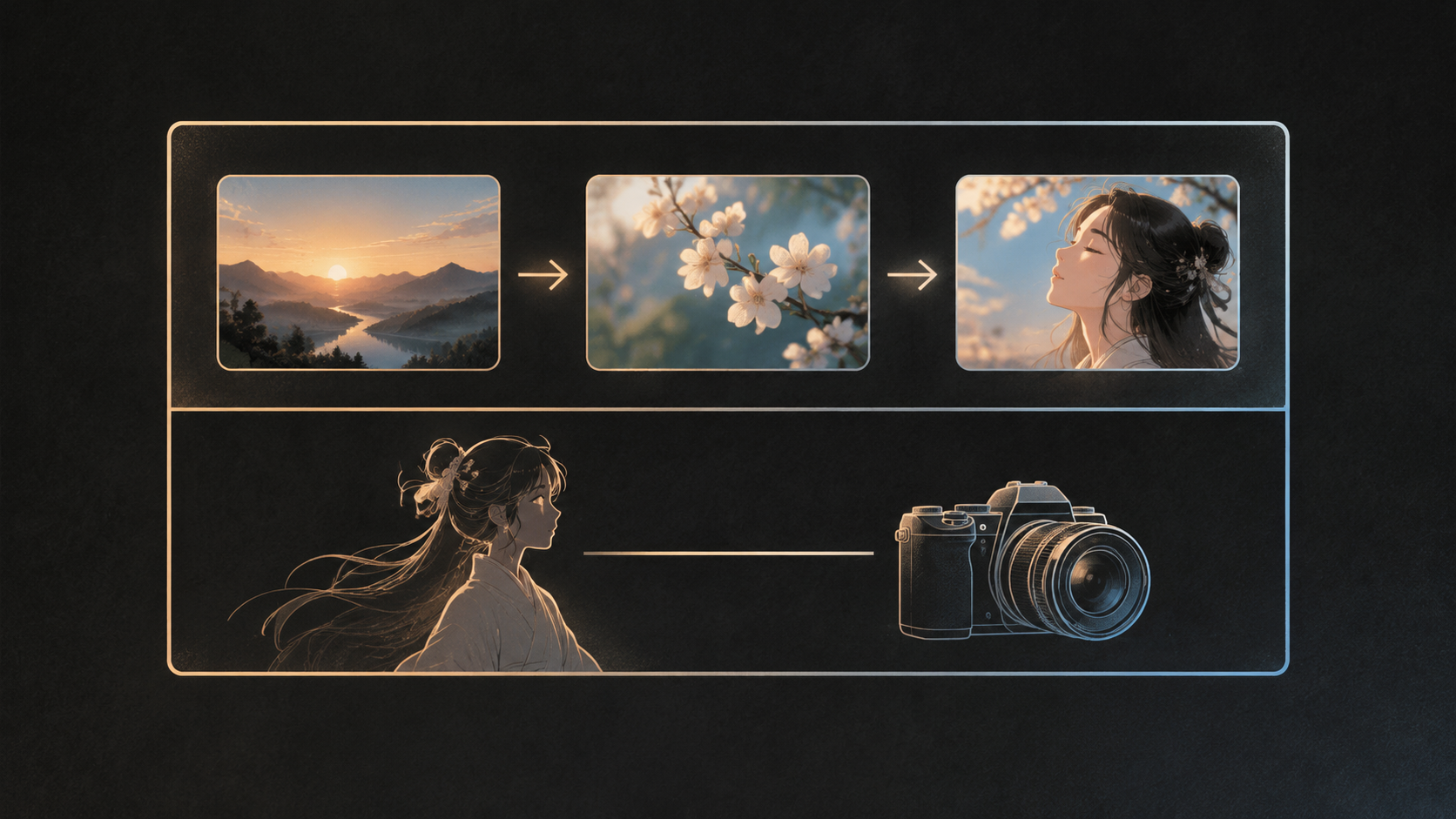
Most Seedance clips that disappoint are not badly written. They are written in the wrong order, or they describe a mood where the model needed a shot. The useful part of text-to-video is that a finished clip is also a diagnostic report: a frame that warps as the camera moves points at the camera sentence, a prop that changes between two shots points at how you named that prop, and a line of dialogue buried under unwanted subtitles points at the audio block. Read the output that way and most repairs are one sentence long.
This is a symptom-first pass rather than a pile of templates. Each section names something you can see in the player, the prompt habit behind it, and the smallest change that removes it. The reference points are ByteDance's own guidance for the Seedance models and published prompt guides that test it in practice.
Seedance prompts have two layers, and they fail differently
Runway's Seedance guide describes the prompt as two layers doing different jobs. The outer layer is structural: the clip breaks into labelled shots, written in the order the events happen, so the model knows the pacing before it knows the content. The inner layer is descriptive: inside each shot, continuous sentences cover who is there, what they are doing, where, in what light, and how the camera behaves.
Fuser, summarising ByteDance's own material, gives the inner layer an order worth memorising: subject and action, then scene and environment, then visual style, then camera movement and shot cuts, then sound, with a constraints line at the end. Runway's worked example covers the same ground in eight elements and closes with quality, style, and a negative instruction about subtitles and watermarks.
Almost every failure below is one of those two layers breaking. A prompt with no shot plan turns into a single undifferentiated drift. A prompt with no description produces technically moving frames with nobody in them worth watching. When you open a bad clip, decide first which layer you are looking at, because the fix lives in a different part of the prompt for each.
Symptom one: the clip is beautiful and almost still
You asked for "cinematic, moody, high detail, shallow depth of field" and got a photograph that breathes. Style words outnumber action words four to one, so the model renders the look and improvises the movement, and what it improvises is small and cautious.
The repair is to spend your words on one action with a speed and a force, attached to a body part. Runway's example does exactly this: a ceramicist steadies the rim of a bowl with both hands, slowly. The adverb carries the pace and the hands carry the motion, so there is nothing left to guess at. If the subject is a product rather than a person, name the one movement it makes, such as a thirty-degree rotation, and say what holds still around it.
Symptom two: the frame bends while the camera moves
This is the most common Seedance artefact, and the least mysterious. ByteDance's guidance for Seedance 2.0 warns that asking for a push, a pull, a pan and a move at the same time will increase image instability. Four instructions compete for one frame, so edges smear, straight lines bow, and faces lose their geometry.
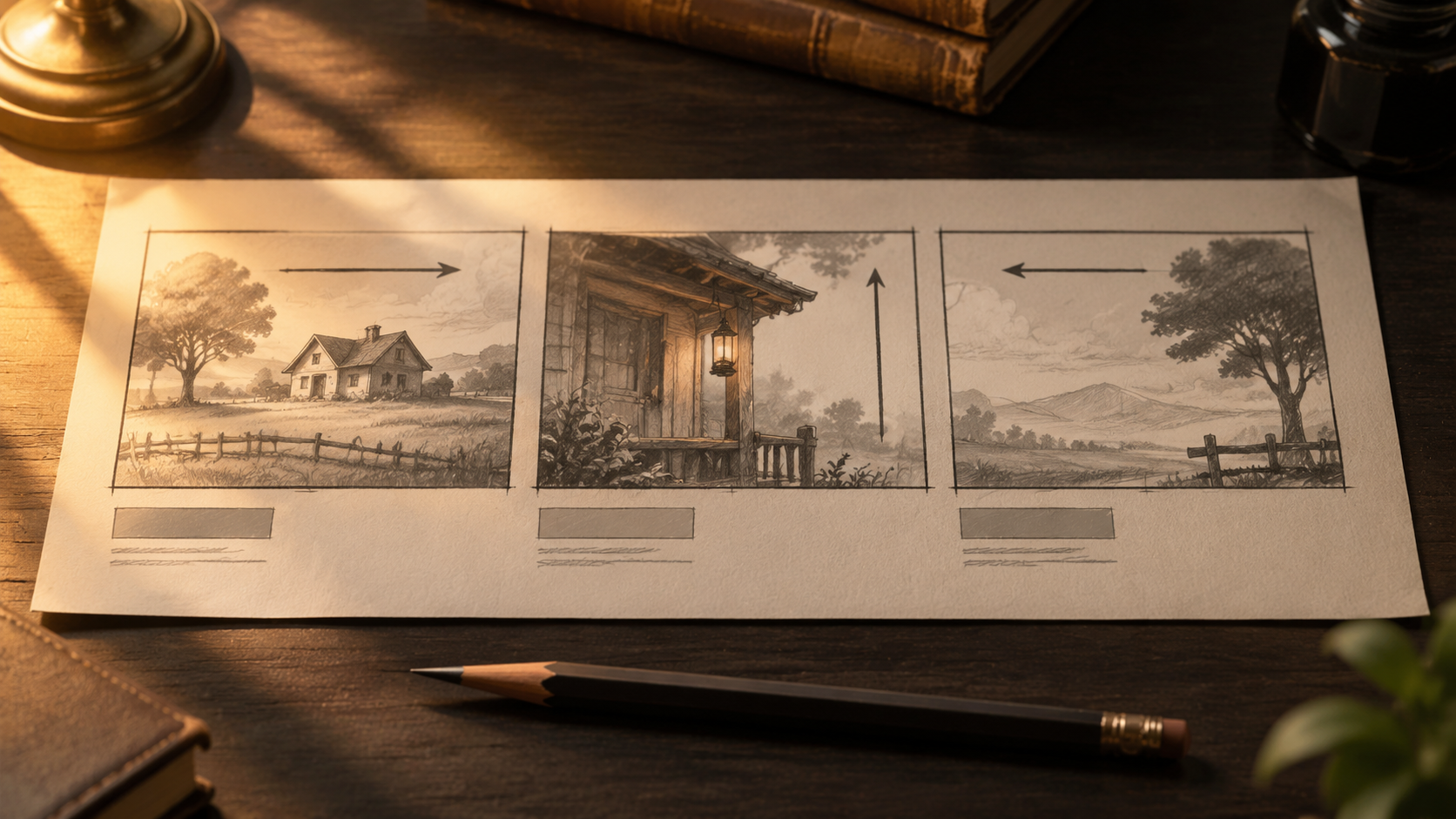
One move per shot is the rule, and a second move belongs in a second shot rather than in the same sentence. If you need a push-in that ends on a close-up, write the push-in and let the framing resolve, or label Shot 1 and Shot 2 and give each its own camera line. The other half of the repair is naming the camera in film terms the model already reads: shot size, angle, and one movement, rather than a paragraph of atmosphere that implies movement without specifying it.
Symptom three: cuts arrive where you never asked for them
A prompt that says "at two seconds she turns, at four seconds the camera cuts wide" assumes the model reads a clock. ByteDance's Seedance 2.0 guide says it responds to shot numbers rather than exact durations, and warns that forcing precise durations may lead to abnormal generation results. The later 2.5 generation reads integer-second ranges such as a zero-to-two-second shot, which is a different contract.
So the diagnosis depends on which version you are prompting. If your prompt is stuffed with second-by-second instructions and the clip invents extra cuts or swallows whole beats, you are over-scheduling a model that wants shot numbers. Number the shots, put the beats in the order they happen, and let the pacing resolve. If your version does read timestamps, keep the timeline continuous with no gaps, and avoid packing a range so tightly that the model has to add a cut to fit everything in.
Symptom four: the prop changes between two shots
Fuser's published test run is the cleanest illustration available: a potter generated across two shots, with the pot as a low open bowl in the close-up and a tall cylinder in the medium shot. The prompt changed the object's description between shots without noticing.
The fix is a naming discipline. Describe the object once, in the same words, everywhere it appears, and prefer a concrete inventory over an adjective: the headband, two ear cups, the matte oatmeal glaze, the chipped left rim. Where the object matters commercially, attach an image reference and say what it controls, rather than hoping the prose holds. Runway's guide adds a related point for people: a single combined image holding face, outfit, pose, and background gives the facial features too small a share of the frame to anchor on, so a face reference should be a face reference first.
Symptom five: the emotional beat goes blank
You wrote "she looks proud" and got a neutral face with good skin. Words like proud, sad, and nervous describe an interior state; there is nothing in them a renderer can place. Runway's guidance is blunt about this: show emotion as physical behaviour.
Rewrite the beat as a visible action with a start and an end. Her shoulders drop. He exhales and looks away from the lens. She stops mid-gesture and her hand settles on the table. The same rule rescues product video: "premium" is not renderable, but a slow light sweep across a brushed metal edge is.
Symptom six: dialogue arrives under subtitles you did not order
On the Seedance generations that produce audio in the same pass as the picture, sound belongs inside the prompt rather than in a separate block added afterwards. Fuser records ByteDance's bracket convention: angle brackets for effects, curly braces for dialogue, round brackets for music, with the language named before a non-Chinese line.
Two habits cause the subtitle problem. The first is repeating dialogue words or tagging individual words with an emotion, which the guidance lists as a trigger for unwanted on-screen text. Attach the performance note to the speaker instead of the line. The second is leaving constraints implicit: close the prompt with a plain instruction that the clip stays subtitle-free and free of logos or watermarks, and keep dense typography out of the prompt entirely, rebuilding captions in the edit where they can be corrected without a re-render.
Fix in the right order when several symptoms appear
Change everything at once and you learn nothing, because you cannot attribute the new result to any single edit. Work in this order instead.
Start with identity: the subject, the props, and the trait sentence that protects them. If the subject is not stable, nothing downstream is reviewable. Then camera, because a warping frame disguises every other problem. Then timing and shot count, since the number of cuts determines what the audio has room to do. Then sound and constraints last.
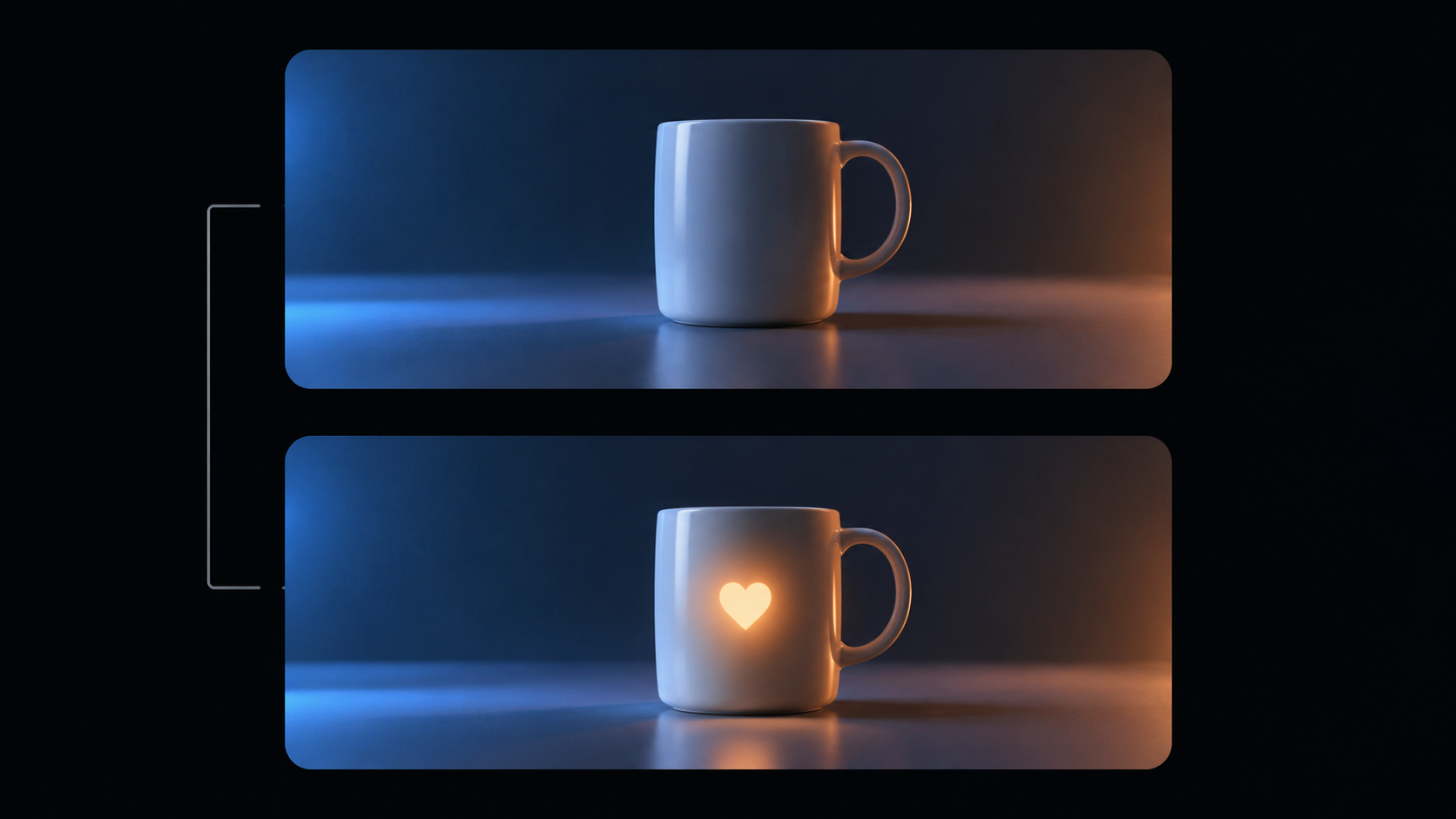
Where the interface exposes a seed, keep it fixed across a repair pass so the comparison isolates your edit rather than the sampler. Generate short, review, and only extend the length once the five-second version survives; the longer clip preserves more state, and a failed long sequence throws away a bigger unit of work.
A pre-render checklist worth thirty seconds
- The subject is named once and referred to by the same label throughout.
- Each shot has exactly one action, written with a speed and a force.
- Each shot has exactly one camera move, in film terms.
- Shots are numbered in the order the events happen.
- Objects that appear twice are described identically both times.
- Emotion is written as physical behaviour.
- Sound sits in its brackets, with the language named.
- The final line removes subtitles, logos, and watermarks.
Put the pass to work on a real clip
The point of a diagnostic pass is that it makes the second render cheaper than the first. You stop rewriting the whole prompt and start editing one sentence, then comparing the two clips side by side on the symptom you were chasing. Two or three rounds of that usually produces a clip that holds together, and a prompt you can reuse for the next product or the next scene.
You can run the pass on KOOX's Seedance video generator, starting with a short duration and a single shot before you commit to a longer sequence with cuts. Keep the prompt version, the settings, and the review note next to each other, and the pattern of which sentence causes which artefact becomes yours rather than something you re-derive every time.