Text to Video With Veo 3: Six Use Cases Worth the Render
A use-case playbook for text to video with Veo 3: paid hooks, product teasers, B-roll, channel openers, pre-visualization, and seasonal refreshes, plus the jobs it does not fit.
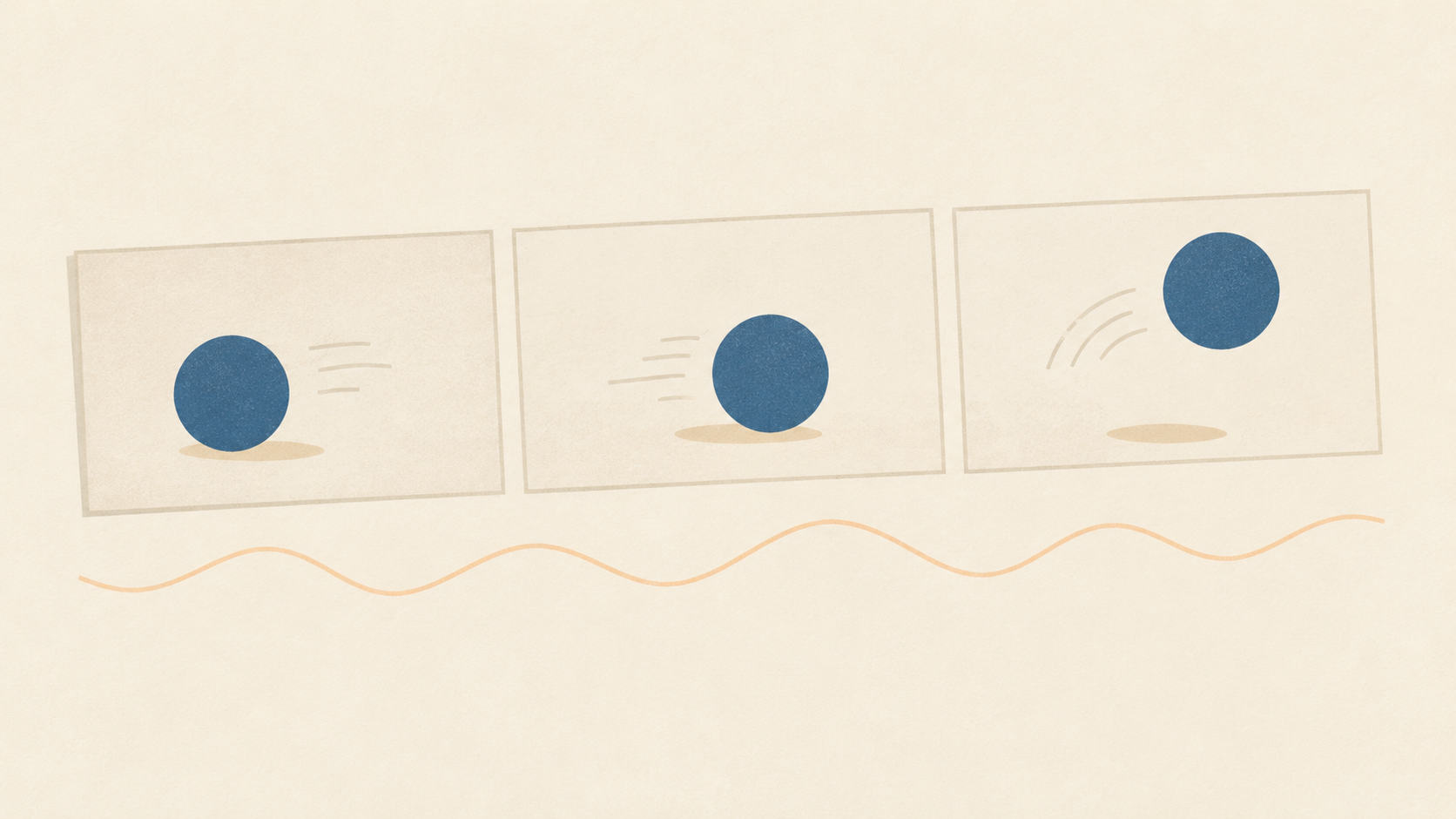
Veo 3 turns a written scene into a short clip and generates the sound alongside the picture: effects, ambience, and spoken lines arrive in the same pass. On KOOX AI you write the scene, optionally attach a reference image, and re-generate until the motion and framing feel right. That is a narrow capability compared with a full production, and the teams that get value from text to video with Veo 3 are the ones who pick jobs that fit inside the narrow part.
This is not another list of prompt openings. It is a use-case article: six jobs a Veo 3 clip can genuinely take on, the production constraint that decides whether it works for each, and the jobs where a rendered clip is the wrong deliverable no matter how good the prompt is. Every case below can be run with one person, one browser tab, and a folder of source images.
Why the use case decides the outcome
Three properties of the model shape every decision. First, clips are short: Google's own advertising implementation builds five- and ten-second videos from image assets, and the model family is described as delivering short segments with native audio rather than long continuous scenes. Second, the audio is generated rather than added, which is a gift for anything that needs a room tone or a line of dialogue and a liability for anything that needs a licensed track or exact brand copy. Third, prompt adherence is the headline improvement across the Veo 3 line, which means the model rewards specific direction and punishes vague hope.
Put together, those properties point at scenes that can be told in one shot, with sound, in under ten seconds, where the viewer does not need to read a label or verify a claim. That is a real category of work in marketing, ecommerce, and creator video. It is just not the whole category, and the fastest way to a bad first experience is to aim at the rest of it.
1. Hook variations for paid social and search
The clearest fit. In Google Ads, Veo-powered video creation lives in Asset Studio, where you pick an image for scene one and another for scene two, choose a five- or ten-second duration, then apply a template and text overlays. The output drops into Shorts placements in Performance Max and Demand Gen campaigns. Search Engine Land's walkthrough of that flow frames the value plainly: creative fatigue is a real performance drag in those campaign types, and cheap refresh is the answer.
The constraint that decides this use case is the first second. A paid hook has to land visually before anything else, because a large share of impressions arrive with sound off. Generate six versions of the same product moment with different opening beats, not six different products. Then let the platform's delivery decide, and retire the two weakest before the next refresh cycle.
2. Product teasers built from photography you already have
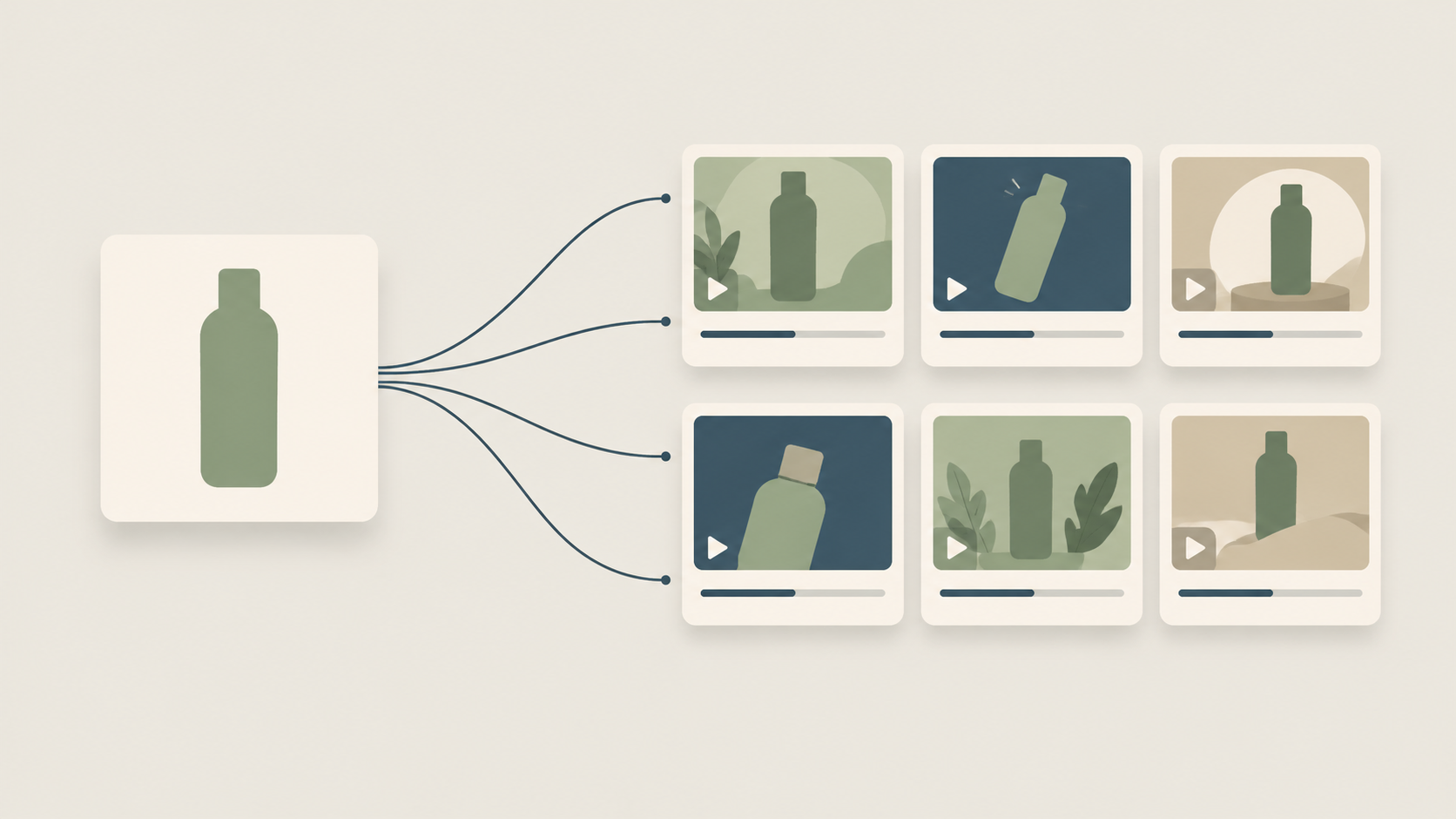
Most ecommerce catalogues contain one hero image per product that took real effort to light. Veo 3 lets you spend that image again: attach it as a reference so the model anchors on the existing look, then describe a small piece of motion that belongs in the scene. Steam rising off a hot drink. Fabric settling after a hand lifts it. A slow push-in across a surface while light sweeps from left to right.
The constraint is fidelity of the object itself. Generated motion can bend a logo, invent a seam, or drift a product's proportions, and a teaser that misrepresents the item will be noticed by the people who already own it. Keep the move modest, review the first frame against the original photograph, and treat any deviation in shape or branding as a failed take. When you would rather start from the photo than from text, the photo-to-video path on KOOX is the cleaner entry point.
3. B-roll and connective shots for longer pieces
A ninety-second explainer usually has three or four holes: the half-second of texture between two talking points, the establishing beat before a section change, the closing image that lets a voiceover land. Stock footage can fill those holes, but the licensing and the visual mismatch both cost time.
Text to video with Veo 3 handles this well when you generate to match rather than generate and hope. Note the lens feel, the light direction, and the grade of the footage you already have, then ask for a shot in that register: a low drift across a desk in late afternoon light, a slow rack focus from foreground leaves to a window. The constraint is editability. Ask for small, single-direction motion at the same aspect ratio as your timeline, because a clip with two competing camera moves is hard to cut into a sequence and hard to trim.
4. A recurring opener for a channel or series
Series video lives on recognition: the same three seconds before every episode, so a viewer knows whose video they are watching. A generated opener is cheap to iterate and easy to keep in a house style, whether that means a specific palette, a recurring object, or a signature camera move.
The constraint here is drift. Generate the same opener ten times and you will get ten cousins, not ten twins, because each render makes its own small decisions. Lock as much as you can: reuse one reference image, keep the prompt skeleton identical word for word, and change only the one variable you actually want to vary. Then pick a single approved render and reuse that file rather than regenerating per episode. The model is a design tool in this use case, not a broadcast system.
5. Pre-visualization before a live shoot
The most underused case. Before a shoot day, most of the expensive decisions are spatial: where the camera sits, how far it travels, where the light comes from, how long a beat needs to breathe. A storyboard answers those questions in stills, which means the crew discovers the problems on set.
A ten-second generated clip answers them in motion. Write the shot as you intend to shoot it, with a named camera move and a lighting motivation, and watch whether the beat actually works. Directors and editors have done this with animatics for decades; the difference is that the animatic now takes a prompt instead of a week of boarding.
The constraint is honest expectations. A previz clip is a decision aid, not a delivery asset. It will not match your lens, your talent, or your location, and treating it as a promise to a client creates exactly the argument you were trying to avoid. Label it internal, use it to cut a shot from the day's list, and keep the reference for the edit.
6. Seasonal refreshes and fast concept tests
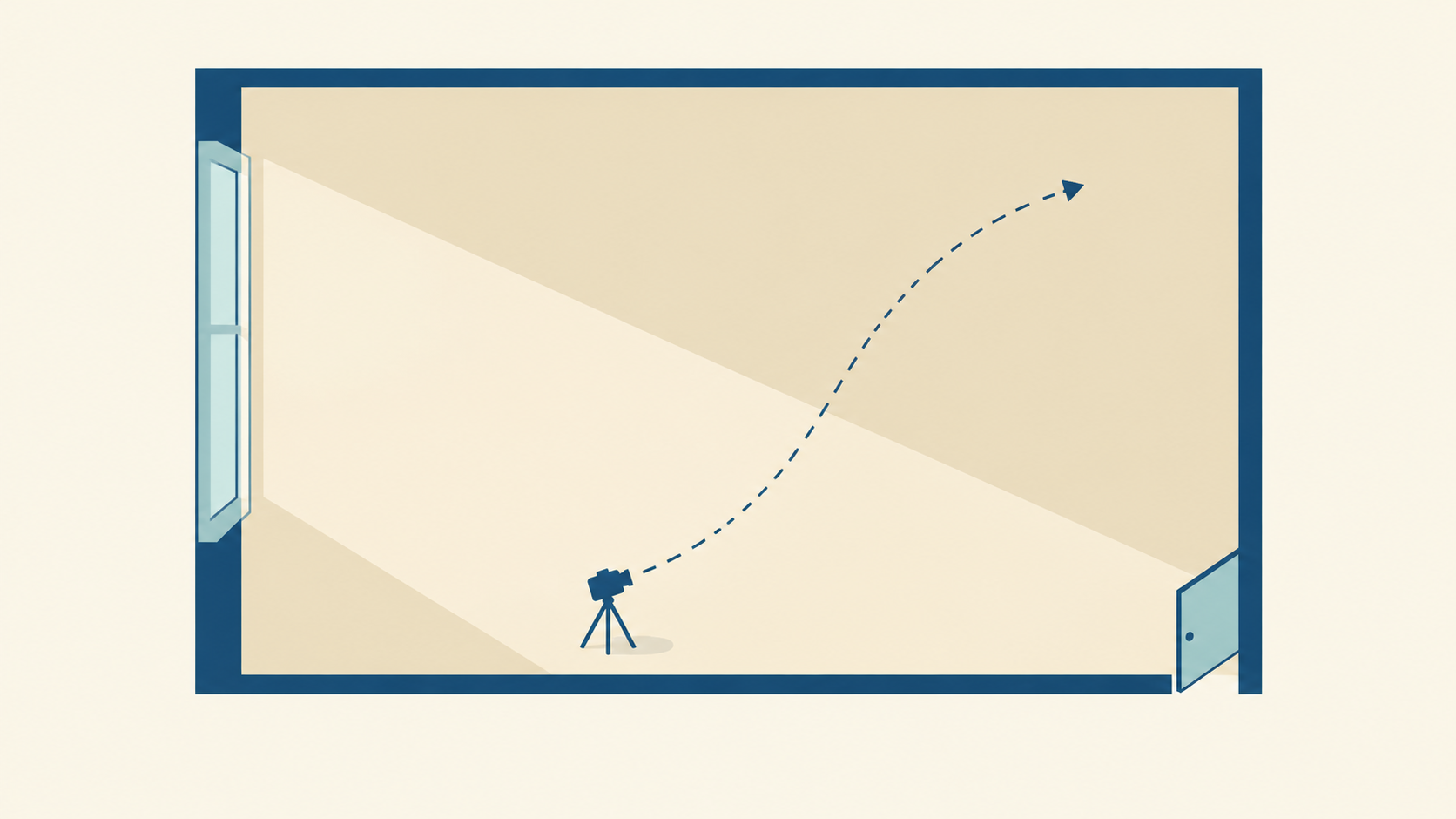
A hero clip that ran well in spring needs a summer version, and the version of that request that goes through a production company takes weeks. Regenerating the same scene with a different season, palette, or setting costs a prompt and a render, which changes the economics of staying current.
The constraint is what stays fixed. Decide before you generate which elements are brand furniture, the object, the framing, the sound character, and hold those in the prompt while you vary the rest. The same mechanism makes concept testing cheap: three directions, one afternoon, a real conversation with stakeholders instead of a debate about mood boards.
Where a rendered clip is the wrong deliverable
Say no to these, or budget for a different tool.
Long-form narrative with continuity across shots is still a production problem. On-screen text has to be legible and exact, and generated lettering is not a typography system. Testimonials and any claim a viewer might check need a real person saying real words, not a synthetic face. Precise product demonstrations, where a feature has to work on screen the way it works in the box, belong to a camera. And anything that depends on your brand typeface, your legal line, or a regulated disclosure should be laid out in an editor, not asked for in a prompt.
There is also a disclosure question. Many platforms now expect synthetic media to be labeled, and some categories have their own rules. Check what applies to your channel before you publish, and keep the label on the clip rather than in a footnote nobody reads.
A reusable use-case brief
Six lines are enough to make a Veo 3 request reviewable. Name the subject and the one action it performs. Name the camera, including whether it moves and how far. Name the light source and its direction. Describe the audio you expect to hear. Fix the duration and aspect ratio. List what must not change.
A filled example reads like this: a ceramic mug on a windowsill, steam curling upward in a slow steady ribbon; camera locked off, no movement; soft morning light from the left, cool shadows to the right; quiet room tone with a faint street below; eight seconds, vertical; the mug's shape, handle, and unglazed rim must not change. That brief is short because it is specific, and specific is what the model responds to.
How to know the use case worked
Decide the success test before you render, and make it a test the clip can actually pass. Did this replace a shoot day, a stock license, or an hour of a designer's time? Did the hook hold attention longer than the asset it replaced? Keep a simple log of prompt, render, and result so the next run starts from evidence instead of memory. Templates that never beat the baseline should be retired, and the ones that do should be promoted into a saved prompt skeleton the whole team can reuse.
Start with one
Pick the single use case where a ten-second clip would remove the most friction this month, run the six-line brief, and compare the result against the asset it is meant to replace. If you want the prompt-first workflow with reference-image support in one place, start on the Veo 3 video generator.