Chaining AI Image Transformation Rounds: When to Continue From the Last Output and When to Restart
A practical workflow for multi-round AI image transformation: read the strength and step math, decide when to restart from the original photo, keep a round ledger, and export from the best round.
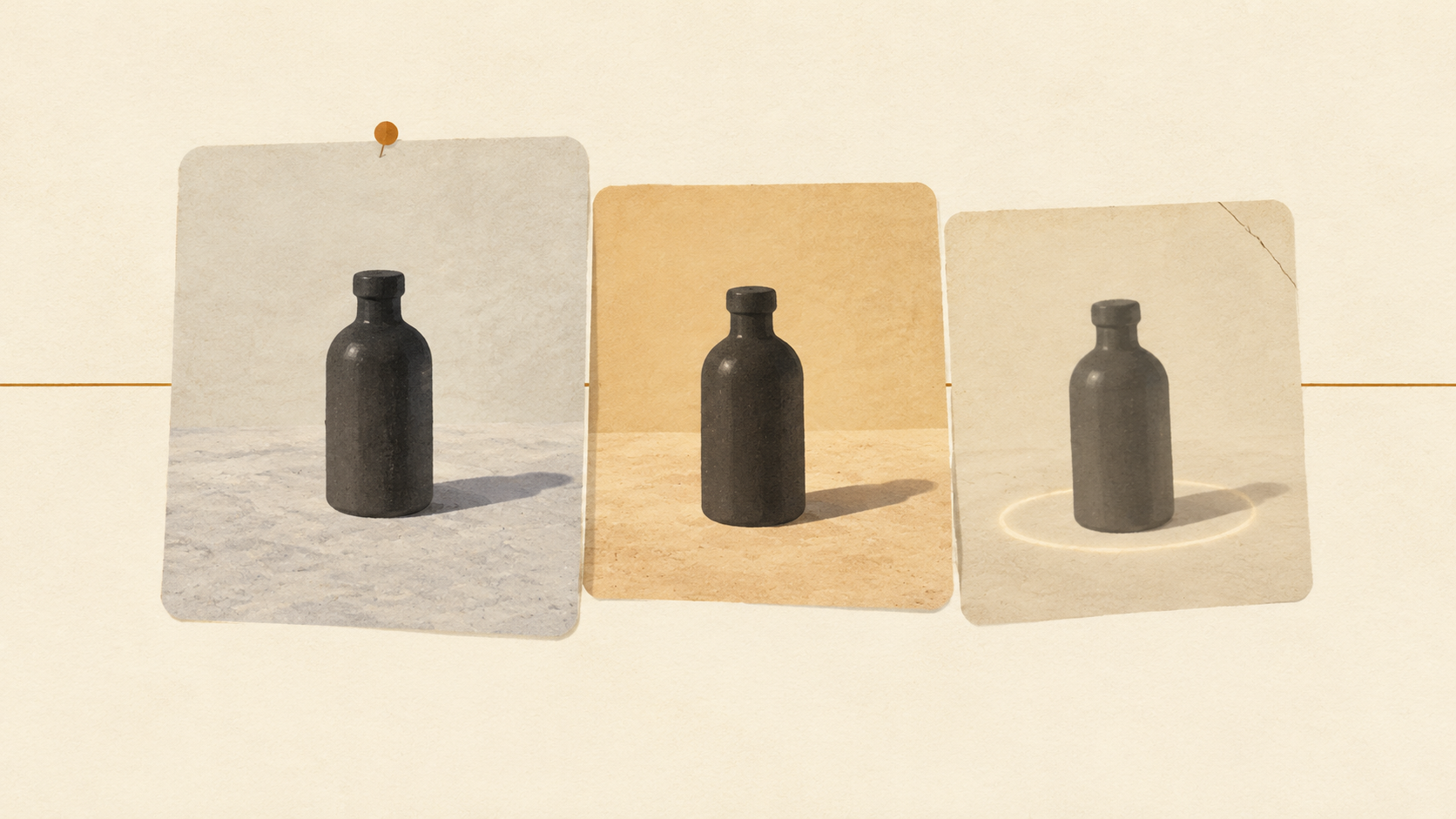
Most AI image transformation sessions begin with one photo and one change. The change lands, the result is good enough to keep, and then a second idea arrives: warm the backdrop a little, clean the corner, soften the shadow. At that point most people feed the last result back in and ask for one more thing. That is the moment a controlled edit turns into a chain, and a chain behaves nothing like a single pass.
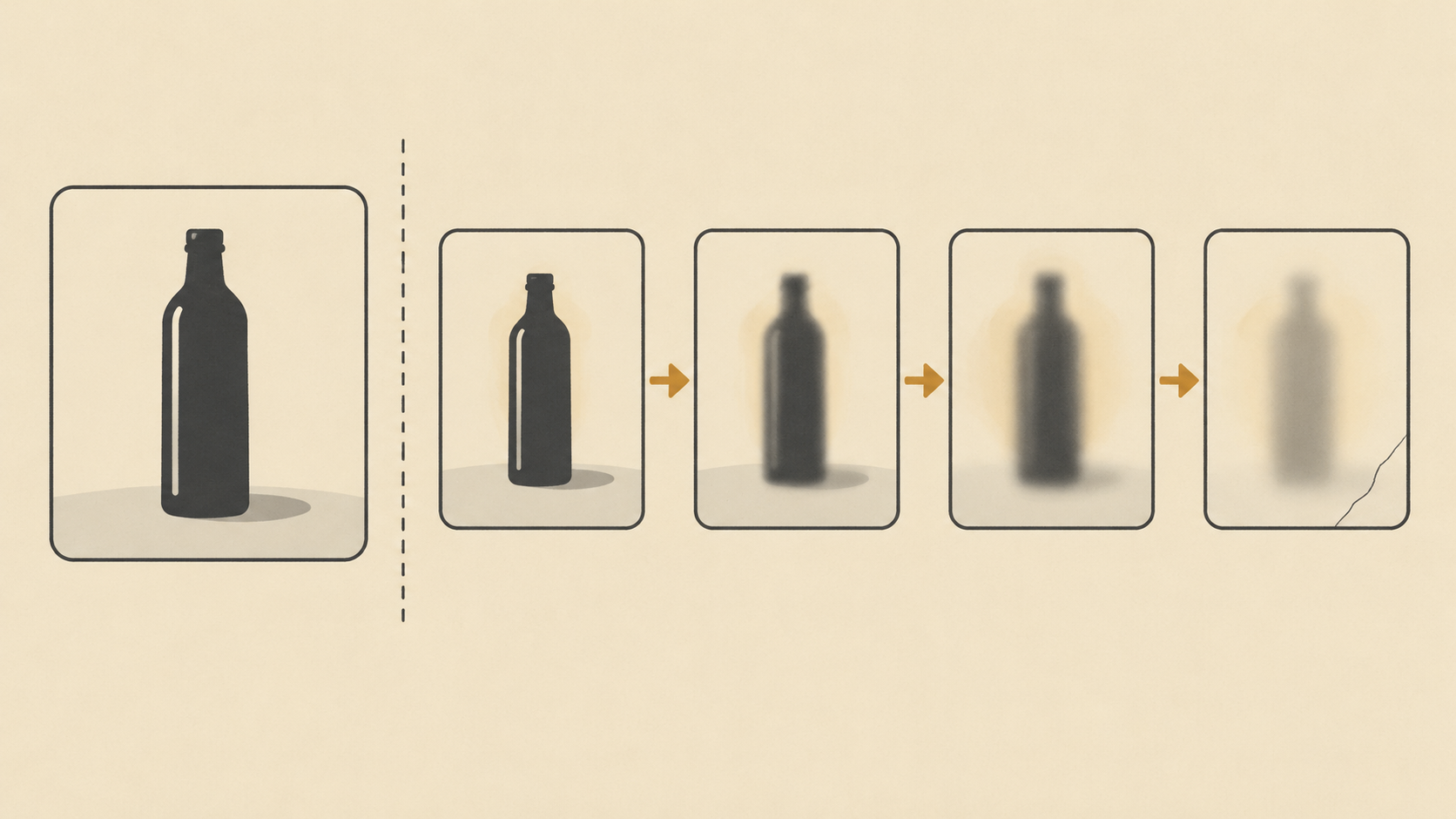
Nothing about the second request is unreasonable. What changes is the starting point. In the first round the model began from a photograph, which is a dense record of a real scene. In the second round it begins from a generated image, which is a plausible reconstruction of that scene, and the third round begins from a reconstruction of a reconstruction. Each link is fine on its own. The problem is that every round reinterprets details that were already approximate, and small reinterpretations accumulate in one direction.
A second pass is a different job from the first
The first transformation has a photograph to anchor it. Folds in fabric, grain in stone, the exact shade of a shadow, the way a label sits under a highlight: all of that comes from the file you uploaded. It is measured, not invented.
Once you pass a generated image back in, the anchor is gone. The model now treats the previous output as the world, including the parts of it that were slightly wrong: a bottle edge that was softened, a reflection that came back at the wrong angle, a strap that quietly lost a buckle. A second pass does not know those were mistakes. It preserves them, and sometimes sharpens them into a style.
This is why the same prompt that worked beautifully in round one can produce something muddier in round two. The instruction did not get worse. The ground truth under it got thinner.
Read the strength arithmetic before you chain
Diffusion-based image-to-image is not a layer edit. The Diffusers image-to-image documentation describes the process plainly: the starting image is encoded, noise is added to it, and the model denoises back toward your prompt. The strength setting decides how much of that trip the image makes. A higher value gives the model more room to produce something different, and at 1.0 the starting image is more or less ignored. A lower value keeps the output close to the image you brought.
The documentation also spells out the coupling that people miss: strength and num_inference_steps work together, and strength determines how many noise steps are applied. At 50 steps and a strength of 0.8, forty of those fifty steps are re-noised and re-denoised. So a "gentle" second pass at 0.8 is still rebuilding four-fifths of the frame. The picture looks similar because the prompt asks for similar things, not because the pixels were protected.
That arithmetic is what makes chaining expensive. Two passes at 0.8 are not 1.6 rounds of change; they are two full reconstructions, and the second one is built on a reconstruction. Guidance scale compounds the effect from the other side, since a higher value pulls harder toward the wording of the prompt and leaves the starting image less room to argue back.
Decide whether to continue or restart
The useful question is not how good the last result looks. It is what the next change actually touches. That answer sorts the work into two piles.
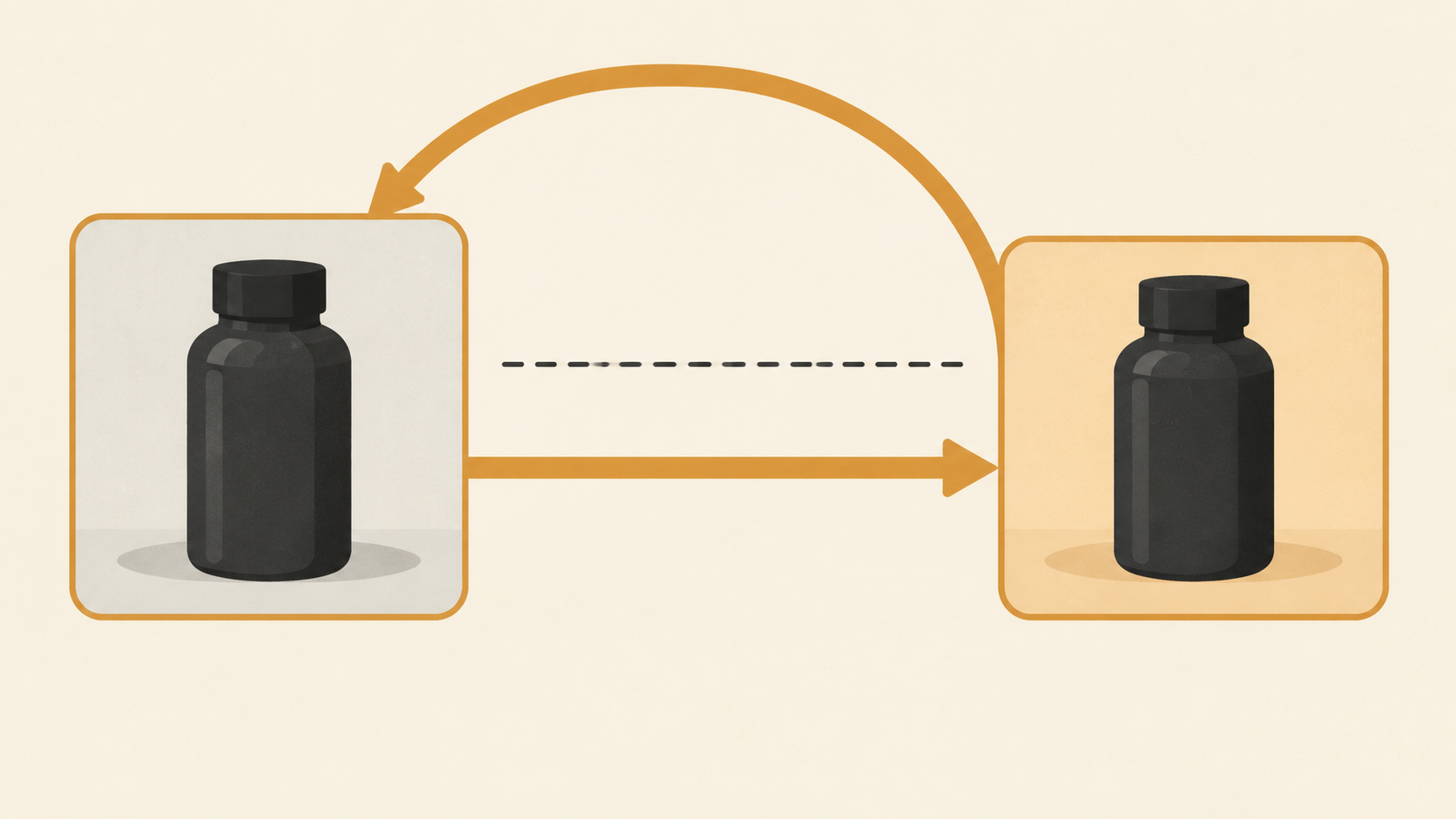
Restart from the original photo when the next change concerns the subject: its silhouette, its proportions, a buckle, a label, the edge where it meets the background, any small text, or the exact colour of the product. Those are the details that a second generation tends to smear first, and no amount of careful prompting recovers them once the first pass has softened them. Restarting means writing one brief that asks for both changes at once, from the clean source.
Continuing from the last output is defensible when the next change is global and forgiving: a warmth shift across the whole frame, a backdrop wash, a little more or less contrast, tidying an empty corner where nothing important sits. Those changes do not need the subject's original pixels, because they do not touch the subject.
A practical cap helps: allow yourself two structural rounds from the photograph, not from each other. If a third idea about the subject arrives, it belongs in a rewritten brief from round zero, alongside the first two, not on top of them.
Keep one ground-truth file and a ledger
Chains fail quietly because memory fails first. Three days later nobody remembers which of seven files was the good one, or which prompt produced it.
Fix that with two small habits. First, never overwrite the original upload: keep it as a read-only round zero, and export every round as a new file with the round number in the name. Second, keep a ledger next to the files, one line per round: the round number, the input it started from, the prompt, the strength, the guidance value, and one sentence saying what the round was for.
The ledger does two jobs. It tells you which round to return to when a later one is worse, and it tells you what to change when nothing is working. Without it, iteration becomes a series of unrelated guesses that happen to share a folder.
Write each round as one addition plus one protection
A chained round works best when the prompt names both what to change and what has to survive. Single-instruction prompts leave the model free to reinterpret everything they do not mention, which in a second round means everything.
Google's image generation documentation shows the shape of this in its editing examples, where a prompt names the one target and then closes the rest of the frame: change only the blue sofa to a vintage brown leather chesterfield, and keep the rest of the room, including the pillows and the lighting, unchanged. It is one sentence, and it contains a change and a protection list.
For a chained round, write it the same way and make the protection list specific to what the previous round got right. If round one finally produced a believable shadow, say so in the prompt. If the bottle's label survived intact, name it. The list is not decoration; it is the part of the instruction that stops the next generation from spending its freedom on details you already paid for.
Review each round before you build on it
The review question changes once you are chaining. It is no longer "is this good enough" but "is this a safe thing to build on". Look at each result at full size, not in a thumbnail grid, and compare it with round zero at the same zoom.
Three tells show up early when a chain is going wrong. Edges soften: the boundary between subject and background loses its crispness and gains a faint halo. Texture flattens: stone becomes smooth, fabric loses its weave, and repeated detail turns into a pattern. Small features drift: a label shifts a few pixels, a reflection changes angle, a shadow changes direction. Any of these on a detail you care about means the current file is a bad input for the next round, whatever else it gets right.
Finish from the best round, not the most recent one
The last image in a chain is almost never the best one, because the reason you kept going was that something was still wrong. Before exporting, put the rounds side by side and pick the strongest file, not the newest.
Then stop editing it. If one late round solved an area the best round got wrong, take that area only, or re-run the winning brief from the original photo with the improvement folded in. Both are cleaner than continuing the chain, and both keep a route back to the source.
Where chaining should not be used at all
Some jobs have no tolerance for a second reconstruction. Product photography where the item must match the physical object exactly, packaging with readable text, logos, and anything going through a marketplace review are all poor candidates for a chain. Each pass is a regeneration, not a layer edit, so exact pixels are not something a prompt can guarantee.
When the requirement is identity, do the transformation in one pass from the original, and finish the last few percent with a compositing tool that can preserve a cutout. That division of labour is what earlier KOOX guidance on reviewing a transformation before you iterate again points to as well: decide with your eyes, then change one thing at a time.
A routine you can run today
Start with one photo you know well and give it a single change you can name in one sentence. Save that round as round one, with a ledger line. Before asking for anything else, decide which pile the next change belongs to: subject, which means restarting from the source with a combined brief, or atmosphere, which can continue from round one.
Keep the chain to two rounds, review every result at full size against the original, and export the best file rather than the last one. If you want to see the single-pass end of this workflow before you start chaining, the AI image to image tool is the place to run round zero.
Chaining is not a mistake. It is a technique with a budget, and the budget is paid in the fidelity of the details you cannot see at thumbnail size.