Reviewing AI Image Transformation Results: A Checklist Before You Iterate Again
A practical review routine for AI image transformation: write the pass condition first, judge preservation and change separately, name the defect, and stop at the first result that passes.
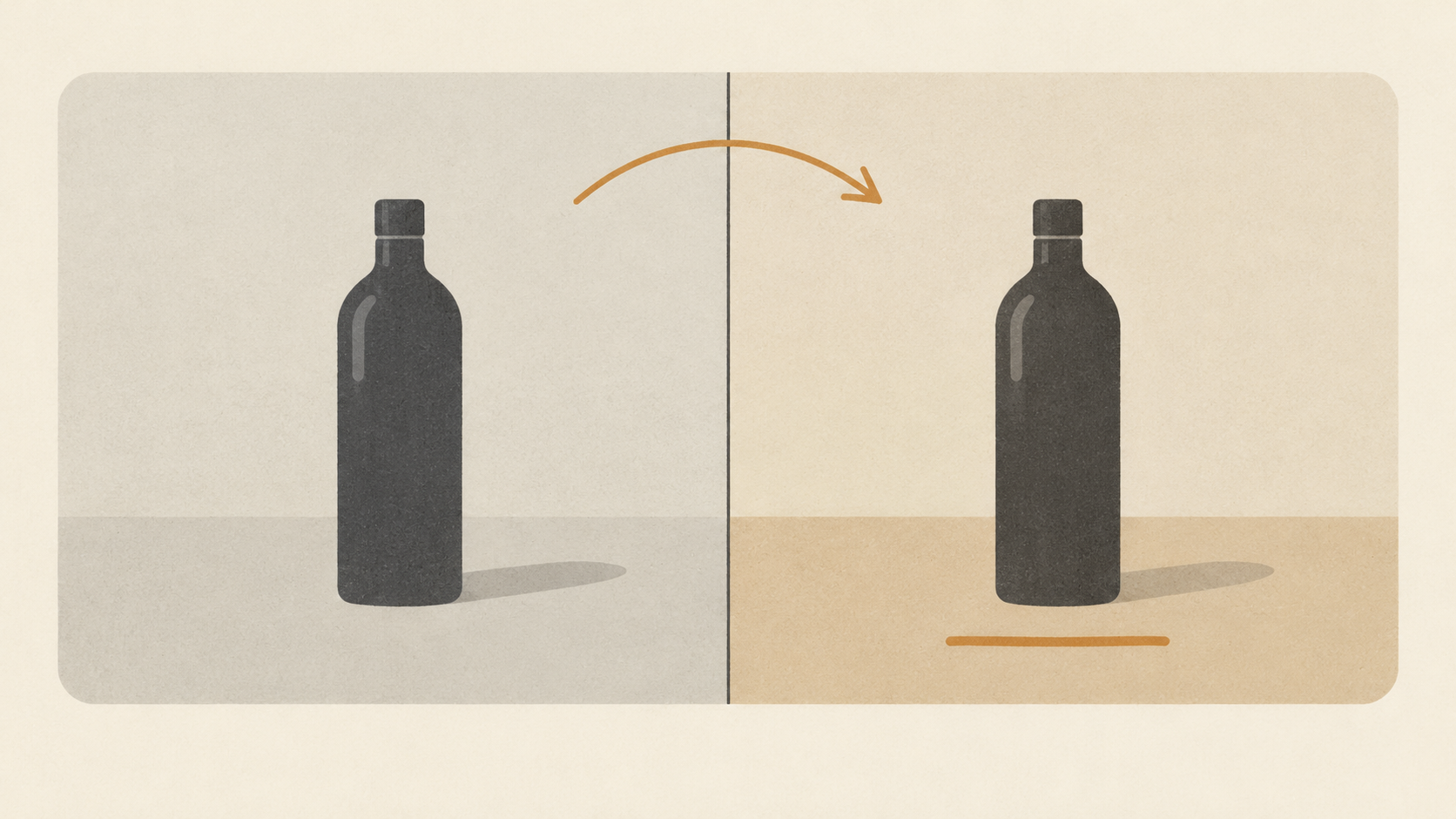
Most bad image transformation sessions are not prompt problems. They are review problems. Someone generates a result, senses that it is wrong without being able to say how, rewrites the whole prompt, and generates again, this time losing the three things that were already right. Ten minutes later there are five images that are each wrong in a different way and no record of which change produced which outcome.
The missing step is a way of looking at a result that ends in one of three decisions: accept it, change the wording, or change the strength. That routine fits between generations rather than inside them. It also assumes you already know what you want from the photo, which is a separate skill from judging whether you got it.
Write the pass condition before you generate
A review needs a standard, and the standard has to exist before the image does. Write one sentence first: what has to be true for this image to be finished. The same bottle on the same stone surface with the same shadow direction, but the backdrop warm sand instead of grey. That sentence has two halves and both of them count, the change you want and the things that have to survive it.
The sentence also filters bad requests. If your pass condition needs three clauses about mood, lighting, and a new material, the job is three edits pretending to be one, and no single review will be able to tell you which part failed. Split it, keep the source, and run the parts in sequence. This is how the text-prompt editor in Adobe Firefly is meant to be used: its own walkthrough stacks one instruction on top of the previous result, recoloring a vase, then adding wallpaper, then adding flowers to a fourth vase. Each step carries its own pass condition and its own review.
If you cannot write the sentence, you are not ready to judge anything. Generation at that point feels like guessing, because it is.
Ask two questions about every result, in order
Look at the output and answer these separately.
First, did the thing I asked for actually change? Second, did everything I did not ask about stay where it was?
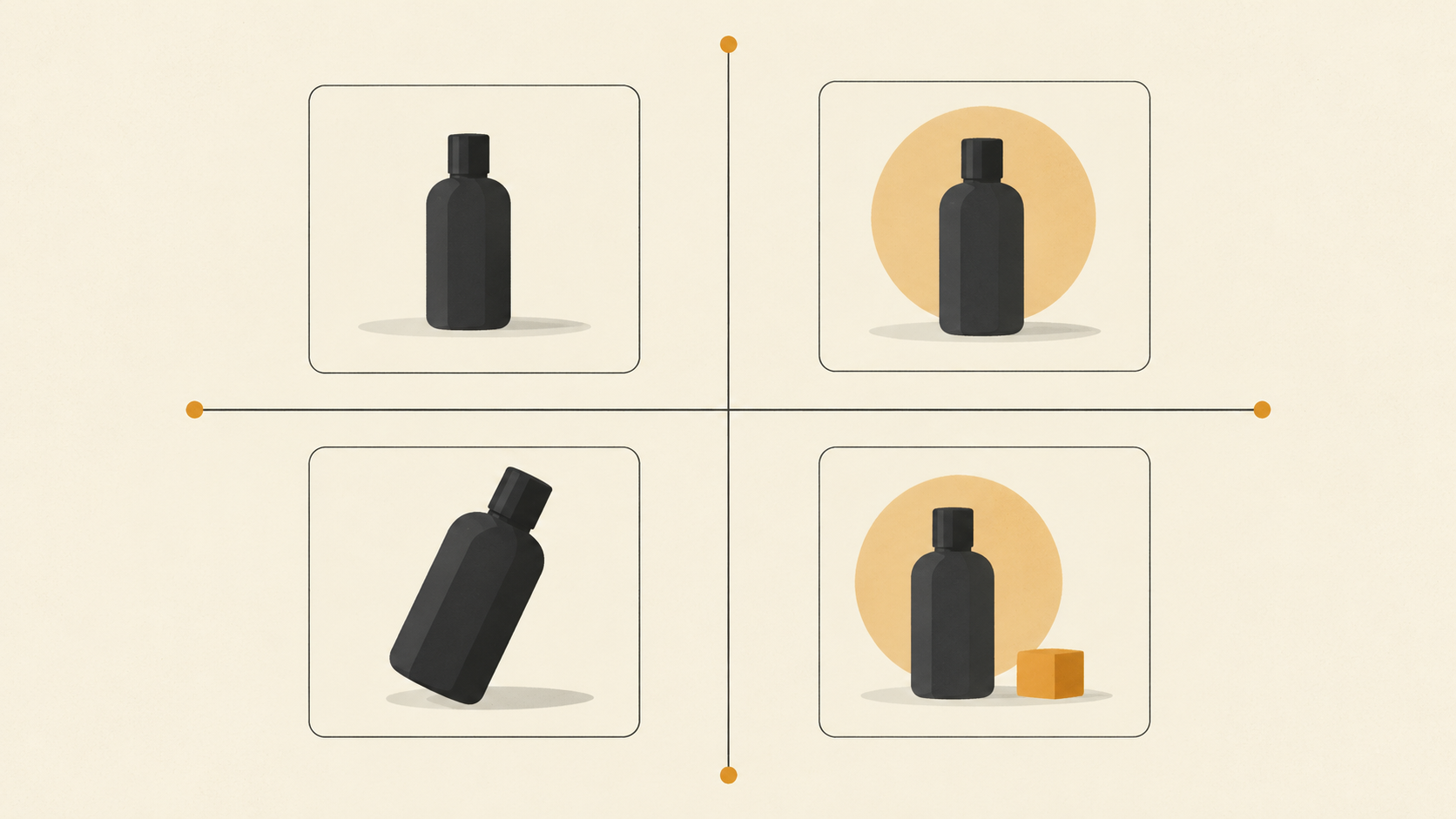
They are separate questions because they fail separately, and the two failures have opposite causes. Change missing while preservation holds means the instruction was too soft or the transformation too timid: the model treated your photo as the answer and the prompt as a suggestion. Change delivered while preservation breaks means the opposite, that the model had freedom and spent it, restyling the surface, the lighting, and the geometry because nothing was holding them in place.
Diffusion-based image-to-image pipelines make this mechanical. Hugging Face's documentation describes the initial image being encoded, noised, and then denoised toward the prompt, with the strength setting deciding how much of the original survives the trip. The guidance scale then governs how strictly the result follows the text, with higher values producing tighter alignment to the prompt and less room to deviate. When you review, you are reading those two forces off the picture. Too little change is a weak push. Too much collateral damage is a strong push with nothing anchoring it.
Change one dial at a time, and strength is usually the dial
The instinct after a disappointing result is to rewrite the prompt. That is often the wrong first move, because it changes several things at once and teaches you nothing about which one mattered.
If the prompt is accurate and the change simply did not land, raise the transformation strength. If the prompt is accurate and the composition drifted too far, lower it. The same documentation spells out what the number means: a higher strength gives the model more room to produce something different from the starting image, and a strength of 1.0 means the initial image is more or less ignored, while lower values keep the output close to the photo you brought.
The dial is not pure arithmetic, but the arithmetic is worth knowing. Strength scales how many denoising steps get applied, so a strength of 0.8 against fifty steps adds and removes forty steps of noise. Movement near the top of the range changes a great deal; the same movement near the bottom changes very little.
KOOX's image to image tool exposes that control directly and describes it the same way, higher strength for more dramatic changes and lower strength to stay closer to the original. It is the first thing to move when your review says right direction, not enough. What you should not do is move the strength and rewrite the sentence in the same attempt. If the result improves you will not know which change did it, and the next image starts from a guess.
Name the defect before you rewrite the sentence
Vague dissatisfaction produces vague retries. Give the defect a name and each name has a specific fix.
Edge seams or a halo where a replaced element meets its surroundings: the local change is larger than the model can blend, so shrink the area or lower the strength. Repeated texture, tiled pattern, or a surface that looks woven where it should look solid: describe the material and its finish rather than the pattern, since pattern nouns get copied instead of interpreted. Corrupted text, invented labels, garbled lettering: stop asking a generative model to reproduce type it cannot read, and composite real type afterwards. Bent straight lines, merged fingers, floating objects: geometry problems usually come from a prompt that spent its words on style instead of structure, so say what is where and what is resting on what. Light arriving from two directions, or a shadow pointing the wrong way: name the direction, the softness, and the time of day in one phrase so the model gets one light instead of a description of light. Extra objects nobody requested: the scene was under-described and got filled in, so name the empty space on purpose.
Two minutes of naming usually replaces three rounds of regenerating. It also turns a failed attempt into information, which is the only thing a retry should cost you.
Judge at the size the image will be used
Every image looks acceptable as a thumbnail. Seams disappear, invented detail reads as texture, and a shadow pointing the wrong way is invisible. Judge twice instead: once at full size to inspect edges, faces, and lettering, and once at the size the file will actually appear, a store card, a header, a phone screen. Detail that survives at full size can vanish at three hundred pixels wide, and detail that looks like nothing at three hundred pixels can be the reason a print run gets rejected.
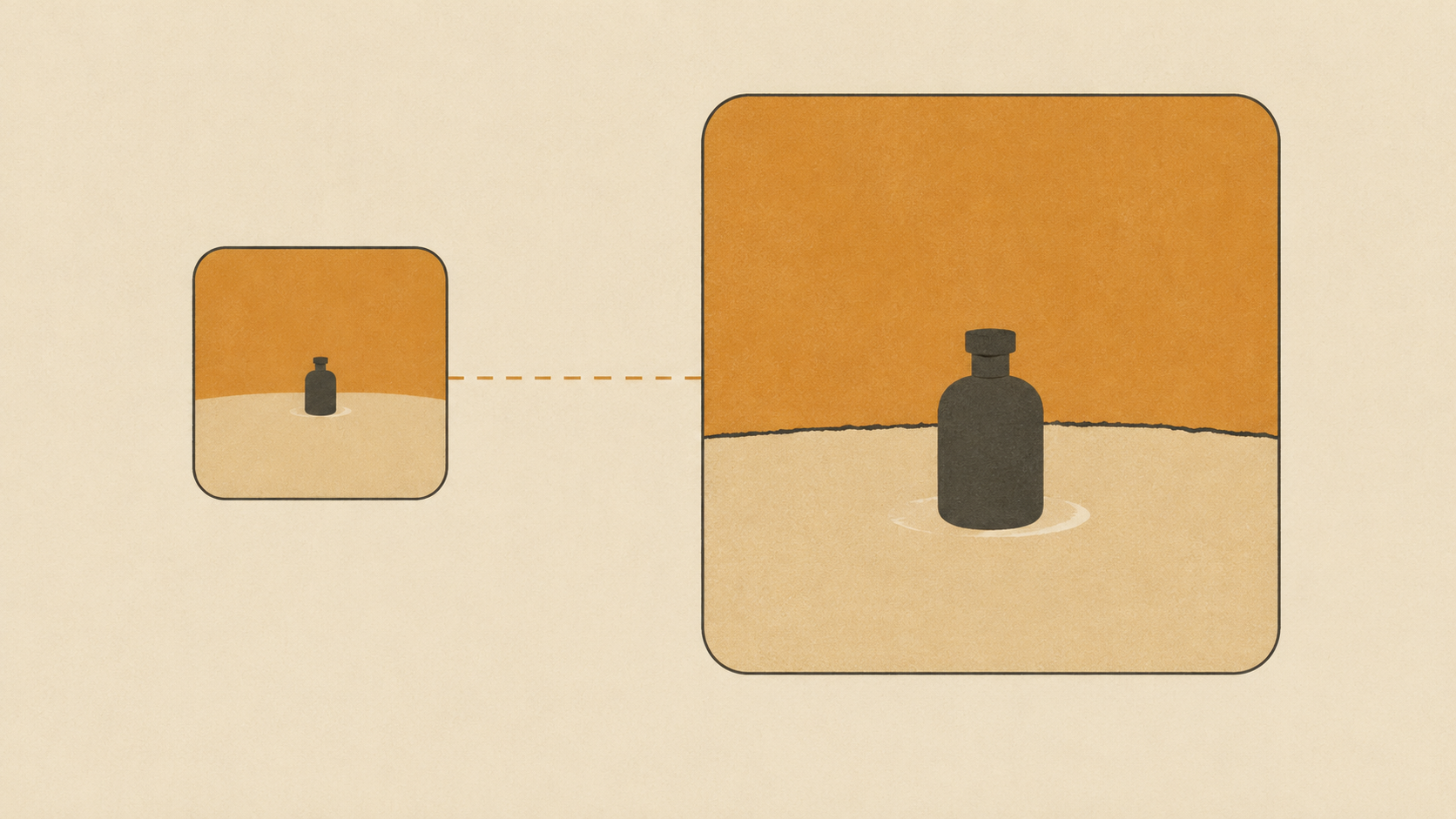
Compare against the original rather than against the previous attempt. Memory is a poor reference: each generation resets your sense of what the source looked like, and after four attempts the thing you are protecting has drifted in your head as much as in the file. Editors that keep a history panel solve this by letting you open any earlier version beside the current one, so use it deliberately as a comparison instead of a place to scroll.
One more cheap trick is to mirror the image, or to leave it for five minutes and come back. Both break the pattern matching your eye settles into after thirty seconds of staring, and both surface the defect you had stopped seeing.
Stop at the first result that passes
Generations are samples, not repairs. Running the same prompt again is a fresh coin flip on a new image rather than an incremental fix, and the tenth sample is not better than the fourth, only different.
So define the stop. If the image meets the pass condition and the defects you found do not appear at the output size, it is done. Use it and move on. Iterating past that point is how a session becomes an afternoon, and how a good result gets replaced by a slightly worse one you talked yourself into.
The corollary matters more. If two consecutive attempts fail on the same axis, stop generating and fix something upstream. Either the source photo cannot support the change, because of resolution, blur, or an object facing the wrong way, or the ask was too large for one pass and needs splitting. Further attempts on an unchanged setup produce the same failure with different noise.
Keep the accepted file. Keep a rejected attempt only if it taught you something, and prefer version names that say what changed over final, final2, and final-v3.
Keep a five-line review note
None of this takes long when it is written down, and the note pays for itself the second time you edit the same kind of photo.
Five lines are enough: the source file, the ask, the strength used, the verdict on the two questions, and the decision. Studio bottle, strength mid-low, change landed, label drifted, accept for social and do not use for print. That is a sentence you can hand to a colleague and a note you can read next month when the same client sends the same product.
Teams get a second benefit. A written verdict ends the loop where three people describe the same image differently and nobody can say what would make it acceptable. The pass condition from the first step becomes the shared language the review happens in.
The routine is deliberately boring: one sentence before, two questions during, one of three decisions after, one note at the end. Boring is the point. Transformation is fast enough now that the bottleneck has moved from generation to judgment, and judgment is the part you can systematize.
Start with a photo you already like, write the sentence, and run one pass with the strength where the review says it belongs. If you want to test the routine on something real, open the KOOX image to image tool, and if the wording is still the open question, these five prompt recipes and this four-pass routine cover that half of the work.