AI Image Transformation Prompts: Five Recipes That Keep the Photo Intact
Five copyable AI image transformation prompts for material, light, setting, medium, and single-object edits, each explained line by line with adaptation notes.
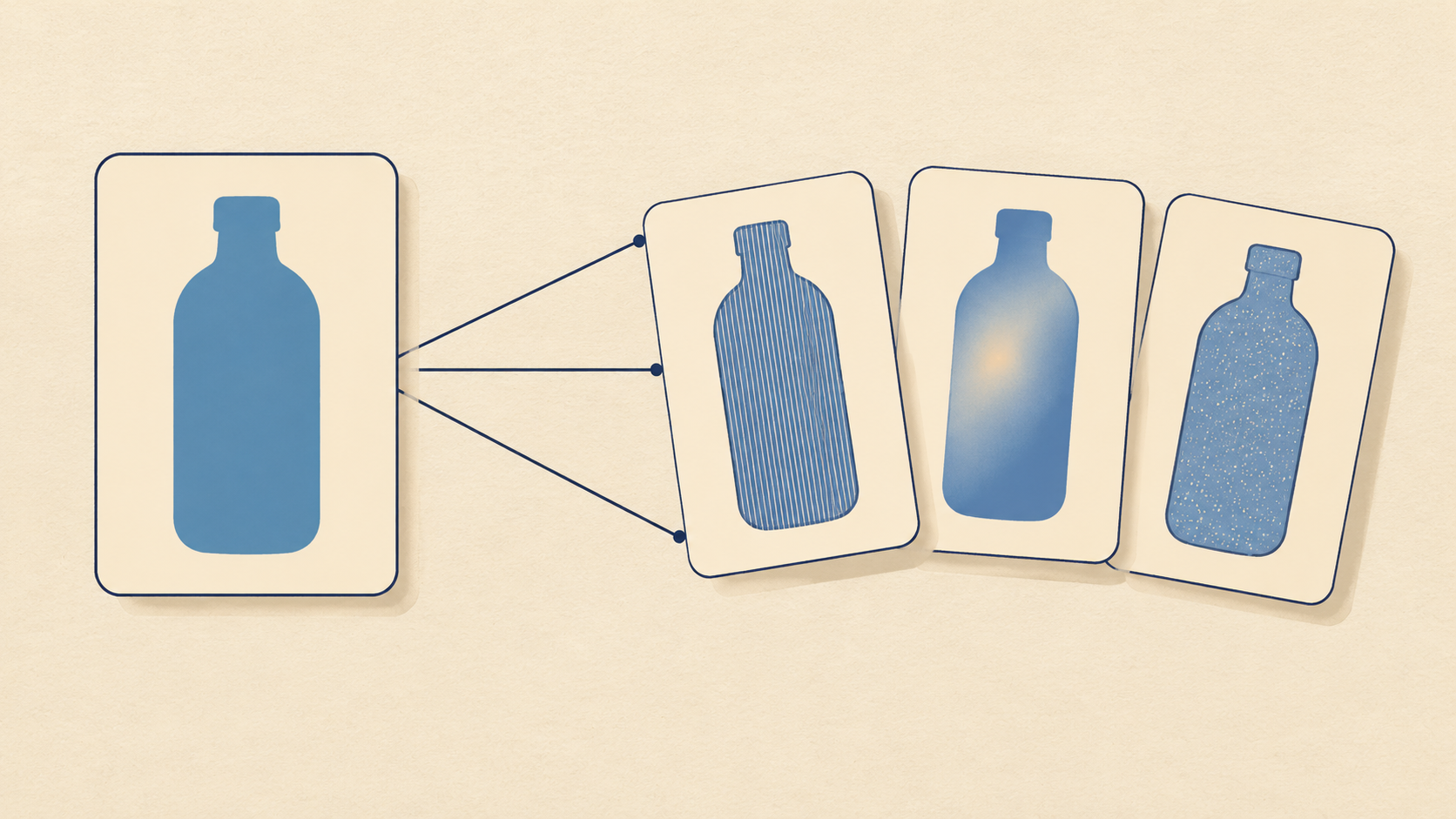
An AI image transformation is an edit, not a fresh picture. Your photo already carries the subject, the light, and the framing, so the prompt has one job left: describe the distance between what you have and what you want, then fence off the parts that must survive the trip. Guides aimed at text-to-image generation rarely say this, which is why so many edits come back looking like a different photograph of a similar subject.
The five recipes below are prompt shapes, not magic phrases. Each names a different kind of change - material, light, setting, medium, and a single swapped object - and each comes with the reason its wording works and the slot you swap to make it yours. Published image-to-image guides describe the same underlying structure: source subject, requested transformation, environment, lighting, style, and the details that must stay unchanged. Editing-specific guides say it shorter: subject, change, hold.
Why a transformation prompt is two prompts in one
Half of the sentence asks for the change. The other half refuses the collateral damage. Precise-edit prompting guides are blunt about this - the preservation half of the prompt does as much work as the request, and the model was tuned to alter only the element you name while holding everything around it steady.
That has a practical consequence. Adjectives are a poor investment compared with a specific hold line. Calling something "premium" gives the model nothing it can check. Writing "keep the cap, the label placement, the product color, and the camera angle exactly as they are" gives it four things to protect and four ways to fail where you can see the failure.
The other consequence is restraint. Edit prompts that stack six ambitions tend to satisfy none of them, because every new requirement competes with the preservation you asked for. One change per round is not a stylistic preference; it is what makes the next round debuggable.
The four-line skeleton
Every recipe below is built from the same four lines, in the same order.
- Anchor - name the source and the one thing that must survive, in the first sentence.
- Change - one transformation, described as a property of the surface, the light, or the layout.
- Finish - the light, contact shadows, and framing that make the result feel photographed rather than pasted.
- Hold - an enumerated list of invariants: silhouette, label, text, geometry, angle.

Image-to-image prompt collections recommend a similar order and warn against overload - specific without becoming excessive. The order matters because models weight the opening most heavily, and a hold line at the end still works when it is short and concrete. If a result keeps drifting, move the hold line to the front; if it barely changes, the change line is too abstract.
Recipe 1: the material swap
The most reliable transformation on a single object is a surface change: same shape, different stuff.
Transform the plastic bottle in this photo into brushed stainless steel,
keeping its exact silhouette, cap, label position, and proportions.
Keep the same camera angle and framing.
Replace only the surface material: fine vertical brush grain, a soft
specular highlight along the left edge, and cool neutral reflections.
Leave the studio background and the direction of the existing shadow
exactly as they are.
Why it works: material is a property of a surface, so the model has somewhere to apply the change without redrawing the object. Naming grain, highlight, and reflection gives three checkable signals instead of one vague one, and repeating silhouette in the hold line closes the obvious escape route.
Adapt it by choosing materials that differ in reflectance rather than color: matte ceramic to glazed ceramic, painted wood to raw wood, cotton to silk. A plastic-to-glass swap is harder than it looks because glass changes what is visible behind the object, so add a line about the background showing through the body only faintly.
Recipe 2: the light shift
Relighting is where amateur edits overreach, because it tempts you to restage the scene as well as relight it. The trick is to forbid the restaging explicitly.
Keep this room exactly as it is - same furniture, same wall colors,
same window, same framing - and relight it as late afternoon in early
autumn. Low warm sun enters through the window on the left, long soft
shadows stretch across the floor away from the window, and the
interior falls into gentle ambient shade. Do not move or recolor any
object.
Why it works: time of day plus direction plus shadow length is a geometry instruction disguised as a mood instruction. The closing sentence removes the ambiguity that would otherwise let the model "improve" the furniture arrangement while it is in there.
For an overcast version, keep the same first and last lines and change only the middle: flat white light, shadows reduced to soft contact darkening, colors slightly cooler. Seasonal swaps work the same way - swap the adjective on the light and leave the inventory alone.
Recipe 3: the scene transplant
Moving a subject to a new background is the recipe most often ruined by lighting that does not match the new room.
Place the ceramic mug from this photo on a pale limestone counter in
a bright kitchen, photographed at the same eye level and with the
same lens character. Keep the mug's shape, handle, glaze color, and
any printed mark exactly as they are. Add a soft contact shadow under
the base and a short shadow cast to the right, matching a large
window on the left. Nothing else in the frame in front of the mug.
Why it works: the hold line protects the object's identity, and the two shadow instructions - contact plus cast - are what make a transplant read as a photograph rather than a composite. Naming the light source and its side gives the shadows a consistent origin.
Adapt it by describing the surface the object stands on before describing the room, since texture under the subject is the detail viewers use to judge whether the scene is real. If your product has a reflective base, ask for a faint reflection of the surface in it; without that line, a glossy object in a bright room looks cut out.
Recipe 4: the medium shift
Turning a photograph into an illustration is the transformation most likely to lose the person in it. Constrain the medium tightly and protect the face by name.
Re-render this portrait as a two-color risograph print in deep teal
and warm cream, with visible halftone dot texture in the midtones.
Keep the person's face, hairline, expression, and head angle
recognizable and unchanged. Simplify only the background into flat
shapes. No added text, no border, no signature.
Why it works: "two-color" is a hard constraint the model can satisfy visibly, and halftone dots are a concrete texture rather than a style adjective. The identity line stays specific - face, hairline, expression, angle - instead of the useless "keep it the same". The negative line at the end prevents the decorative additions that illustration prompts invite.
Adapt it with a different hard constraint: single-weight ink line, screen-print misregistration, gouache with visible paper tooth. Keep the identity sentence word for word, because it is the part doing the protective work.
Recipe 5: the single-element replacement
Sometimes only one thing in the frame is wrong. Say so, and then say what surrounds it.
Replace only the white mug on the desk with a dark green stoneware
cup of similar height and diameter. Keep the desk, the notebook, the
monitor edge, the window light, and the camera position exactly as
they are. Match the existing shadow direction and the softness of the
light on the cup. Do not alter any text visible in the frame.
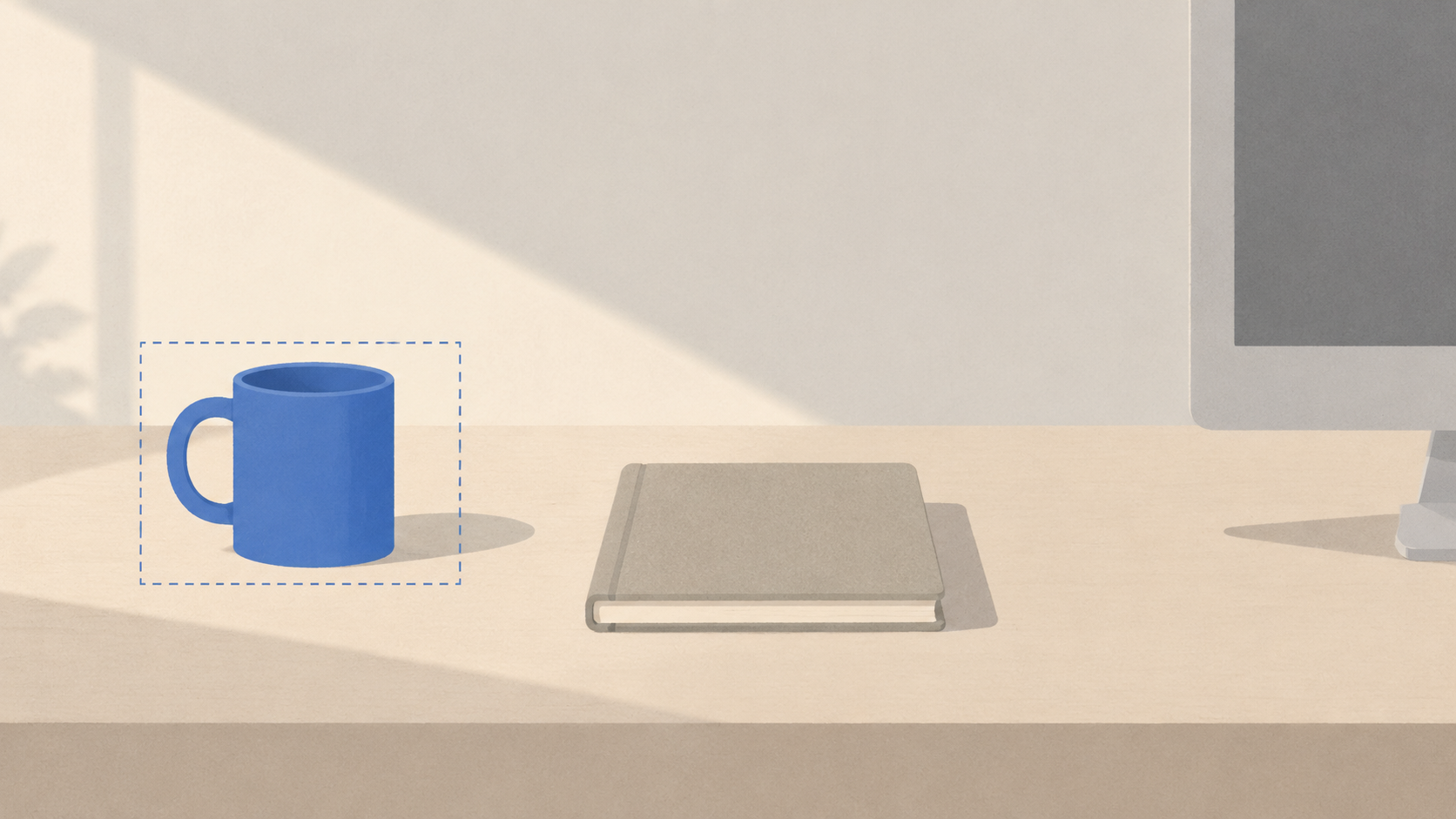
Why it works: the replacement is scoped by size rather than by description, so the new object drops into the existing composition at the right scale. The hold list names the neighbors, which is what stops the model from tidying the desk while it works, and the text line protects any legible label from being re-rendered.
Adapt it for a missing object rather than a wrong one - an empty wall, a bare tabletop - and describe the space in the same breath as the object so the addition respects the existing perspective.
How to adapt any recipe to your own photo
Change the slots, not the structure. The anchor becomes your subject plus your one must-keep detail; the change verb stays at surface, light, or layout level; the finish line keeps the same three concerns; the hold list is rebuilt from your photo, not copied from this page.
Three habits make the difference between a recipe that works and one that merely looks tidy. Move the hold line first when results drift, because the opening carries the most weight. Treat abstract verbs as bugs - "enhance", "improve", and "make it professional" name no checkable property. And log the prompt next to the result you kept, since the version you will want next month is the one that produced the frame you approved.
If you already run a step-by-step edit routine, these recipes slot into it as the middle step rather than replacing it; the control workflow for AI image transformations covers how to bound the change before you write the prompt at all.
Where the recipes stop working
Hands with visible fingers, dense paragraphs of small text, and exact brand marks remain unreliable, and no prompt shape fixes them. Identity also drifts across long chains of edits, so re-run the original photo with a refined prompt instead of editing the edit. Judge results at full size, not in a thumbnail, and check the label, the logo, and any copy in the frame before you use the image anywhere that matters.
None of this is a guarantee about any specific model or plan. Features, limits, and output sizes change, so verify what your account actually offers on the live tool page rather than relying on a guide written months ago.
Copy one recipe and run it today
Pick the transformation closest to the photo on your desk. Paste the block, replace the bracketed details with your own subject and hold list, generate once, then change a single line for the second round. The image to image tool on KOOX AI takes a source photo and a written transformation, which is exactly the shape these five recipes assume.
Start with the material swap if you want a quick read on whether your hold line is specific enough. It fails visibly when the line is vague, and that feedback is worth more than another page of prompt advice.