AI Video Motion Prompts for Multi-Shot Sequences: A Kling 3 Workflow
A practical workflow for AI video motion prompts in Kling 3 multi-shot scenes: plan coverage, divide the seconds, write one beat per shot, then audit the cuts.
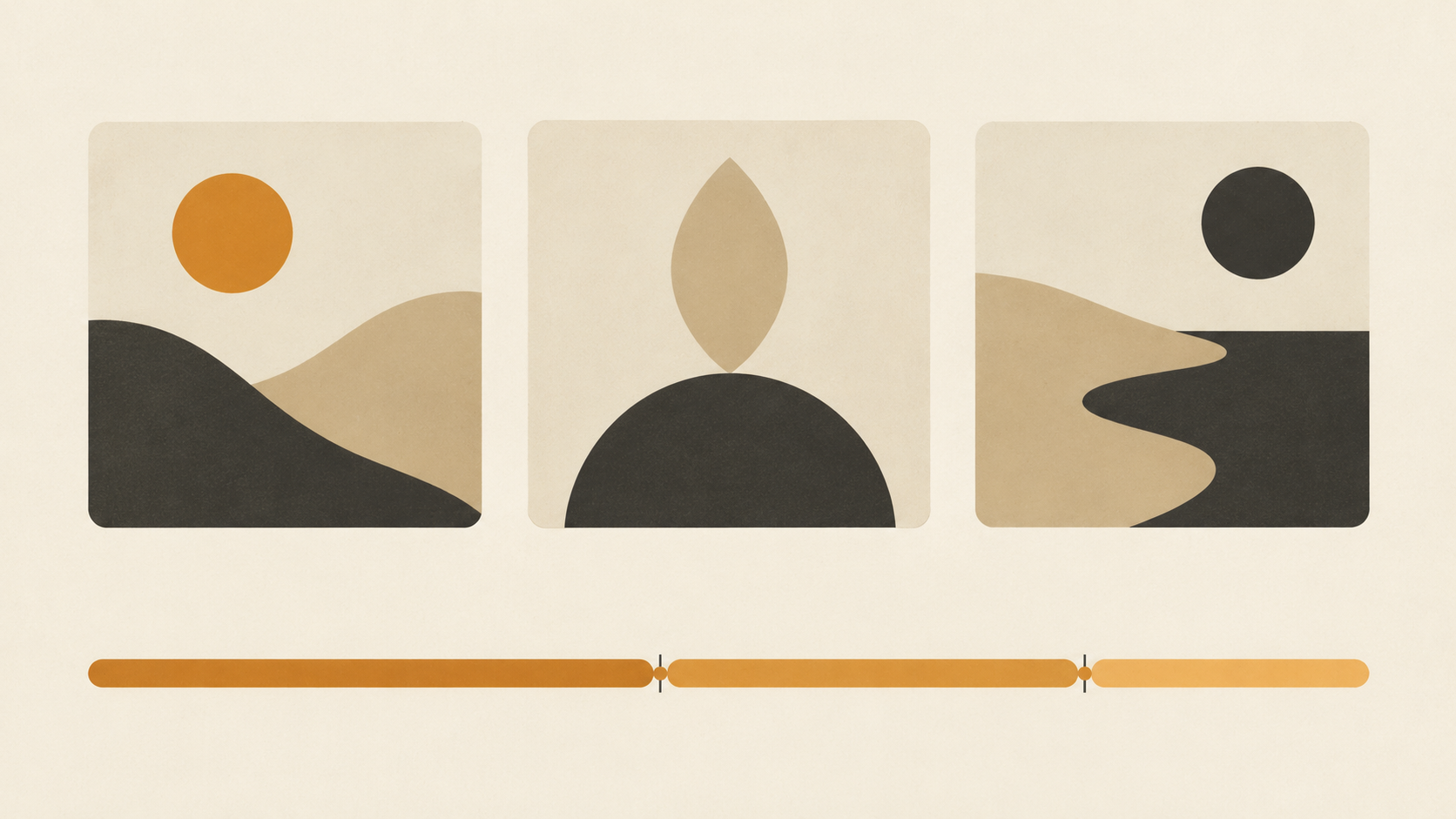
Motion prompts are usually written one shot at a time: pick a subject, pick a move, generate, then judge the result by whether the camera obeyed. Kling 3 changes the unit of work. A single generation in the VIDEO 3.0 series can hold up to six shots across three to fifteen seconds, plan its own transitions, and carry native audio through each cut. The question stops being what the camera does and becomes what each shot spends its seconds on, and where the cut has to land for the next beat to make sense.
That is a planning problem before it is a wording problem. The workflow below treats one generation as a small sequence: build the coverage first, divide the seconds between shots, write every shot block the same way, anchor what must not change, then audit the cuts instead of the pretty frames. All of it fits in one prompt field.
Build the coverage before you write motion
Coverage is the list of shots and what each one is responsible for. Write it as plain lines first, with no camera language: who is on screen, and the one thing the viewer learns. A four-shot drink teaser reads: the glass alone on a counter; a hand lifting it; the pour; the glass set down. Only then does each line get a framing.
Kling's own multi-shot guidance is strict about this. Every shot should add a distinct visual or narrative beat rather than repeat information already given from another angle. That rule removes most bad shot lists on its own. If two lines tell the viewer the same thing, one of them is a camera move pretending to be a beat. Merge them, or make the second line claim something new.
Keep the list inside what the model can plan. The official feature table lists up to six shots per generation in both automatic and custom modes. Six is a ceiling, not a target.
Divide the seconds before you write a word
The VIDEO 3.0 series generates between three and fifteen seconds, and in Custom Multi-Shot you set each shot's duration yourself. Those two facts turn the prompt into an exercise in division. Nine seconds with three shots suggests three seconds each. Six shots in six seconds gives every beat one second, which is not enough time to register a new frame, let alone a performance.
Two rules survive contact with the model. Give the shot that carries the change the longest duration, and hold the shortest at two seconds or more unless it is a deliberate flash. If the arithmetic comes out under that floor, you have too many shots for the clip: cut a beat instead of shrinking every shot.
Write the seconds into the prompt. The model reads the structure, and you get a plan you can hold the output against.
Write every shot block in the same four slots
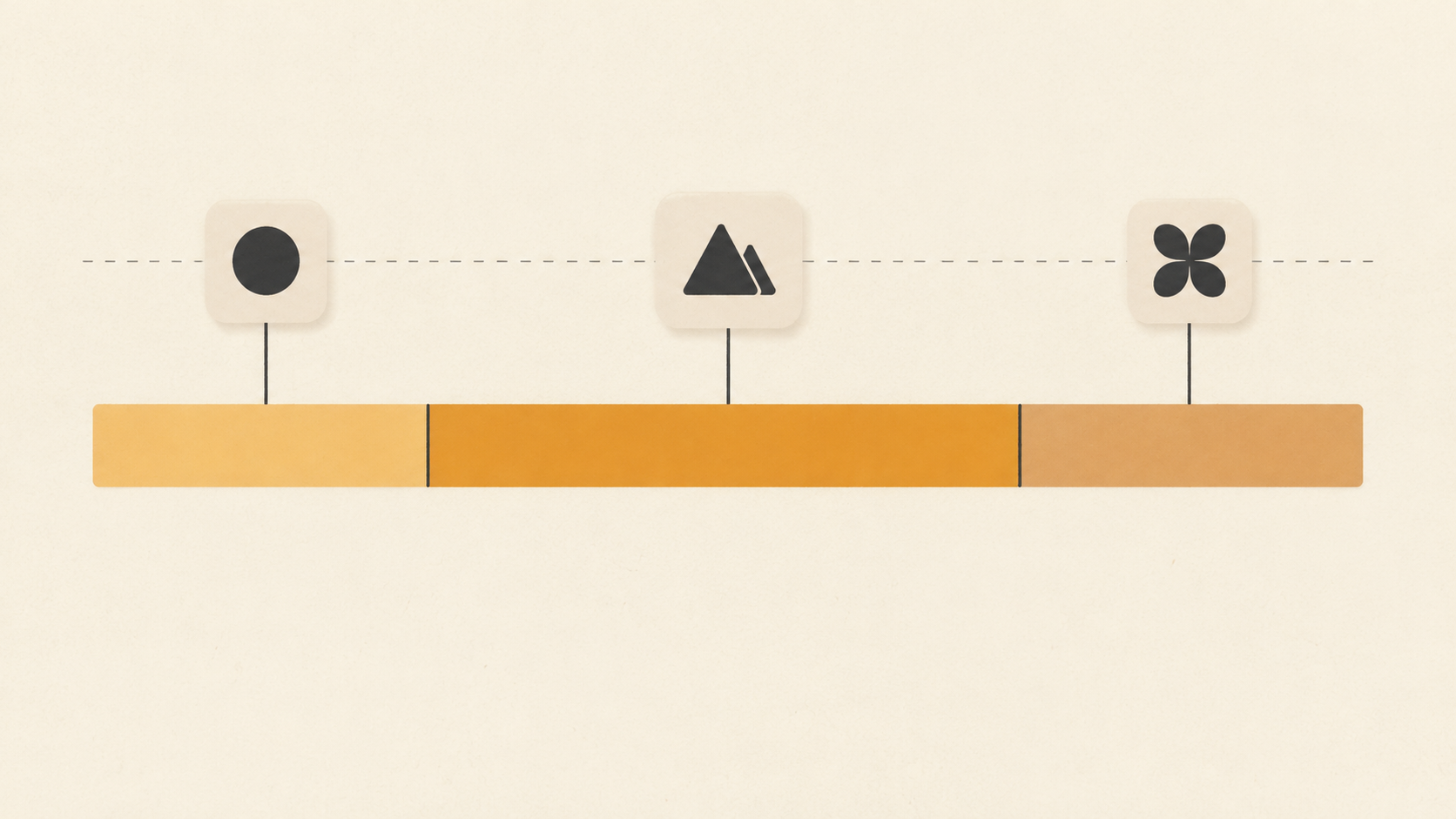
Each block is a short stack in the same order: shot number and duration, framing, subject action, camera behaviour. Dialogue or a sound cue goes last, inside the shot that owns it. Kling's guide names the same fields, duration, framing and perspective, narrative content, and camera movement, which suggests the order is not arbitrary.
Discipline matters more than vocabulary. One visible move per shot, and it should agree with what the subject is doing: a person stepping toward the lens and a slow push-in amplify each other, while a step toward the lens and a pull-back cancel out. Adjectives such as cinematic name a feeling, not a decision, so they spend words without constraining anything.
A finished block reads like this. Shot two, three seconds, medium from the side, she lifts the glass and pours, camera drifts right with her hand. One framing, one action, one move. A reviewer can tell at a glance whether the output matched.
Anchor what must not change between the cuts
Continuity comes from two places: what you reference and what you repeat. Kling 3 supports subject and element references, so a character, product, or prop can be locked while the angle changes. When a scene depends on one face or one label, a reference does more than three sentences of description.
The second half is textual. Keep a fixed description block for wardrobe, prop colour, time of day, and lens feel, repeat it verbatim in every shot that shows those things, then change only the variable part. Each shot block is read as a separate instruction, so any detail you drop in shot three is one the model may invent again.
Write continuity into the action too. If a hand holds a glass at the end of shot one, shot two should open with the hand still holding it. Small overlaps give the cut something to carry.
Put the audio beat inside the shot that owns it
The 3.0 series generates native audio with the picture, and in a multi-character scene you can tie a line to a specific speaker. Use that per shot instead of writing a soundtrack paragraph at the end. The line belongs to the shot where the mouth is visible; the room tone belongs to every shot in the room.
Two limits shape the writing. Audio on 3.0 is single-channel, so words like left and right mean nothing. Dialogue is reliable in the languages Kling lists for the series, Chinese, English, Japanese, Korean, and Spanish, so a script in another language is a gamble rather than a plan.
Silence is a valid beat. A shot with no line and a held room tone often does more for pacing than a sentence squeezed into two seconds.
Calibrate with the automatic pass, then take control
Kling offers two modes and they work best in order. With Multi-Shot on and Custom Multi-Shot untouched, the model plans transitions and framing itself. With Custom Multi-Shot you set the shot count and durations, and it follows your plan closely.
Run the automatic version once on your scene description even when you intend to control everything. It is cheap discovery: you see where the model wants to cut, which beat it treats as the establishing shot, and whether your four lines were really two. Then switch to Custom Multi-Shot and write the plan you actually want, with the durations from your division.
The automatic pass also answers whether the scene needs a cut at all. If the model collapses your list into one good shot, the sequence was probably a single shot with extra words.
Audit the cuts, not the frames
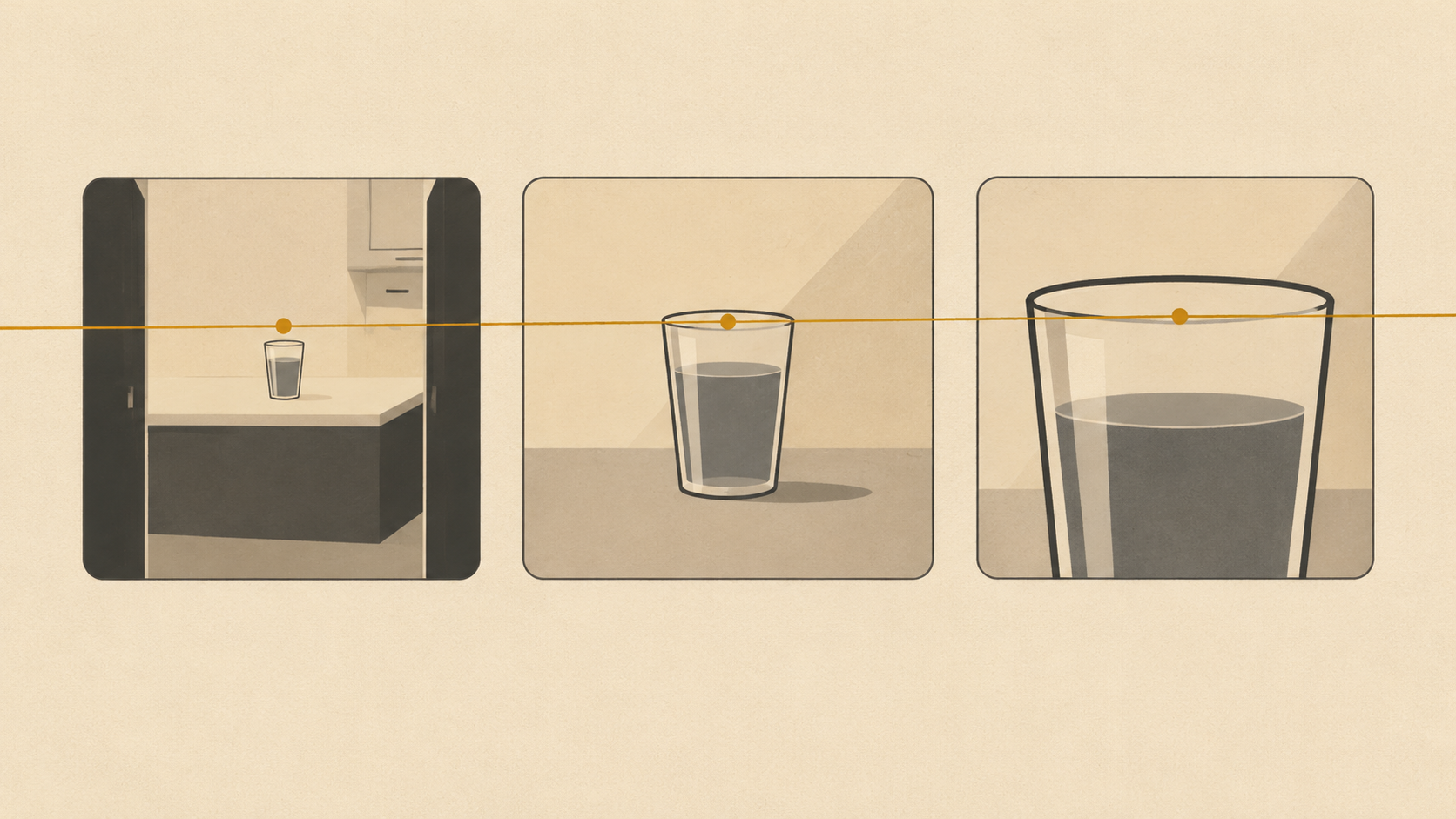
Review the output the way an editor would, at the join points. Pause a few frames either side of each cut and ask three questions. Does the subject keep its position and orientation, or jump sides? Does the incoming shot start before the outgoing action finished, or restart it? Does the last shot hold long enough to read?
Most real failures are one of four. A repeated beat, a camera that resets to a neutral frame at every cut, an action that doubles back, or a clip that runs out of ideas in its final third. Each has a prompt fix. Repetition means the coverage plan had duplicates. A resetting camera means the incoming shot never got a move. Doubling back means two adjacent blocks describe the same gesture. A flat ending means the final block had no beat of its own.
Change one block per iteration. Rewriting the whole prompt after every take makes it impossible to know which instruction fixed anything.
A three-shot, nine-second prompt to adapt
Read the following as a template, not a script. State setting and style once, before any shot block: a quiet kitchen at dawn, warm window light, shallow depth of field.
Shot one, three seconds, wide from the doorway, the room empty except the glass on the counter, camera holds.
Shot two, three seconds, medium from the side, a hand enters and lifts the glass, camera drifts right with the hand.
Shot three, three seconds, close on the glass at the lips, a sip, then the glass lowers out of frame, camera holds.
Close with the continuity instruction: same glass, same light, same wardrobe throughout.
Every block names a duration, a framing, one action, and one camera behaviour. Nothing repeats. The durations add up to the clip length, and the last shot holds so the video does not end mid-gesture.
Where this workflow runs on KOOX AI
Kling 3 on KOOX AI takes a prompt and an optional reference image and returns a short clip, with the prompt carrying scene, camera, and mood. The page describes the same loop this workflow uses: describe, generate, review, refine. You can write the shot list anywhere, in a note or a client brief, and paste the blocks into the prompt field.
If you are still working out single-shot moves before sequencing them, the six motion patterns for one photo teach the vocabulary each shot block depends on. Sequencing is the second skill.
Start with three shots and nine seconds. Land one sequence where every cut earns its place, and you have a reusable plan for every longer clip you attempt.