Image to Image AI Use Cases: Five Jobs Where Starting From a Photo Wins
Five image to image AI use cases for social, ecommerce, paid campaigns, concept rounds, and seasonal restyling, plus the jobs where a generated scene is the wrong tool.
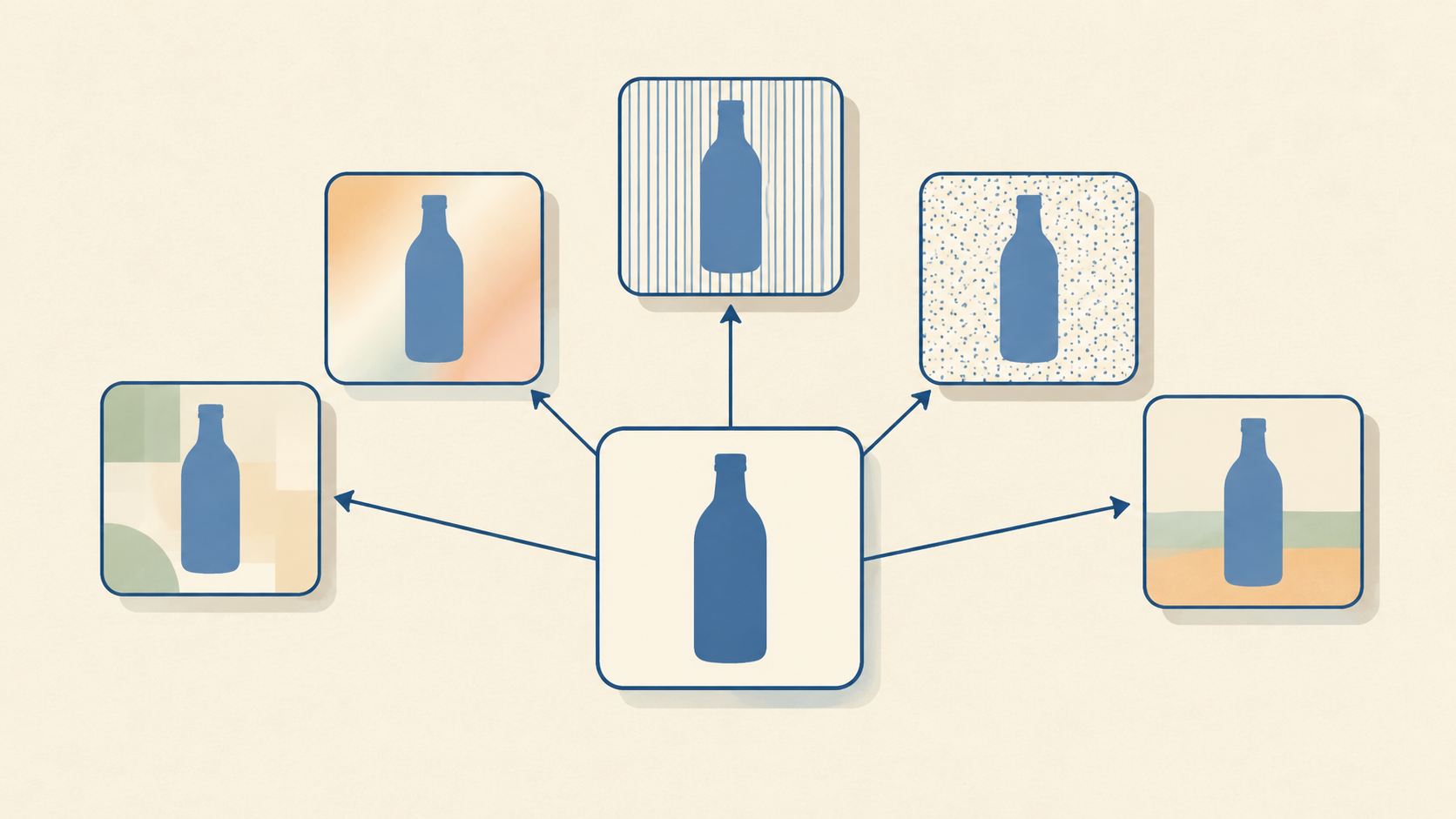
Image to image AI begins with a picture you already have, and that single fact decides which jobs it is good at. A text-to-image prompt invents everything. An edit inherits the subject, the direction of the light, the camera angle, and the product's actual colour, then asks the model to change only part of it.
That moves the useful question away from features and toward work: which tasks in a real content calendar are edits rather than new pictures? Five keep showing up, one each for social, ecommerce, paid media, concept development, and seasonal restyling. Each has a different definition of done, and each fails in its own way.
Why the source photo decides the use case
Every use case below shares one constraint. A model can move what surrounds the subject far more safely than it can move the subject itself. Orbitvu's breakdown of AI-generated product images explains the mechanism plainly: the model predicts what a product probably looks like instead of measuring what it does look like, so colour, proportion, material, and fine texture drift. On a mood board nobody checks. On a product page, the drift becomes a return.
Shopify's product photography guide describes the same order of operations from the other direction, starting with your own reference image and only then writing the prompt. The reference is not a formality. It is the part of the output you are not asking the model to invent.
So the practical split looks like this. Jobs where the product has to stay recognisably itself belong to edits that hold the product still. Jobs where the product is only a placeholder belong to generation that can move freely. Most real work sits in the first group, which is why image to image AI earns its place before any text-to-image model does.
Use case 1: turning one shoot into a week of social posts
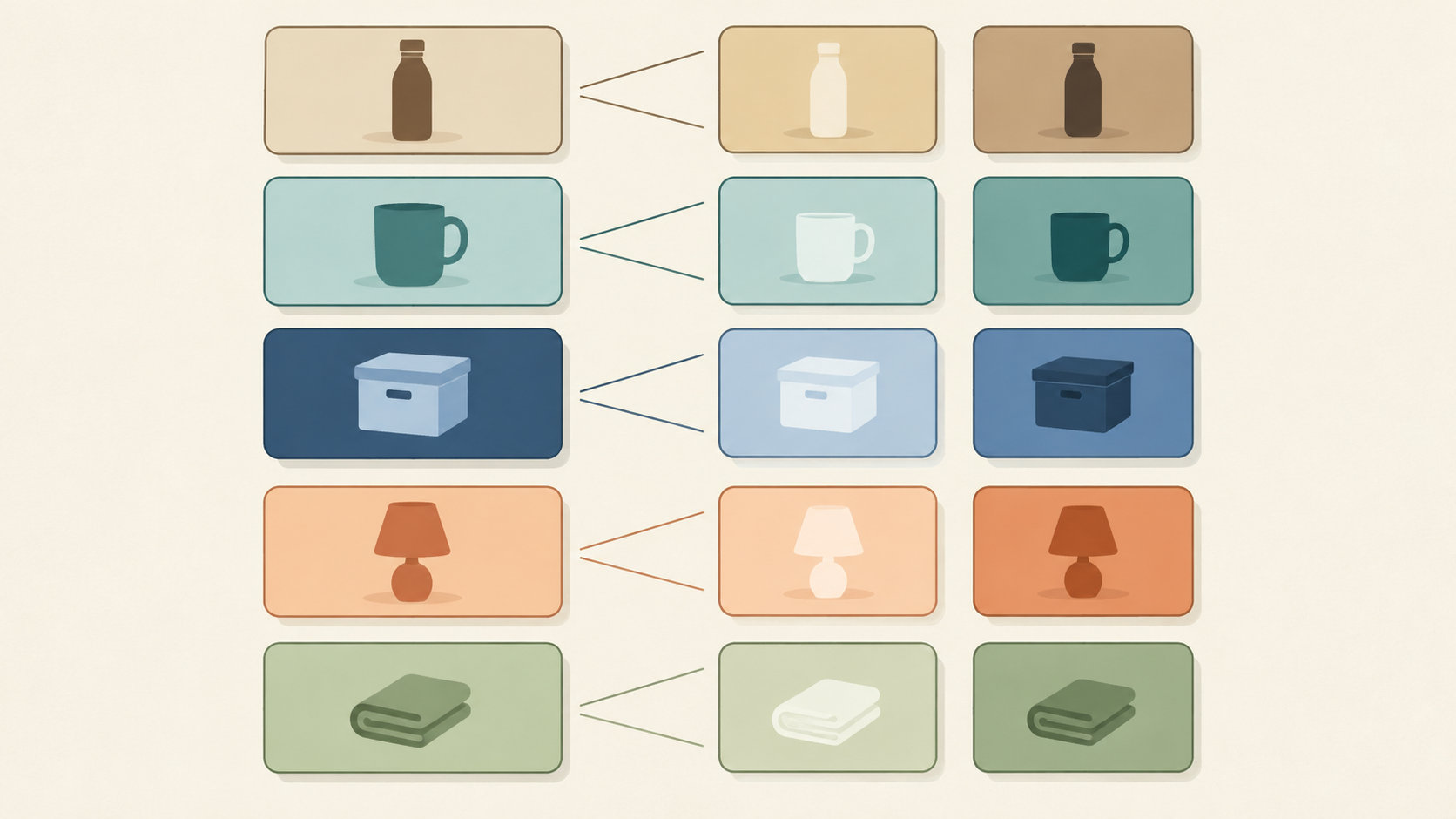
The creator bottleneck is rarely ideas. It is the number of distinct frames a feed needs. Layer's social media visual content material treats that as a platform-native volume problem: square feed posts, vertical story frames, thumbnails, each at its own aspect ratio, all tracing back to one visual identity.
An image to image workflow fits because a single well-lit photo can be re-treated rather than re-shot. The image to image tool takes an upload, a plain-language description of the change, and returns variants in seconds, which is enough to test a treatment before committing a week of publishing to it.
What the job actually needs:
- A source frame sharp enough to survive restyling.
- One variable per pass: light, palette, or setting, not all three at once.
- A rule that keeps the subject identical across the set, so the feed reads as one account.
The failure mode is uniform restyling. Apply the same treatment to sixteen posts and the grid looks like a filter rather than a body of work. Vary the treatment, hold the subject.
Use case 2: product context images that answer a shopper question
Ecommerce is where image to image AI pays for itself fastest, provided the scene has a purpose. Photoroom's lifestyle photography guide states the test directly: for a small shop, a lifestyle image should solve a shopper question instead of simply making the product look prettier. Their sequence is product question, then context needed, then scene, then validation.
That ordering matters more than any prompt trick. A sofa in a proportioned living room answers "how big will this feel". A lamp in an ordinary interior answers "will it suit my room". A skincare bottle on a bathroom shelf answers "where does this fit in my routine". A beach at sunset answers nothing.
Two habits keep the work honest. Isolate the product before adding context, so the original table or backdrop does not follow it into the new scene. Then compare the result against the source at full size, checking colour, shape, proportions, labels, and logos. Photoroom's summary of the principle is hard to improve: change the presentation, preserve the product.
Shopify makes the commercial case for the same workflow, citing consistent looks across a large catalogue and hundreds of ad variants without a proportional rise in production spend. The discipline is deciding which SKUs deserve a scene at all. Bestsellers, launches, and products whose scale or use is not obvious earn one. A plain replacement part usually does not.
Use case 3: paid campaign variants from one winning asset
Paid media rewards the number of attempts. Shopify quotes Ridge CEO Sean Frank on exactly this point: the design team still makes the ten-out-of-ten ads, but personalised delivery means you need more creative than a human team can produce.
Image to image AI contributes the kind of variation testing asks for. Same product, re-lit, re-cropped, re-set, restyled for a different audience segment. Because the product pixels stay anchored to a real photograph, a variant test remains a test of the surrounding idea rather than a test of whether the model drew the product correctly.
Two constraints keep it useful. Change one variable at a time, or the result tells you nothing about which change moved the number. And record the prompt beside the asset, so a winning variant can be reproduced instead of guessed again six weeks later. Shopify's best-practice list lands on the same pair: a shared style guide and A/B testing.
Use case 4: concept rounds before you commit to a shoot
Art direction is a decision made before money is spent, and it is the one place where a generated scene can be loose with product truth without harming anyone. Orbitvu is blunt about this inside an otherwise cautious article: for early concepts and mood boards, generation works well, because nobody expects a mood board to be accurate.
Used this way, the tool answers questions that a client meeting struggles to settle in words. Should the set be warm wood or pale concrete? Does the shadow fall left or right? Does the palette survive contact with the packaging? Ten directions generated in an afternoon cost less than one studio hour, and the chosen direction can then be shot for real, with the generated frames serving as the brief.
The line to hold is that a concept image is an argument, not an asset. It should never be quietly promoted into a product page or a marketplace listing after approval.
Use case 5: restyling existing assets for seasons and markets
Seasonal refresh is the most repetitive job in visual production and the easiest to convert. Photoroom's candle example is the pattern in miniature: Christmas needs a new scene, Mother's Day needs another, a new fragrance needs another after that, and each one used to mean a fresh shoot.
Once an accurate product asset exists, the season becomes a prompt rather than a booking. The same bottle can sit on a summer table, in a gift arrangement, or against the wall of an interior typical of a different market, with the product untouched and the surrounding cues swapped. The same logic covers regional adaptation: the object stays identical while the environment signals the right locale instead of a generic one.
Two rules protect the output. Product detail does not move: no new trim, no shifted label, no invented finish. And the claims in the copy around the image still have to be true of the product, which is a copy problem the image cannot solve.
Where image to image AI is the wrong tool
The limits are worth stating plainly, because ignoring them is expensive. Orbitvu separates generated images from captured ones and points out that a part photograph which looks right but shows the wrong connector is worse than no photograph at all, since it enters a catalogue or a QA record and gets trusted.
Three signs a job does not belong here:
- The image has to document the item rather than sell it: industrial catalogues, spare-parts systems, museum and archive records.
- The interaction between a person and the product must be exact: fit, drape, fabric behaviour, how a tool sits in a hand.
- The source photo is not accurate enough to serve as product truth in the first place.

There is a legal layer too. Orbitvu reports that since 2 August 2026, Article 50 of the EU AI Act requires a disclosure label on AI-generated or AI-manipulated images that could pass as real, while routine editing of a real photograph such as colour correction, cropping, or background cleanup is generally treated as exempt. Marketplace rules on synthetic imagery vary by platform and keep changing, so check current requirements before a generated image goes into a listing.
A workflow that fits all five
The tool-side steps barely change between use cases. Upload a clear, well-lit photo. Describe the change in plain language, specific enough that someone else could check the result against it. Generate, then download or iterate. When a result drifts, edit the description rather than stacking a second ambition onto the same prompt.
The four-pass routine covers the editing discipline in detail, and the creative direction ideas cover what to try when one photo has to go in several directions.
What changes between use cases is the review standard:
- Social: does the subject stay recognisable across the whole set?
- Ecommerce: does the product match the source at full size?
- Paid: did exactly one variable change?
- Concept: is the direction communicable to a photographer?
- Seasonal: is the product untouched and the context plausible?
Pick the use case that removes a real bottleneck
Image to image AI is not one capability wearing five names. It is one constraint, that the source survives, applied to five different decisions: whether a feed looks alive, whether a shopper understands scale, whether a campaign gets enough attempts, whether a direction is agreed before the shoot, and whether a season arrives on time.
Start with the decision you are currently losing. If product pages underperform because shoppers cannot picture the item in use, that is use case two. If a launch needs twelve ad variants by Friday, that is use case three. If the real blockage is that nobody can agree on the set, that is use case four. Choose by the decision, not by how impressive the scene looks, and keep the product-truth check in every one of them.